
A PDF can download instead of opening because of how the file is delivered, how the link is written or how the visitor’s browser handles documents. The fact that its name ends in .pdf does not settle the whole journey.
Before exporting a new document, separate the file itself from the instructions that accompany it. A perfectly usable menu can be delivered as a download when the owner expected an on-screen view.
The host can send an open-or-save instruction
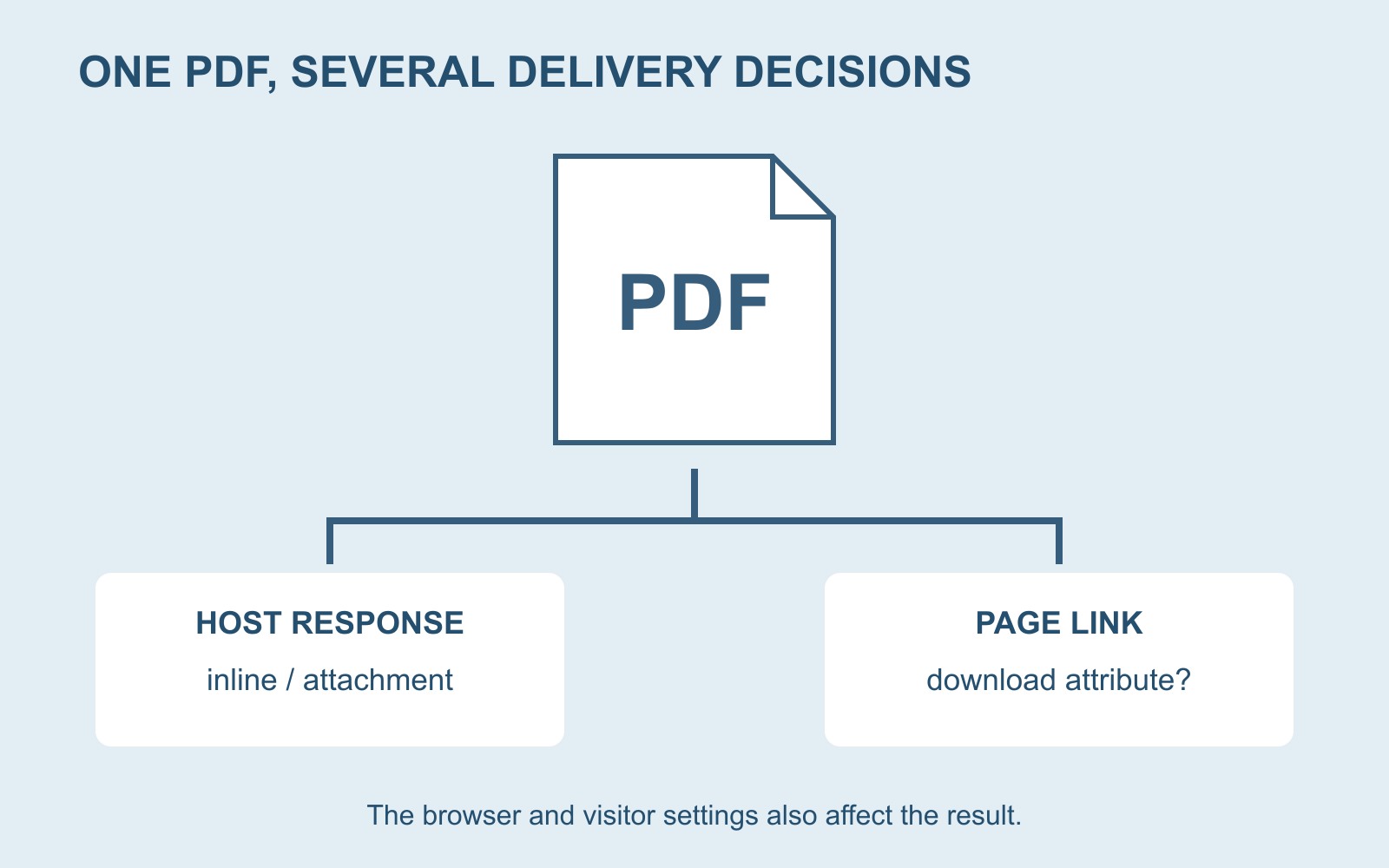
When a website delivers a file, it can send information alongside it called response headers. One is Content-Disposition. The value inline permits display within the browser; attachment indicates download handling. A filename can also be suggested.
MDN’s Content-Disposition reference explains these instructions. They belong to the delivery of the file, rather than text to paste into the PDF artwork.
That distinction tells you whom to ask. If the file is supplied by an external document service, the relevant delivery settings may belong to that service. Replacing the picture on the page will not establish what its file host sends.
The link has a separate role
A webpage link can contain a download attribute that asks the browser to treat its destination as a download. This is separate from the words a visitor reads on the button.
There are limits: MDN’s download-attribute guidance restricts its normal URL use to the same origin, with additional blob and data cases. A file on another host is not covered merely because the button is on your website. When honoured, the attribute can override an inline instruction.
The same reference also explains that browser behaviour and user settings vary. A visitor may be prompted, save a file automatically or have it open in another application. A website should not promise that every person will see the same screen.
A menu example makes the brief clearer
Suppose a café’s button says “View the menu”, but selecting it saves a file. The owner may think the menu needs redesigning. The first question is whether the intended journey is reading immediately or keeping a copy.
If immediate reading matters, explain that requirement to the website provider and identify the actual PDF destination. If the purpose is a take-away document, a label such as “Download the menu (PDF)” gives the visitor a clearer expectation. Changing the label alone does not change delivery behaviour.
Keep an accessible route to essential information in the discussion too. A downloadable document and the main webpage serve different situations. Decide what the page itself must explain before asking the visitor to handle a file.
Send a precise problem report
Include the webpage address, the button wording, the PDF destination and what you expected to happen. Describe what actually happened and name the device and browser if known. “It saved into Downloads” is more informative than “the PDF is broken”.
Ask the authorised website provider to inspect the destination’s response headers and the link’s attributes. There is no need to replace the PDF, rename established URLs or change site-wide settings before the cause is understood.
For a business website discussion, that short report is a useful starting point. Keep document content, file delivery and visitor behaviour distinguishable. Then decide whether the job needs a corrected link, a delivery change, clearer wording or a different way to present the information.
Sources: MDN’s HTTP response-header and HTML link documentation. The café example is fictional. These explanations describe possible causes, not a diagnosis of a particular website.