
You start moving through a webpage with the keyboard and a link appears near the top: “Skip to content”. It may have been out of sight while you were using a mouse. That can be an intentional way to expose a useful keyboard shortcut through the page.
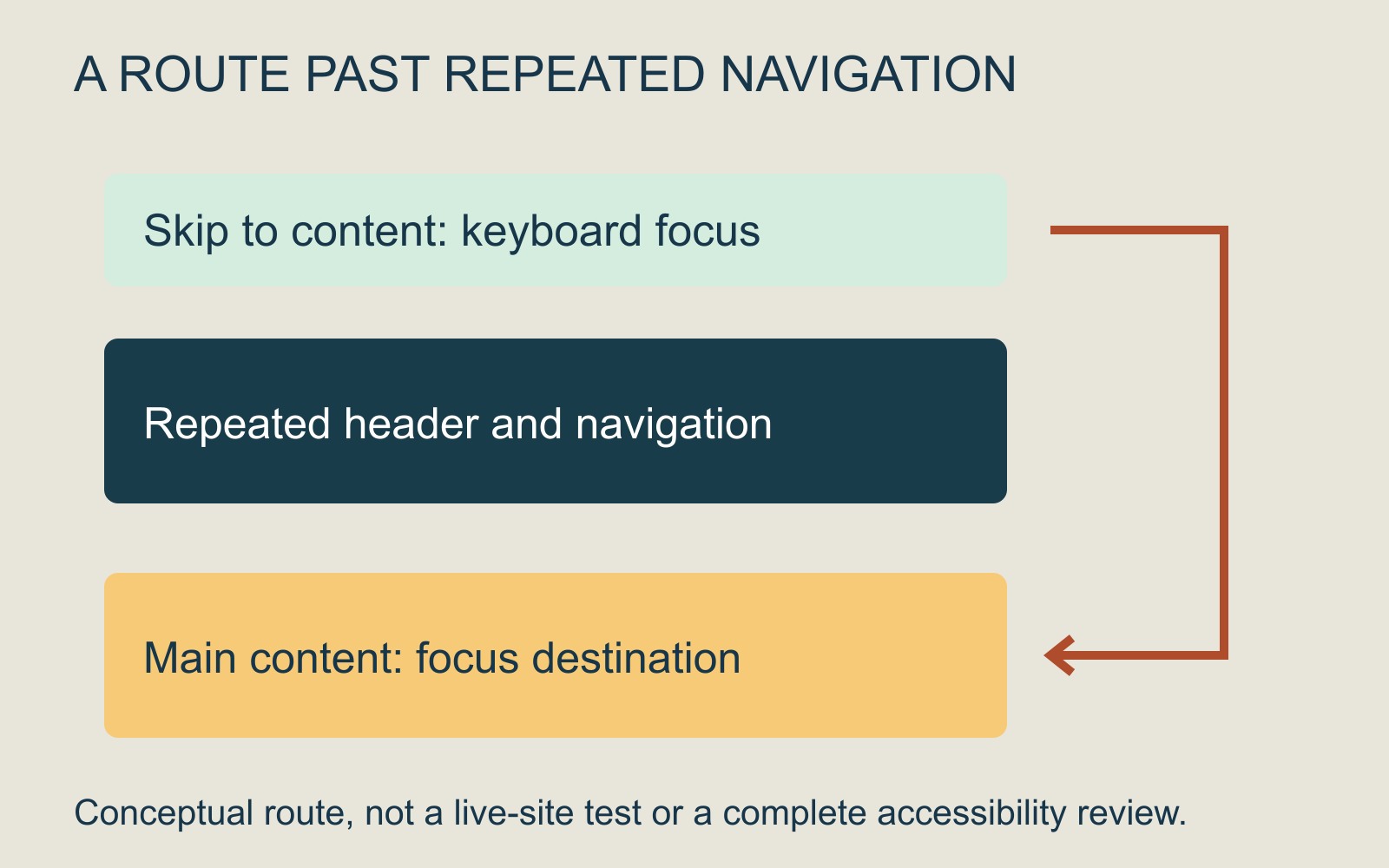
The link's job is to offer a route past repeated material, such as the site header and navigation, to the main content. It should help someone reach the information without stepping through the same controls on every page.
Repeated navigation costs a different amount of effort
A person using a pointer can often select a heading or link in the middle of the screen directly. Someone navigating sequentially with a keyboard may first encounter the controls that precede it.
W3C's explanation of bypassing repeated blocks describes this difference. Its examples include repeated navigation and header content. The issue is the route through the page, rather than whether the menu looks attractive or occupies much screen space.
Imagine opening three fictional service pages with the same long navigation before each article. A bypass route can avoid repeating that journey. It does not remove the navigation or prevent a visitor from choosing it.
A link may be visible all the time or when focused
W3C's skip-link technique describes a first interactive link leading to the main content. It prefers links that remain visible, while explaining that a link shown when it receives keyboard focus can also meet the relevant criterion.
So an appearance triggered by keyboard focus is not automatically a design fault. Nor should the link be made invisible to keyboard users merely to preserve a clean-looking header.
Different sites can provide bypass mechanisms in different ways. This technique is an example, not a requirement to implement one identical control on every website.
The destination must work for the keyboard journey
The important result is more than the page appearing to scroll downward. W3C's technique moves keyboard focus to the main content so that navigation can continue from there.
When reviewing a website handover, ask the provider to demonstrate where the link appears, where it leads and where keyboard navigation continues afterwards. A control labelled “Skip to content” needs a meaningful destination; the label alone does not establish that the route works.
If the result is confusing, report the page address, the control's wording and what happened after activation. Keep the observation specific rather than assuming the whole navigation needs replacing.
Include the route in the website brief
For a business website discussion, include keyboard access and repeated navigation in the review requirements. Agree who will assess the implementation as part of the wider project.
A working skip link answers one navigation question. It does not establish that every control, image, form or document is accessible. Treat it as one useful part of the visitor's route, with the wider evaluation kept in scope.
Sources: W3C's Bypass Blocks explanation and G1 technique. Examples describe a possible interface; no website was changed or tested for this guide.