
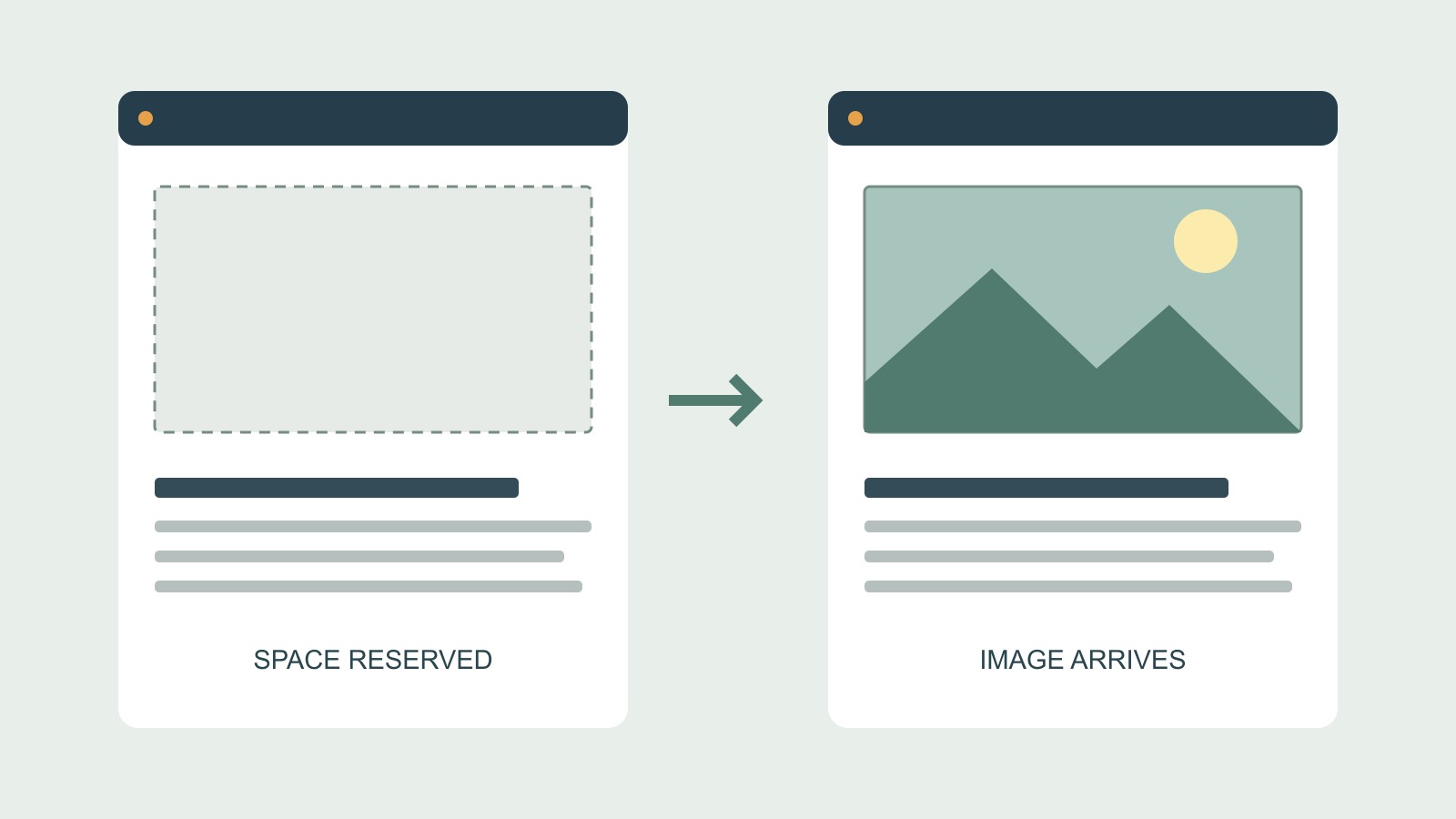
A picture can be small enough to download quickly and still push the words below it down the page. File size answers how much data must arrive. Image dimensions help answer a different question: how much room should the browser leave while that data is arriving?
The empty space needs a shape
MDN's HTML image reference explains that an image's width and height attributes let the browser calculate its aspect ratio before the image loads. That ratio can reserve the required space and reduce, or prevent, the movement caused when the picture is displayed.
Consider a hypothetical landscape image that is 1,600 pixels wide and 900 high. Its ratio is 16:9. If the layout displays it at 320 pixels wide, the corresponding height is 180 pixels. The browser does not need to have drawn every part of the picture to work out that rectangle.
The example is arithmetic, not a test result. Its purpose is to separate knowing the picture's shape from receiving the picture's contents.
Responsive does not mean dimensionless
A responsive image can become narrower on a phone while keeping its proportions. Giving its dimensions in HTML does not require displaying it at that full size in every layout.
Google's guidance on layout shifts explains how width and height attributes can work with responsive CSS, such as a maximum width and an automatic height. It also describes reserving space with CSS aspect-ratio as an alternative.
For a site owner, the useful requirement is the visible result: the page should make suitable room before the image appears, at the sizes at which people actually use it. Which code supplies that information is a question for the person maintaining the site.
A desktop screenshot taken after everything has loaded cannot establish that this happened. The completed page can look entirely correct even if the text moved to reach that state.
Compression and layout solve different problems
Reducing a file's byte size may help its delivery. It does not, by itself, tell the layout what shape to reserve. Conversely, a correctly reserved rectangle does not prove that the image is efficiently encoded or arrives promptly.
Those are separate checks worth keeping on a handover list. “Make the image smaller” could mean reduce its file size, reduce its pixel dimensions or display it in a smaller area. The request is clearer when it names the problem.
For example: “The paragraph starts near the heading, then moves down when the photograph appears.” That describes the sequence without assuming whether the cause is missing dimensions, a later inserted component or something else.
The reserved shape must match the eventual image
Incorrect dimensions are not a dependable fix. Google's guidance notes that a mismatch between the anticipated ratio and the actual image can still cause movement when the image arrives. A space reserved for a square is a poor description of a wide landscape picture.
Check the actual image and its intended crop together. If the design deliberately uses different crops at different screen widths, the reserved area needs to suit those layouts too. The point is not to keep every image in one universal shape.
Ask to see the loading sequence on a phone as well as the finished desktop design. A useful review watches what happens to the reading position and nearby controls, rather than looking only for an empty box that eventually fills.
Report movement before naming a score
When discussing a website layout with Time for Designs, bring the page address, device and a description of what moves. A short recording can help if it contains no private information. Mention whether the movement happens only on a first visit or also when returning.
That is evidence for investigation, not proof of an image defect. Fonts, inserted content and other changes can also move a page. Nor does one corrected image establish a whole-site performance result.
The modest aim is worthwhile on its own: when a picture arrives, the reader should be able to keep their place.
Sources and scope
The linked MDN image reference and Google's layout-shift guidance explain reserved geometry and its limits. The dimensions are illustrative. No customer-site experiment, performance score, ranking improvement or guaranteed removal of all movement is claimed.