
You supply a name in mixed case, but its website heading appears entirely in capitals. Before correcting the text, ask whether the stored wording changed or a style is changing how it appears. The same visible result can require different corrections.
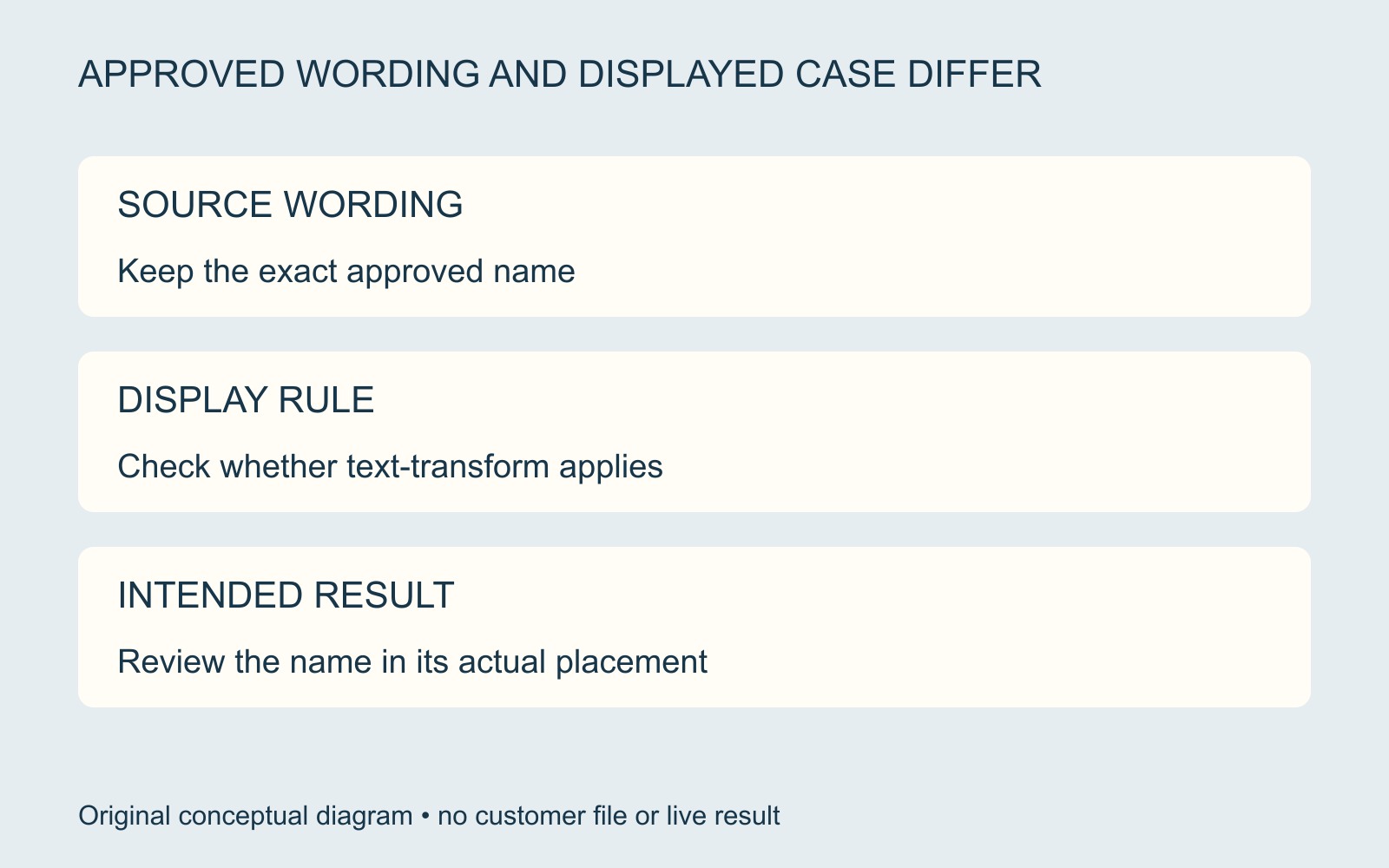
Compare the source with its presentation
MDN explains that CSS text-transform controls capitalisation in an element's displayed text. Its uppercase value produces capitals, while none prevents case changes by this property. See the text-transform reference.
In a fictional example, the approved name is “Blue fern”, while the heading displays “BLUE FERN”. Ask the maintainer to compare the actual content with the applied style. The appearance is a reason to investigate that mechanism, not proof that it caused the difference.
Specify the intended name exactly
Keep the approved spelling and case in the correction. Avoid retyping the name in a compensating mixture of capitals and lowercase letters before the display rule is understood.
MDN also distinguishes capitalize: it changes each word's first letter while retaining the other letters' case. It is not a name-checking or editorial title-case system. A request to “capitalise it correctly” still needs the intended wording alongside it.
Language matters too. The reference documents language-specific case mappings and varying browser support. Have names in the relevant language reviewed as intended, rather than assuming an automatic transformation understands every naming convention.
Review the affected placement
Identify the page and heading, provide the exact approved form, and ask which other placements share the treatment. A short navigation label and a long passage can need different presentation decisions. Avoid requesting a site-wide change solely to correct one name.
For a website design brief, include the approved source wording and the desired displayed form together. Review the affected wide and narrow layouts after the correction; keep wording approval tied to the actual name, rather than an unexplained instruction to “remove the capitals”.
The name and original diagram are fictional. No live website, browser behaviour or customer wording was tested.