
A report's existing numeric cells are given Percentage formatting and an expected 25% appears as 2500%. Before typing a replacement, identify how the original number represents the intended proportion. Applying a percent sign is not a substitute for agreeing that meaning.
Check the existing value first
Microsoft's Excel percentage guide distinguishes formatting cells that already contain numbers from entering numbers into cells formatted beforehand. For existing numbers, its example shows 10 displaying as 1000% after Percentage formatting, while 0.1 displays as 10%.
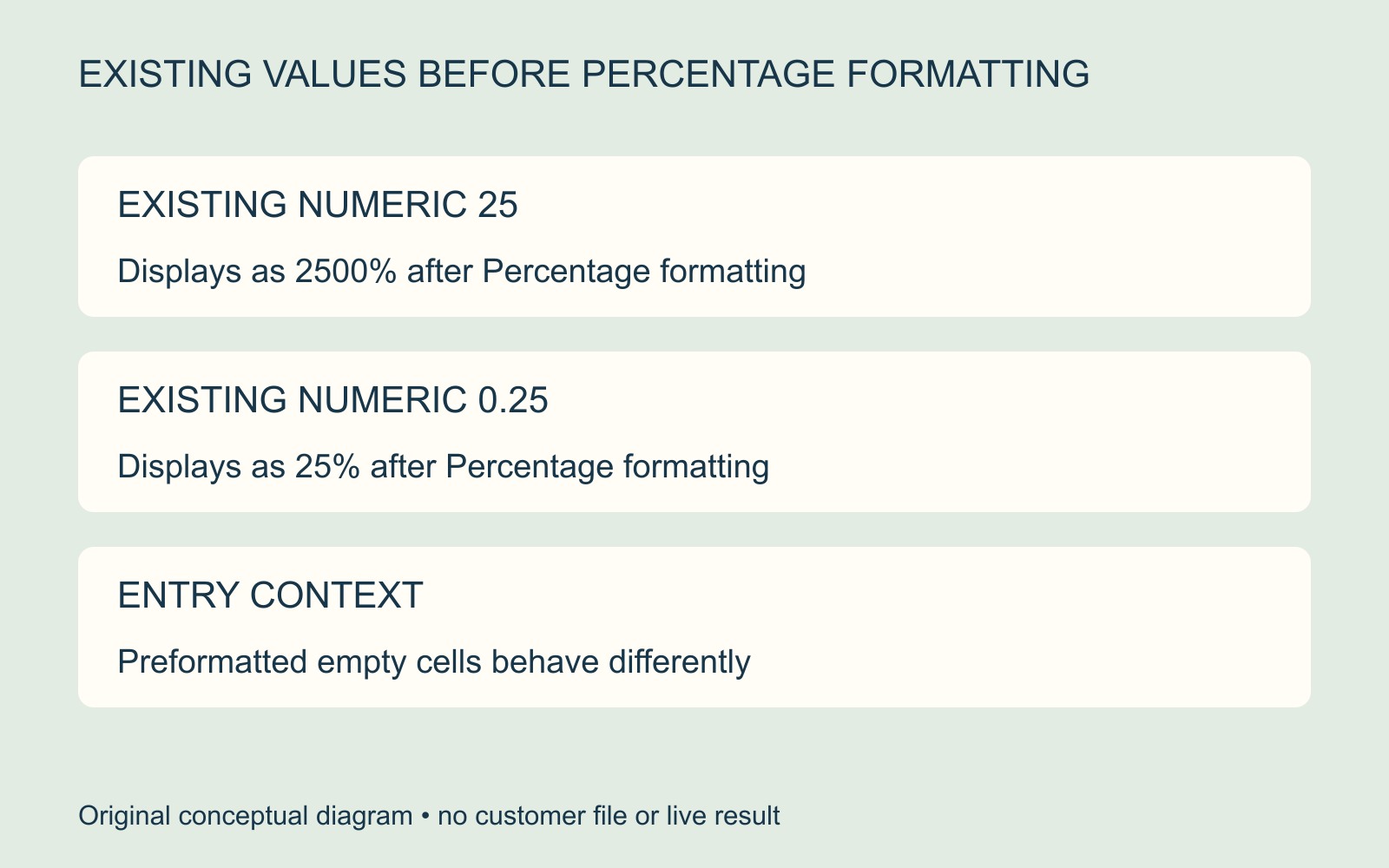
Using the same display rule, an existing numeric 25 displays as 2500%, while an existing 0.25 displays as 25%. This comparison assumes those numbers were already present before the format was applied. Microsoft documents different entry behaviour for previously empty, percentage-formatted cells.
Agree what the column represents
In a fictional participation report, one source might record a quarter as the proportion 0.25. Another handover might supply 25 with an instruction that the figures represent whole percentage units. Confirm the source convention before combining or reformatting the entries.
Ask the author to identify the affected sheet, cell and value or formula, alongside the approved interpretation. “This entry should represent one quarter of the stated total” is more useful than “make the percentage smaller”.
Keep the original file. Dividing an entire column by 100 without reconciling its conventions can change entries that were already represented as intended. A plausible-looking percentage does not verify the source records.
Review the report's explanation
Check that the heading, proportion and stated basis agree. Review the displayed precision separately: choosing decimal places does not decide what the percentage was meant to represent.
For document printing, supply the accepted final file and resolve uncertain figures before approval. Compare the exact output with the confirmed source interpretation rather than accepting a familiar-looking percent sign.
The numerical comparison is illustrative. No workbook was calculated, corrected or printed, and no report result is verified.