
A name is corrected in a Word handout and the table's column arrangement changes. Before shrinking the whole document, establish how that table is meant to size itself. Automatic adjustment may be useful, but it needs to suit the information and the intended page.
Identify the width rule
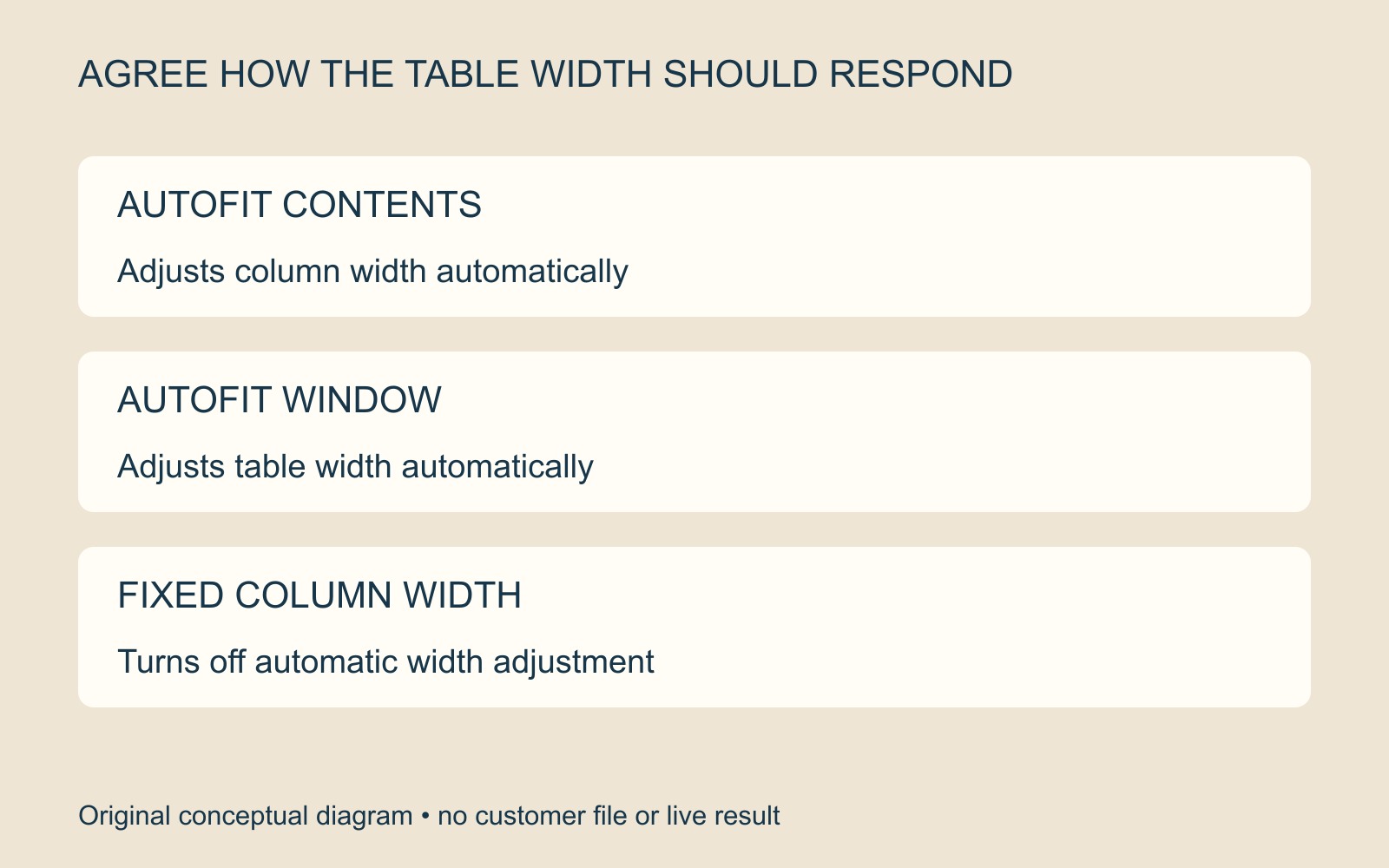
Microsoft's table-sizing instructions distinguish two AutoFit choices: AutoFit Contents adjusts column width automatically, while AutoFit Window adjusts table width automatically. The documented desktop route selects the table, then uses Table Layout, Cell Size and AutoFit.
Microsoft also describes Fixed Column Width in that menu for turning off automatic table or column-width adjustment. These are different layout decisions, rather than a single command to make every table correct. Locate the corresponding controls in the Word version being used.
Describe what must remain readable
In a fictional equipment handout, the Item column contains short names until one is replaced with a longer description. Give the author that exact entry and explain whether the column arrangement should adapt or retain agreed widths.
Ask them to inspect the current setting rather than assuming AutoFit caused every change. The useful requirement is that each row remains understandable within the intended page, with complete wording and readable type.
Turning off automatic width adjustment does not establish that every entry will fit comfortably. Review the result instead of treating fixed widths as a universal recommendation for print and on-screen documents.
Inspect the table after the edit
Check the affected column, neighbouring columns and the table's page boundaries. Longer text may need more reading space even when the outer arrangement is retained. Confirm any separate row-splitting or page-orientation decisions independently.
For document printing and binding, identify the accepted output file and flag the table that needs review. Inspect that exact PDF as well as the working document; an older export cannot show a later width change.
The handout and diagrams are fictional. No Word table was edited, measured or printed for this guide.