
The first website was about the web itself. It explained the project, pointed to information and helped readers find their way into something new.
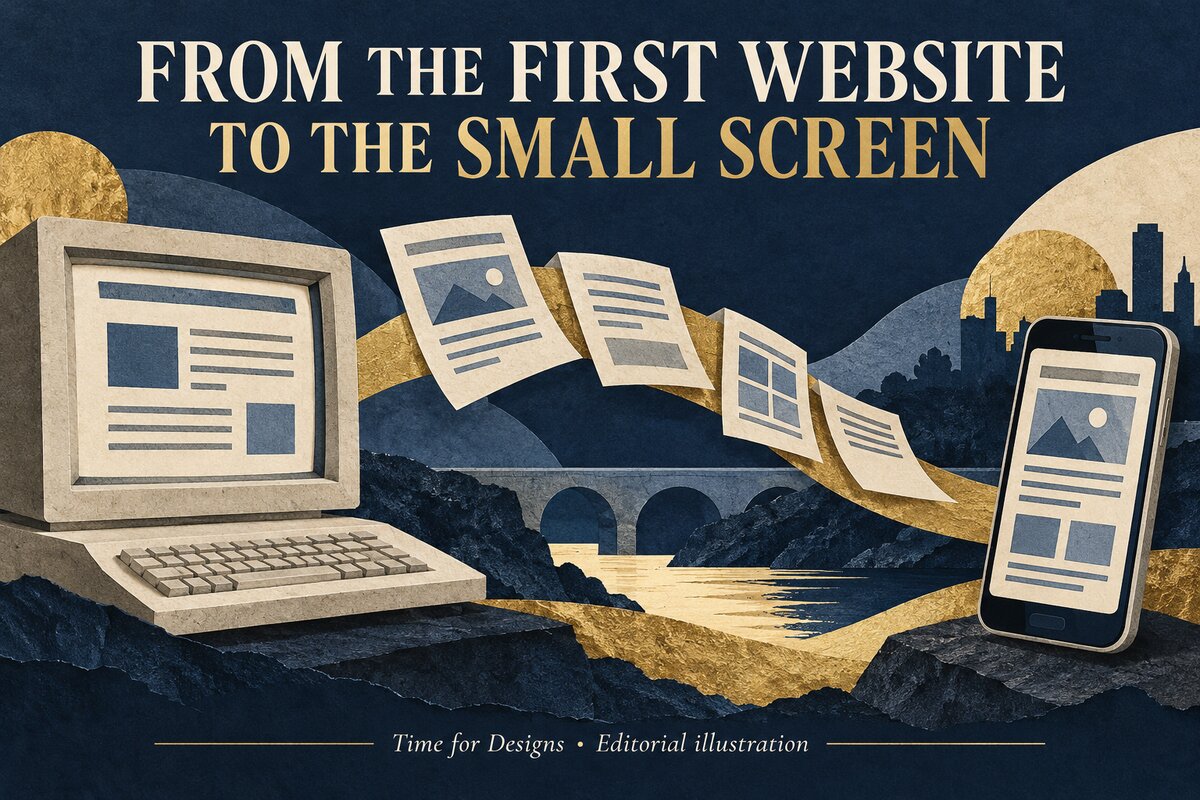 Original AI-generated editorial illustration by Time for Designs. The screens are conceptual, not historical website screenshots.
That is a surprisingly useful beginning for a discussion about modern website design. Before immersive effects, animated introductions or fashionable interfaces, there was a practical problem: how could someone reach the information they needed?
The tools have changed. The page can now contain photographs, video, choices and much more. But an unfamiliar visitor still arrives with a question. If the website makes that question harder to answer, its contemporary appearance has not completed the job.
This is not a prediction of the next visual fashion. It is a look at the durable work beneath the changing surface: helping someone understand where they are, find what matters and take a useful next step.
A beginning built around sharing
CERN's account of the web's origins records Tim Berners-Lee's invention of the World Wide Web in 1989. It was developed to support information-sharing between scientists. The first website described the World Wide Web project and ran on his NeXT computer.
On 30 April 1993, CERN put the web software into the public domain. CERN subsequently made a release available under an open licence. These are milestones in the web's availability, not the moment the internet itself was invented.
We should not turn that history into nostalgia for plain pages or claim that every modern website ought to resemble the first one. The circumstances and possibilities are different.
The interesting connection is the purpose. A page was part of a route through information, not merely an isolated object to admire.
Our Time for Designs interpretation is that this remains a useful test: does the design make the visitor's route clearer, or does it place another performance between the visitor and the answer?
A business page is not the business's presentation to itself
The owner knows the products, the terminology and the work behind them. A first-time visitor may know none of those things.
That difference can disappear during a design review. A phrase feels obvious to everyone in the room because everyone already understands the business. A category label seems clear because staff use it every day.
The visitor needs a different starting point. What is offered? Is it relevant to the requirement? Which choices matter? How does someone get help?
A hypothetical business selling made-to-order displays might be proud of its production equipment. Its customer may first need to know whether the display is suitable for an indoor event and what measurements to provide.
This is an illustrative situation, not a claimed customer case. It shows why the order of information matters. The internal process can be useful later without becoming the visitor's compulsory introduction.
The small screen exposes the priorities
A wide presentation can place many elements beside one another. A narrow screen makes the sequence more obvious.
What comes first? Which answer remains visible? Does a contact option interrupt the explanation or arrive at a useful moment? Does an image still show the important detail after cropping?
Responsive design should not mean shrinking the whole desktop arrangement until the text becomes uncomfortable. It involves adapting the presentation while retaining access to the information and controls.
The W3C's explanation of reflow describes presenting content without losing information or functionality and without unnecessary two-direction scrolling. For ordinary vertically scrolling content, the criterion uses a width equivalent to 320 CSS pixels, with exceptions for content whose meaning requires two-dimensional layout.
That is more precise than saying a website is mobile-friendly because it fits inside a phone screenshot. A page can fit while hiding useful information or making a task awkward.
The practical review should follow the actual journey, not stop at the first screen.
Structure does useful work before decoration
A heading is a promise about the section beneath it. A link is a promise about the destination. A category is a promise about the choices inside it.
When those promises are vague, the visitor has to open things simply to discover what they mean. The design may look uncluttered while making the journey less clear.
W3C's page-structure tutorial explains how meaningful regions and headings help people understand and navigate content, including people using assistive technologies.
For a business page, the corresponding editorial question is whether the structure reflects what someone came to decide. “Our passion” may describe an intention. “Choose the format” gives a visitor a more concrete direction.
Not every page needs a guide, filter or menu. A short explanation may already be easy to scan. Add a navigation aid when it removes genuine work, not because a design feels incomplete without one.
A useful structure often looks straightforward precisely because the difficult choices were made before the visitor arrived.
Visual and verbal explanations can support each other
There is no need to choose between people who like images and people who like words. A page can offer visual recognition and a clear explanation together.
A photograph might show shape or scale. A short label can identify the choice. A paragraph can explain the difference that the photograph cannot establish.
The parts should not contradict one another. If a scene contains several products, the page needs to make clear which is being offered. If an illustration shows a concept, it should not masquerade as proof of an actual completed job.
Permission to use an image and accuracy of its message are separate checks. A licensed photograph can still imply an unverified specification. An original illustration can still create an inaccurate expectation.
Our practical view is to ask what each visual removes from the customer's uncertainty. If it only creates atmosphere, it should not carry the main factual explanation.
This does not rule out attractive imagery. It gives that imagery a clear job.
Accessibility is not a style added at the end
A colour palette, menu or form can be visually appealing and still create obstacles.
W3C's design accessibility guidance addresses considerations including contrast, avoiding colour-only communication, clear navigation and identifiable controls. These are design concerns, not evidence that a particular website has passed a complete accessibility assessment.
Think about what happens when the preferred presentation is unavailable to someone. Can a person understand a choice without distinguishing two colours? Can the important information survive larger text? Is the meaning of a control apparent?
These questions belong in the design conversation before the final artwork is approved. Leaving them until the end can turn a basic requirement into an awkward repair.
Do not claim that a responsive layout alone makes a website accessible to everyone. Accessibility involves more than a screen width, and checking a few visible details is not a full conformance assessment.
A welcoming website should aim to make the task usable in more than one way, while describing its verified capabilities honestly.
The enquiry is part of the design, not an afterthought
A page can explain the service well and then make asking about it unnecessarily difficult.
The visitor may not know the terminology. They may have an approximate quantity rather than a final total. They may want advice before choosing a material or format.
A useful enquiry route distinguishes information needed now from information that can be clarified later. It should not force the customer to invent an answer simply to continue.
W3C's forms tutorial covers labels, instructions, validation and notifications. Its focus is making forms understandable and usable, not guaranteeing that a form will convert visitors into buyers.
For an assessed job, explain what would help the conversation: the product or service, scope or quantity, deadline and available artwork, with measurements where relevant. Only request details that belong to the work.
Then provide a practical route to help. A phone conversation can be more suitable than another mandatory field when the customer is still deciding what to ask for.
Consistency means recognition, not identical layouts
A shopfront, a leaflet and a phone screen are encountered differently. The same identity should adapt to those conditions.
A sign needs to be understood at its intended distance. A printed item can be kept and examined. A web page can link to another answer. Copying one finished arrangement across all three does not necessarily preserve its usefulness.
The relationship should be recognisable: the name, visual character and description of the offer should agree. The layout can change to serve the encounter.
For a hypothetical local business, a customer who finds the website before visiting should not have to wonder whether the premises belong to the same organisation. Equally, someone arriving from a leaflet should not have to search the website again for the service the leaflet introduced.
This is a proposed design principle, not a claim about measured sales. It helps keep the transition between media coherent without pretending that every customer takes the same route.
A new appearance is not a new business result
A redesign can change what the website looks like immediately. Understanding what it changed commercially takes different evidence.
Page views, enquiries, quote-ready requirements and orders describe different stages. They should not be collapsed into one announcement that the redesign worked.
An enquiry might be relevant but incomplete. A visitor might read an interesting article without needing the service. A shop customer might have seen several pieces of information before visiting.
Record what is actually known and leave the unresolved parts unresolved. A traffic increase does not establish that a particular visual effect produced a sale.
This is our interpretation of responsible website evaluation, not a ranking formula or a claim that design has no commercial value. It keeps the assessment connected to the purpose of the site.
Before a substantial change, identify the customer difficulty it is intended to address. That gives the later review a more useful question than whether the new page feels modern.
What should survive the next redesign?
Before discussing a new style, identify what is already useful.
An established page may explain a service clearly. An accurate example may help buyers understand the work. A contact route may already support a sensible conversation. These are things to preserve unless there is a reason to change them.
A fashionable treatment should not remove the information that makes the page commercially useful. Nor should a new category duplicate an existing answer without helping the visitor choose.
Ask how the change affects the whole journey. A renamed menu item might be clearer, but does it still lead to the expected page? A simplified layout might be calmer, but has it hidden the required detail?
The review should include ordinary use: reading, choosing, asking for help and returning to information. A static presentation is only one view of that experience.
A more durable brief
A useful website brief can begin with a few plain questions:
- Who is the page helping, and what are they trying to decide?
- Which facts and options are verified?
- What should appear before specialist detail?
- Which visual would remove a real uncertainty?
- What can the visitor actually do next?
- How will the experience be checked on smaller screens and with different ways of navigating?
These questions do not prescribe one visual style. They give the style something to serve.
If you are considering a new site or an improvement to an existing one, see our website design service. Tell us about the pages, content, design work and functionality required, including any migration, integrations or support needs. Projects are assessed and quoted individually.
Call 062 61524 or visit the Cashel shop to discuss the requirements. A good starting point is the job the website needs to do, not a list of effects it could contain.
The question beneath the changing surface
The first website and a modern business page are not equivalent designs. They belong to different circumstances. Their useful connection is the visitor's need to reach and understand information.
New tools will keep changing what a page can show. They do not remove the need for a clear offer, meaningful choices and a reliable route to help.
Our practical conclusion is that good design should make the business easier to understand, not require the visitor to appreciate the design before understanding the business.
The surface will change again. The customer's question will still deserve an answer.
Sources and scope
Historical milestones come from CERN's official account. The accessibility and structure references link to W3C guidance. Customer-journey examples and practical interpretations are Time for Designs' own, not claimed client case studies or quantified redesign results.
This article does not certify a website's accessibility, security or performance and does not promise rankings, enquiries or sales. A particular project requires assessment of its actual content, functionality and circumstances.