
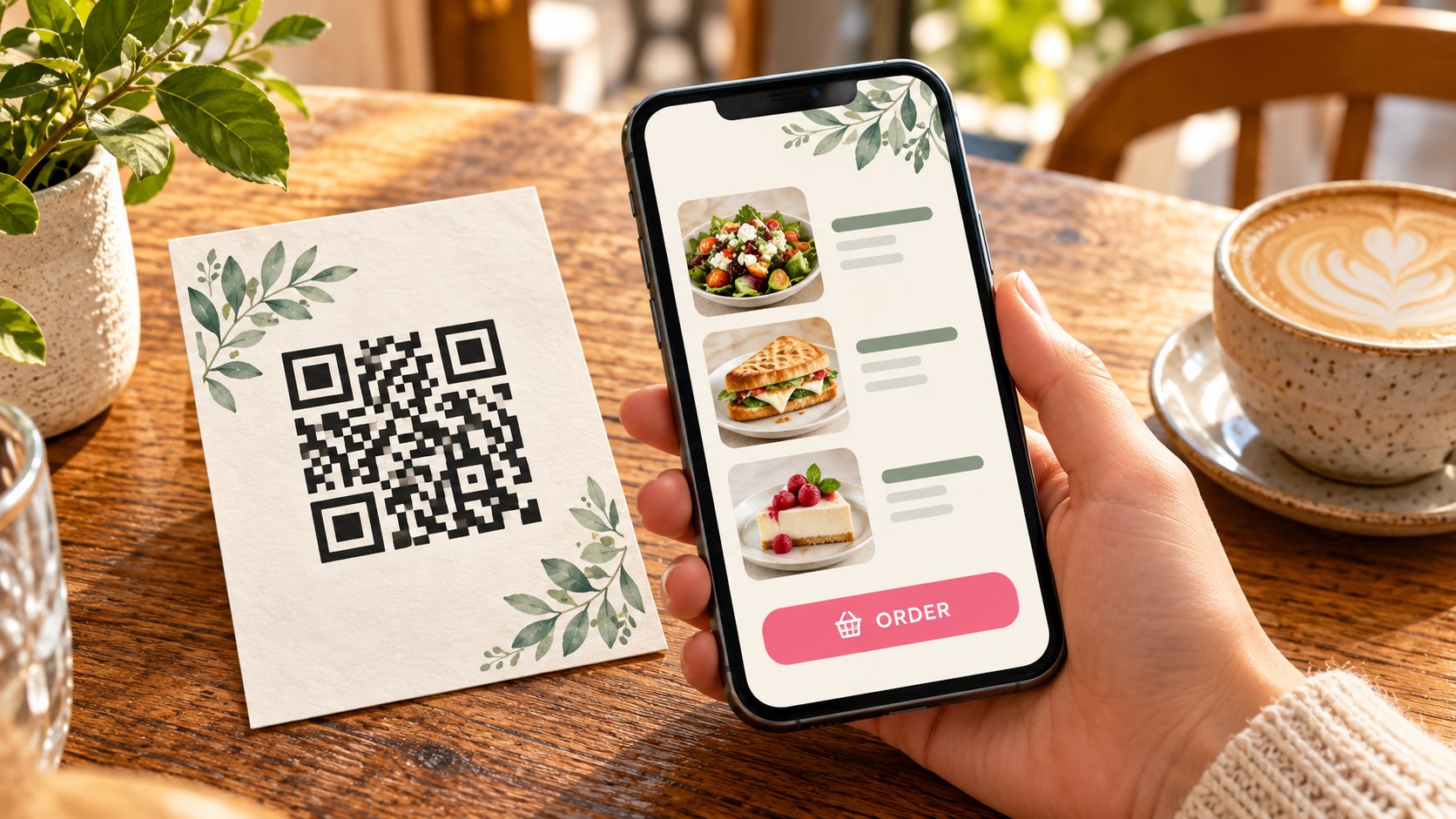
A printed QR code needs two approvals: the symbol on the artwork must be readable, and the link it contains must open the promised destination. Test them together on the version you intend to print. A successful scan of an earlier design does not cover a later change in size, spacing or code.
This guide is the preflight check for that exact piece of print. It covers the code’s clear margin, the encoded address, the final-size test and a short record of what was checked. It does not require a new campaign or measurement system.
Record the address inside this particular code
Scan the code in the final artwork and record the address it opens. If that address forwards to another page, record the intermediary and the final destination separately. Compare the result with the invitation beside the code: “View the programme” should reach the programme, rather than leave the reader searching a general homepage.
For several venues, dates or products, make one row per code. A copied layout can retain the previous symbol even after its visible wording has changed. Testing one flyer does not establish that the other versions are correct.
The useful check is specific: this symbol, in this artwork, leads to this address for this reader’s task. Keep that pairing with the print file.
Leave the code room to be read
DENSO WAVE specifies a clear margin four modules wide around a QR code. A module is one of the small squares forming the symbol. Text, borders and other artwork must remain outside that clear area. DENSO WAVE’s code-area guidance explains the margin.
The size of those modules also matters. DENSO WAVE’s guidance on generating a QR code explains that printing and reading devices affect the appropriate module size and warns about altered or decorated symbols. There is no useful universal minimum print size to promise without considering the actual code and its use.
Do not stretch a square code to fit a narrow space. Do not treat a logo placed over part of the symbol as automatically harmless. If the design alters the code, test the altered version.
GS1 identifies black and white as the strongest contrast choice between the dark modules and their surrounding clear area. Its quiet-zone contrast guidance supports that starting point. Contrast alone does not prove that the printed result will work.
Test the finished size, not the enlarged preview
Check the final PDF, then test a print at the intended dimensions where practical. Confirm that the print settings have not silently scaled the page. A code that fills a large monitor is not the same test as a small code on a card.
An office printout is an early check rather than a substitute for every material or production process. Tell the provider if the code will sit on a reflective surface, a curved item or a display read from a distance. Agree any important sample or production test before approval.
Use the devices available to you and try the approach a reader is likely to take. Where possible, have another person with a different phone test it too. Record the conditions rather than turning a successful scan into a guarantee for all devices.
If the code is reduced, nearby artwork moves into its margin or the encoded address changes, repeat the affected check. The test belongs to an artwork version, not to the project in general.
Follow the scan as an ordinary visitor
Open the destination without staff or management access. Check the actual task on a phone: the programme is current, the form concerns the right enquiry, or the directions refer to the intended venue. A page can load successfully and still be the wrong answer.
Check redirects as part of that journey. An unexpected domain, browser warning or demand to install an app needs investigation before printing. Do not ask readers to ignore warnings.
If testing would place an order, submit information or make a booking, agree the test with the account owner first. Mark any untested step as outstanding; do not create a transaction just to complete the checklist.
Keep a useful alternative beside the code where needed, such as a readable web address or contact route. The printed item should explain the invitation even to someone who cannot or does not want to scan it.
Know who controls the address
A code can contain the destination directly or use an intermediary address that redirects elsewhere. The latter may allow the destination to change while the printed symbol stays the same. It also adds a dependency to check.
If a third-party service supplies that intermediary, confirm account access, ongoing cost, service terms and what happens if the subscription ends. Do not infer those answers from the label “dynamic”. Record who is responsible for keeping the address working.
If the address belongs to your business, agree its maintenance with the website owner. This guide does not instruct anyone to change redirects or account settings. Before a reorder, check the actual code again; an old successful test does not establish that the destination still works.
Keep one approval row per code
A short record can make the final check traceable. The following is a blank working format, not a completed test:
- Printed item and exact artwork filename/version.
- Code or variant identifier, matching its visible invitation.
- Encoded address and final destination after any redirect.
- Intended printed dimensions and test method.
- Devices and conditions actually tested.
- Destination owner and relevant service dependency.
- Outstanding production or visitor-task checks.
- Person approving the final version and date.
Use the print provider’s normal approval process. This record supports it; it does not confirm unresolved production details or replace agreed terms.
When discussing the job through Time for Designs’ business printing page, include the destination link and intended action with the artwork, size, quantity and required date. That gives the code a context to be checked in.
The result you want is narrower than “QR code tested”. It is evidence that the approved symbol, at the intended size, took a visitor to the promised task—and a clear note of anything still unverified.
Sources and scope
DENSO WAVE: code area and margin; DENSO WAVE: code generation; GS1: quiet-zone contrast. The approval record and visitor-task checks are practical editorial recommendations, not formal barcode verification or a promise of universal scan performance.