
A WhatsApp button can open the right conversation while supplying the wrong draft message. If the wording cuts off around an ampersand or other punctuation, check how the message was encoded in the link before rewriting the page around the button.
There are two separate things to get right: the destination number and the text placed in the message box. Neither proves that a visitor has sent an enquiry.
Separate the destination from the suggested words
WhatsApp’s click-to-chat instructions use https://wa.me/NUMBER, with a full international phone number. The optional ?text= part supplies URL-encoded wording for the chat’s text field.
The number should use the appropriate international form without a plus sign, brackets or dashes. Do not interpret that as permission to delete every zero from a real phone number: digits inside the number still matter. Have the business confirm the intended account and number rather than inferring them from an old brochure.
A link with a message but no recipient number serves a different purpose: WhatsApp describes a contact chooser. If the button should reach one business, a recipient chooser does not satisfy that requirement.
The ampersand is not just decoration inside a URL
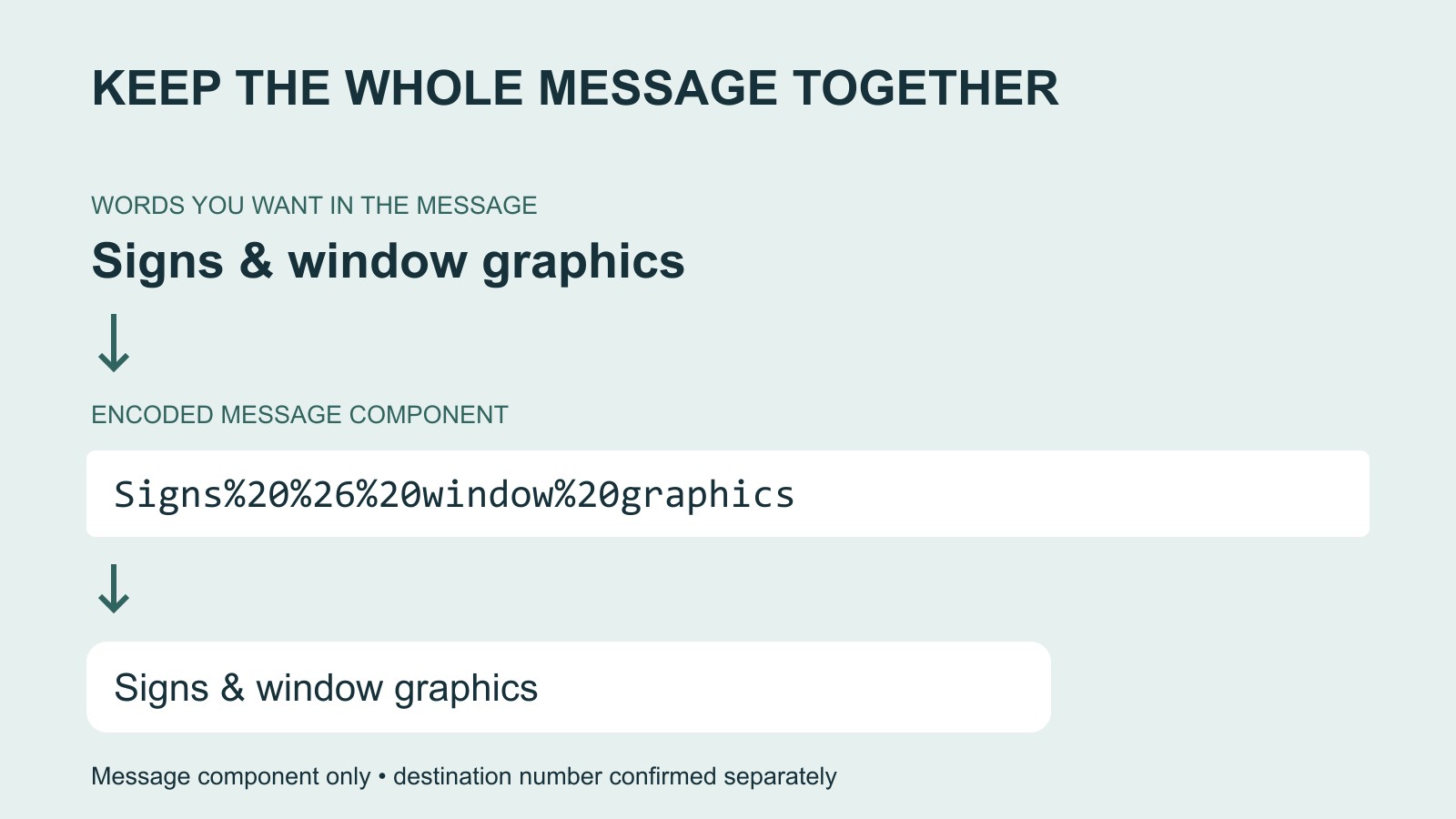
Consider the fictional message Signs & window graphics. The ampersand belongs in the customer’s words. In a URL query, however, an unescaped ampersand can be interpreted as a separator.
The encoded message component is Signs%20%26%20window%20graphics. The spaces have become %20 and the ampersand %26. The wording can then be carried as one value rather than mistaken for pieces of the link structure.
MDN’s encodeURIComponent documentation explains this distinction and specifically warns about ampersands being interpreted as the start of another field. For a developer building the URL, encode the message component rather than the whole address.
A readable placeholder showing the structure is https://wa.me/NUMBER?text=Signs%20%26%20window%20graphics. NUMBER is a placeholder, not a working destination. A production button needs the business’s confirmed international number.
Keep the original wording as well as the encoded version
Ask whoever prepares the button to keep three values together: the confirmed recipient, the plain message and the finished destination URL. That makes an update understandable without asking the next person to decipher a string of percentage signs.
Start from the plain message when rebuilding the link. Encoding text that is already encoded can turn a useful escape sequence into literal-looking characters in the message. A small content change should not become a chain of guesses about which version has already been processed.
Also check the button label against the words it supplies. A button on a window-graphics page should not quietly suggest an unrelated clothing enquiry. Keep the message short enough that a visitor can understand and edit it before deciding what to send.
An opened chat is still a draft
The pre-filled words appear in the message field. The visitor still decides whether to send them. Describe the button as opening a chat or starting a message; do not tell the visitor that clicking has booked work or submitted a confirmed order.
When recording website performance, keep button clicks, received conversations, suitable enquiries, quotations and won work separate. A broken message can create friction, but repairing it does not establish a sales increase.
For a business website discussion, bring the affected page address, the intended recipient and the exact wording that should appear. Those three details let the problem be described precisely without sending a customer message as a troubleshooting shortcut.
Sources: WhatsApp’s link specification and MDN’s message-component encoding explanation. All sample wording is fictional. No message was sent and no customer account was accessed to prepare this guide.