
You cross out an incorrect time in a PDF proof and type the replacement into a comment. The instruction is clear. But has the artwork changed, or have you told someone what still needs changing?
That distinction matters when an annotated proof is passed around as though it were the finished print file. A proposed correction, an applied correction and approval of the revised version are three different stages.
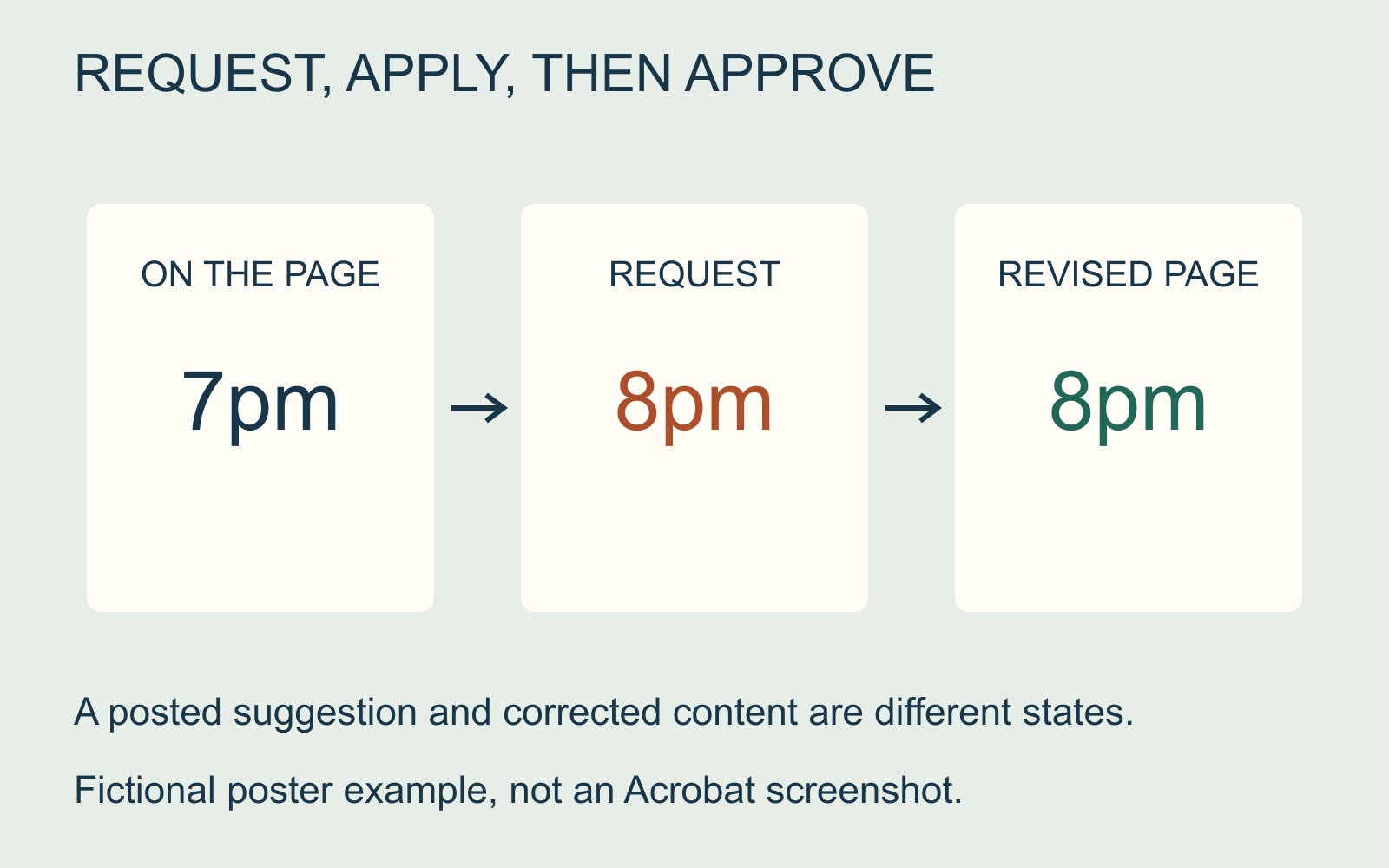
A replacement suggestion can be a comment
Adobe's replacement-comment instructions describe selecting text, crossing it out and posting replacement wording in a pop-up. This is a review action used to suggest a change. Do not assume that posting the comment has rewritten the underlying page content.
Imagine a fictional poster saying “Doors open at 7pm”. A reviewer marks that wording and adds “Doors open at 8pm”. The mark-up communicates the intended correction. The next job is to apply the agreed change to the artwork and produce a revised proof showing 8pm as the actual wording.
Keep the example's two texts identifiable: what is currently on the page, and what the reviewer wants instead. A note saying only “wrong time” leaves another decision unresolved.
Seeing a comment is not the same as printing corrected content
Acrobat's comment-printing guidance distinguishes Document, which excludes comments, from Document and Markups, which includes them. That is a choice about outputting review material, not an instruction to replace the original wording with the suggested text.
An annotated copy can be useful for discussing corrections. It should not silently become the production master simply because the comment is visible. Equally, hiding or deleting a comment does not demonstrate that its requested change was made.
Ask which file is the feedback copy and which is the revised artwork. If a printer or designer needs the comments, send them as an explicitly labelled review document rather than an unexplained “final.pdf”.
Approve the revised wording where it will appear
Collect the agreed changes into one response and identify the proof version being reviewed. Resolve conflicting instructions before asking for an updated file.
When the new proof arrives, locate the changed wording in the layout itself. Check the complete line and nearby information: replacing a time may require another reference on the same poster to change too.
For a print enquiry involving revised artwork, state whether the attached PDF contains comments to apply or content ready for assessment. Keep the accepted revised file separate from earlier proofs.
The useful approval is tied to the version you have actually read. “The correction is in a comment” tells somebody what to do; “the revised artwork now contains the agreed wording” describes a different result.
Sources: Adobe's replacement-comment and comment-printing guidance. The poster is fictional; no customer proof or software test is shown.