
A blank results area can conceal several different situations. Nothing matches the search. Nothing has been added yet. Or the website failed to retrieve the information.
They can all leave an empty rectangle on the screen, but they do not mean the same thing. The next useful action depends on which one happened.
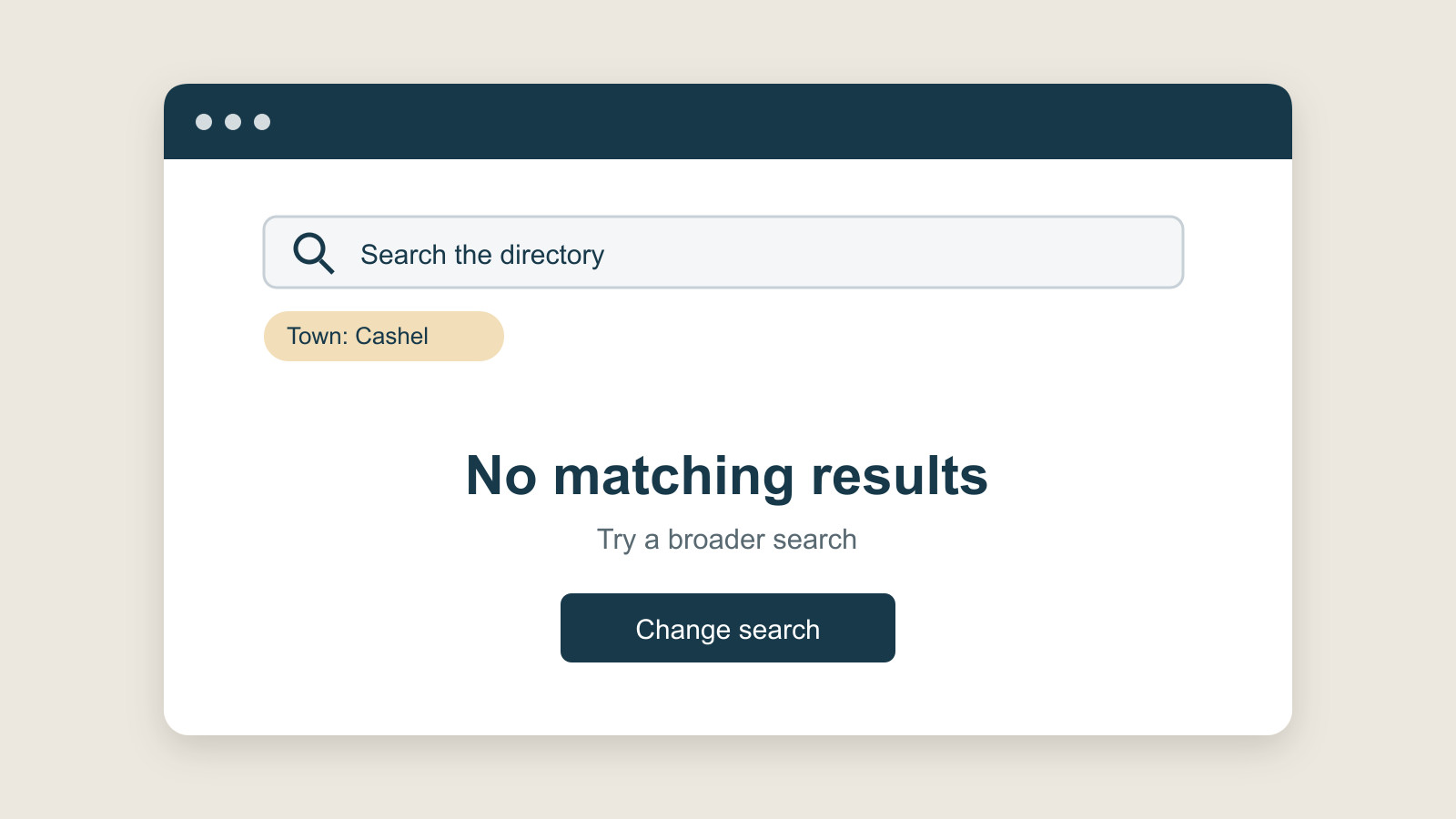
Before choosing an illustration or a reassuring sentence, decide what the website actually knows. A helpful empty state explains the situation it can establish and offers an honest way to continue.
No matches is different from no information
Imagine a fictional directory searched for a service in a particular town. The site completes the search, but no entries meet both conditions.
“No matching results” describes that response. “This service is unavailable” says something broader, which the search may not establish. There could be an entry under a different term or just outside the selected area.
Show enough context for the visitor to understand the scope of the result. Keep the search term and active selections identifiable. Then offer a relevant adjustment, rather than making the visitor guess whether anything happened.
The Scottish Government Design System's search-results guidance calls for a clear no-results message and useful hints, such as checking spelling or making the query less specific. That is a practical reference for the moment after a completed search, not a reason to blame every empty result on the visitor's spelling.
Not started yet needs another explanation
Now imagine a new account whose saved-items area is empty. The visitor has not saved anything. Repeating the search message here would describe an action they never took.
Explain what will appear in the space and, where appropriate, how to add the first item. The action should refer to something the person can actually do. A decorative button saying “Get started” is less useful than a clear route to the relevant task.
IBM's Carbon Design System distinguishes first-use, user-action and error-related empty states. Its guidance treats the reason for the absence as part of choosing an appropriate response.
That is why one reusable empty-state component need not contain one unchanging sentence. Consistent styling can support different explanations. Making every empty area say the same thing can hide the difference the visitor most needs to understand.
A failed request is not a result of zero
If information could not be loaded, the website has not necessarily established that no information exists.
In that situation, saying “Nothing found” may send the visitor back to change an entirely reasonable search. A message that explains the retrieval problem is more honest. Any suggested action should fit what the service can support: retrying where appropriate, returning to another usable route or contacting a relevant support channel.
Do not promise a recovery time unless there is a reliable basis for it. Do not claim answers were saved unless they were. The GOV.UK pattern for a problem with the service treats a service fault as something to explain to the user, rather than presenting it as an ordinary empty result.
This is a design distinction, not a diagnosis of any particular website. A visitor seeing a blank area cannot be expected to infer whether a server request failed.
Still loading is another state again
There can also be a period in which the request is unfinished. An empty area during that wait should not announce that the final result is empty.
The Intelligence Community Design System's empty-state guidance specifically distinguishes empty states from loading indicators. It also notes that an empty list can sometimes be a positive result, such as completing the work in a queue.
“No tasks remaining” and “No tasks loaded” might look superficially similar. One can mean the work is finished; the other leaves the state of the work unknown. The wording should make that distinction available to the person using the page.
The explanation needs to reach the visitor
If a search updates part of a page without moving focus or refreshing the page, a visible result message also needs consideration for assistive technology.
W3C's explanation of WCAG status messages identifies brief dynamic messages such as no results returned as status updates in the relevant circumstances. It distinguishes those messages from the list of results itself and from changes that already move the user into a new context.
That is more precise than saying every changed element needs the same announcement. Ask the implementer to assess the actual interaction and demonstrate how the result is conveyed. One visible message or one announcement does not establish accessibility of the whole website.
Review the empty versions before launch
When discussing a business website project, include a small set of absent-content examples alongside the ideal populated page.
Ask to see a completed search with no matches, an area with nothing added yet and a retrieval failure. Include a loading state where the interface needs one. These are proposed review cases, not tests performed for this article.
For each example, ask three questions. Does the explanation match what happened? Can the visitor identify a sensible next step? Does that step preserve the useful information already supplied?
Keep the response proportionate. A simple no-match result may need only a clear sentence and a useful route back. A more complicated fault may need further explanation. An elaborate illustration is optional; an accurate explanation is doing the essential work.
The empty space has not relieved the website of its job. It has made the explanation more important.
Sources and scope
The linked public design systems and W3C explanation support the distinctions above. The directory, account and review cases are fictional editorial examples. No user research, customer outcome, software test, accessibility certification or conversion improvement is claimed.