
You choose a subject, sort a list and copy the page address for a colleague. They open the link and see every item instead of the selection you meant to send.
The address may still lead to the correct page. What it does not necessarily carry is the view you created inside that page.
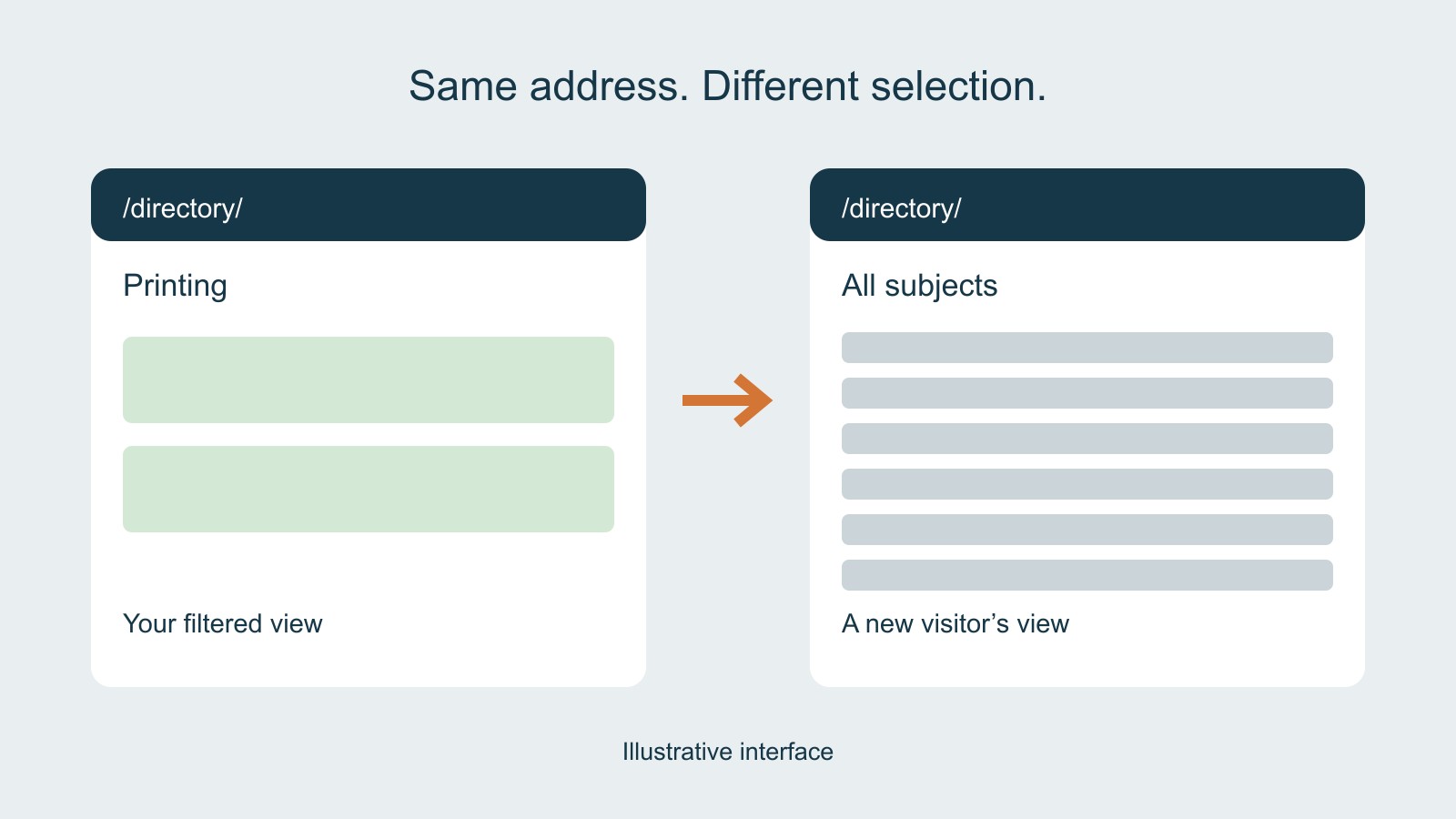
A selection on your screen is not automatically in the address
Imagine a fictional directory. Its address is /directory/. You select Printing and change the order to Name. If the address remains the same, copying it does not, by itself, describe either of those choices.
A website can retain information in several ways. The important question for the person sharing it is whether the destination can recover the intended public selections from the link it receives.
This is a different journey from returning to your own results with browser Back. Sharing asks a fresh visitor to reconstruct the view without having made the original choices.
The address can contain the information the page needs
One possible address for the fictional example is /directory/?topic=printing&sort=name. The part after the question mark supplies named values.
MDN’s URLSearchParams reference explains the browser interface for working with a URL’s query string. Its examples show named parameters, retrieving values and producing a query string.
The syntax is only part of the arrangement. A page must also be designed to read the relevant values and apply them to the results. Adding an invented topic value to an arbitrary website does not create filtering support.
Our example illustrates information a link might carry. It is not a live directory, an instruction to modify this website, or a promise that every site uses the same parameter names.
Decide what the shared view should preserve
A filtered list can contain several choices. A useful brief names which ones belong in a shared link: the query, selected subjects, sort order and, where appropriate, a page number.
Those choices answer different questions. A subject limits the set. A sort order arranges it. A page number identifies one portion of that arrangement. Keeping one while dropping another can produce an unexpected view even when the destination loads normally.
For a business commissioning a website with searchable or filtered content, describe a concrete sharing journey. For example: select a public subject, choose an order, copy the results link and have another visitor open that view.
Ask the provider to demonstrate the outcome you need. The brief does not have to prescribe a particular software library.
A view is not a frozen copy of the results
Even a correctly reconstructed selection can produce different items later. Content may have been added, removed or updated since the link was copied.
Decide whether the task is to share a rule for finding results or to identify one particular item. A link to filtered results supports the first task. A direct item link may be more useful when a colleague needs to inspect a specific entry.
Do not promise that a saved filter will preserve a historical result count unless the service actually provides that behaviour. Recreating a selection and keeping a dated snapshot are separate requirements.
Check the recipient’s journey
When reviewing the finished feature, start with a public, harmless selection. Use the site’s share or copy-results control if it has one. Open the copied address in a fresh browsing context that has not made the selection.
Check the controls as well as the list. Does the page show the subject and sort order that the link is supposed to apply? Can the recipient understand why these results are present and change the selection deliberately?
Then change one choice and repeat. A control labelled Copy results link should not silently keep an earlier selection after the visible page has changed.
These are acceptance questions for the site being commissioned, not results of a test performed for this guide. They turn “make filters shareable” into a visible journey that both the buyer and provider can review.
Source: MDN’s URLSearchParams reference, linked above. The directory, addresses and choices are illustrative; no live website or storage implementation was tested.