
You open a page and see the right photograph. You paste its link into a message and a different picture appears. Before replacing the photograph again, separate the page someone reads from the preview that represents it.
They may draw on the same image file, but they are different parts of the publishing job. A good handover checks both, using the exact page address and the actual place where the link will be shared.
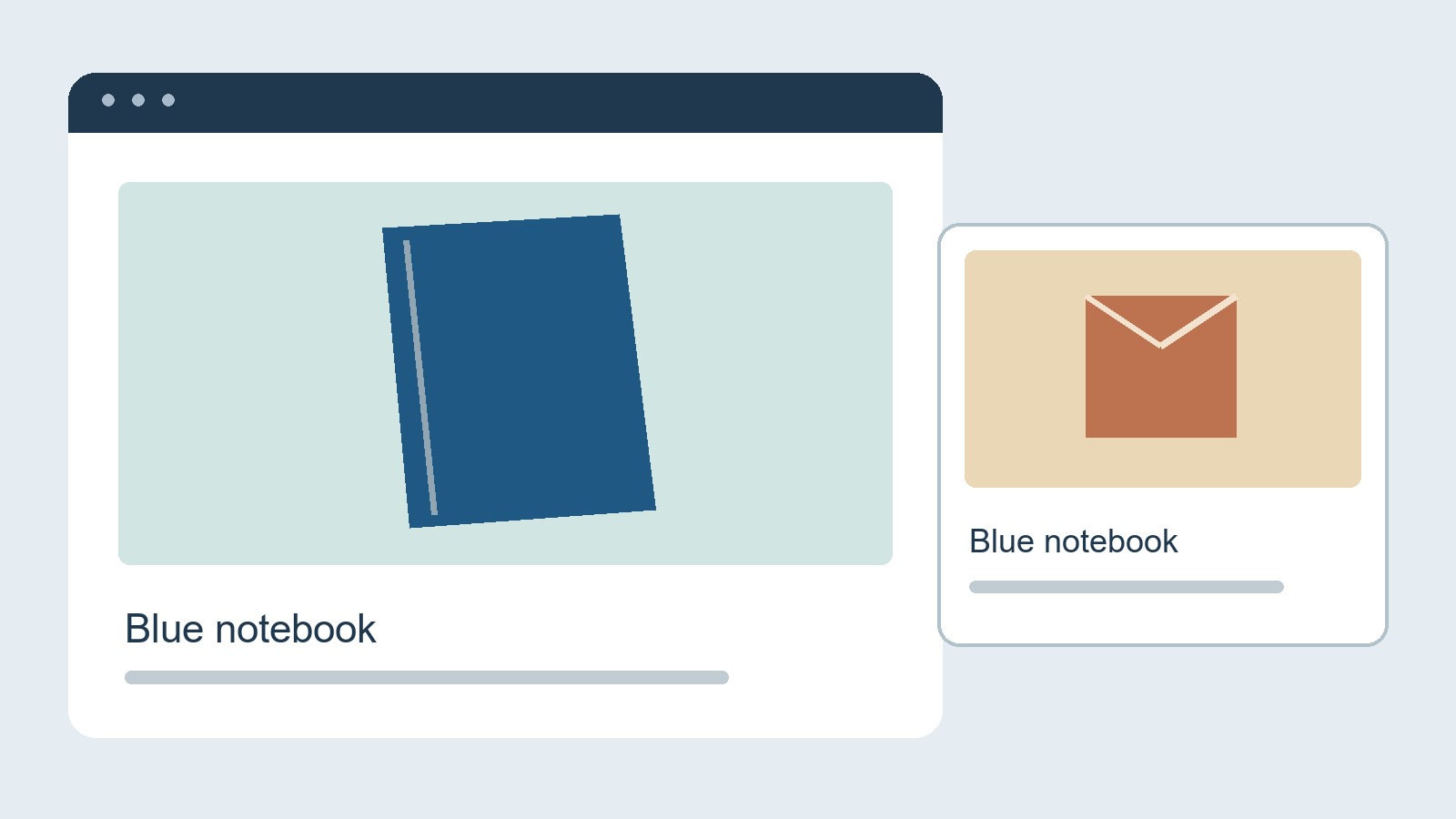
The visible page is only one view of the information
The Open Graph protocol defines metadata that can represent a page beyond its own layout. Its basic properties include a title, type, representative image URL and canonical page URL. An optional description can provide a short explanation.
These are declarations in the page's underlying information. They are not instructions to take a screenshot of whatever happens to be visible in your browser. Changing a large picture within the article therefore does not, by itself, prove that the declared preview image has changed.
That is a distinction to investigate, rather than a diagnosis of every wrong preview. The source declarations may be correct while the result elsewhere still needs explanation. Keep the observation separate from the suspected cause.
Make a small comparison record
For one affected page, collect four things: the exact address you pasted, the intended picture, the title and image actually declared for sharing, and a screenshot of the resulting preview in the named application.
Add the time you checked. A screenshot without the page address can be surprisingly unhelpful when a website contains several similar stories, product variants or old links.
For example, imagine a fictional workshop page about a blue notebook. Its visible photograph shows the notebook, but its sharing metadata still names a generic shop picture. That gives the person maintaining the site a specific mismatch to investigate. “The page looks wrong on my phone” does not identify it nearly as clearly.
If the declarations already name the intended notebook image, record that instead. Do not keep replacing a correct file merely because the first explanation did not fit. The next step should investigate the remaining difference, not manufacture another change.
Check the picture as a preview
A photograph that works across a wide article header may be less useful in a compact card. Review the subject at the small size actually shown. Can someone recognise what the page is about without reading tiny text embedded in the image?
Keep important content away from edges that a particular placement might crop. Test the real placement rather than assuming all applications use the same proportions. Do not promise that a single file will appear identically everywhere.
The protocol also provides optional image dimensions and a description of the image. Where several image properties are supplied, it gives preference to the first. Those details are useful for the site maintainer to inspect; they are not a guarantee of a particular application's final presentation.
A meaningful image description should describe the actual picture. It should not become a second promotional headline or repeat a claim the photograph cannot substantiate.
The headline, image and destination need to agree
A preview makes a promise before the reader arrives. A close-up of one product beside a title about an entire service can create the wrong expectation. So can an old announcement image on a current page.
Read the preview as someone who has never visited the website. Then follow the link. Does the destination deliver the subject that the preview suggested? A technically valid image URL is not enough if the combination tells the wrong story.
This is a useful acceptance check for a business website project: include representative shared-page previews in the handover, alongside the pages themselves. Specify which pages and sharing destinations were actually checked. Do not turn one successful example into a claim about every page or application.
Change the cause, then verify the result
When the source information is wrong, make a targeted correction and inspect it again. When it is right, give the maintainer the comparison record so the next investigation starts with evidence.
Avoid changing the published page address simply to obtain a different-looking preview. That introduces a separate URL decision into an image problem. Any necessary address change deserves its own assessment.
The finished check has two parts: the page declares the intended information, and the observed preview in the named destination represents it accurately. Keep unresolved checks visible rather than replacing them with a general “social sharing works” sign-off.
Source and scope
The linked Open Graph specification supports the metadata definitions. The comparison record and handover checks are editorial guidance, not findings from a live platform experiment. No universal cache lifetime, mandatory image size, guaranteed preview, click increase or search-ranking effect is claimed.