
Not necessarily. Useful alternative text depends on what an image contributes in its particular position. A file reused on three pages can have three different jobs: explaining something, adding atmosphere or providing the only visible content of a link.
For a business owner preparing website content, the useful starting point is therefore the placement, not a permanent sentence attached to the photograph forever.
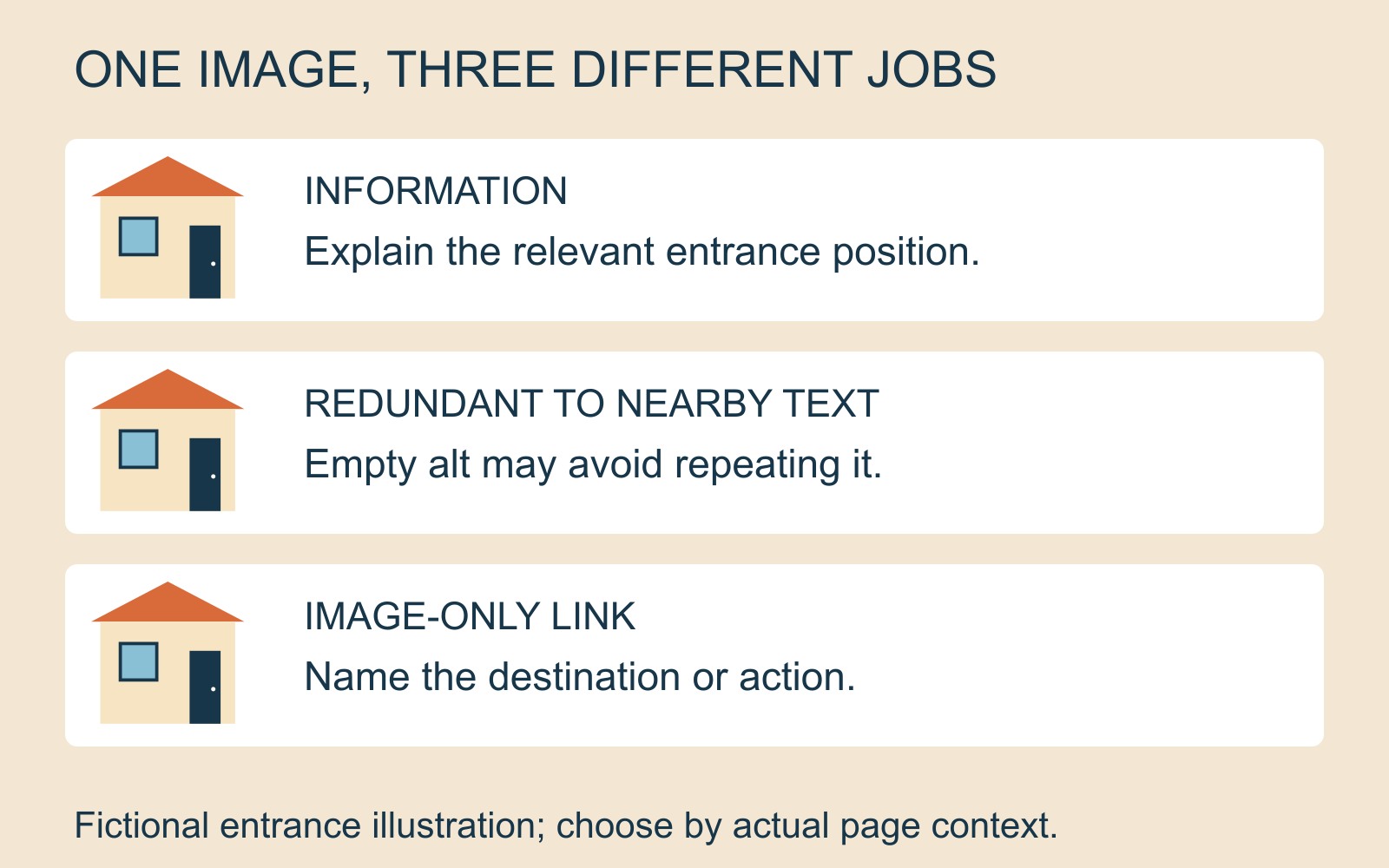
When the image supplies information
Imagine a fictional illustration showing a building entrance on the right-hand side. On a directions page, that position may be the reason for including it. An appropriate short alternative might be “Entrance through the door on the right-hand side of the building.”
This describes the information the example is meant to convey. It is not a claim about any real premises. A colour-by-colour inventory of the scene would be less helpful if the visitor needs to find the entrance.
W3C’s informative-image guidance explains that a text alternative should convey the relevant meaning or content, rather than automatically provide a literal visual description.
When the surrounding text already does the work
Now put the same illustration beside text that already fully explains that entrance position, with the image adding no further information. It may be appropriate to give the image an empty alternative: alt="".
As W3C’s decorative-image guidance explains, empty alt can avoid unnecessary repetition. It is different from leaving out the attribute: some screen readers may announce a filename when the attribute is absent.
“Decorative” describes the image’s role here, not its artistic quality. Do not mark an image decorative merely because describing its useful information is difficult. If it is the only place important instructions appear, those instructions still need a text alternative.
When the image is the link
In a third placement, suppose the illustration alone links to a directions page. The visitor needs to understand the destination. “Directions and entrance information” could name the purpose more usefully than a description of walls and doors.
W3C’s functional-image examples distinguish image-only links from images accompanied by text within the same link. Where that text already communicates the purpose and the image adds nothing, an empty image alternative can avoid duplication. Do not apply that choice to an image-only control and leave it without an understandable name.
Prepare an image brief by placement
For each planned image, record the page, why it is there, the nearby wording and whether it acts as a link. Then propose the information or function that must remain available without seeing it. This gives a designer a reasoned decision to review.
For a business website project, that brief is more useful than a folder of filenames with the same generic description pasted onto each. Revisit the choice when the page context changes.
W3C’s alt decision tree offers a starting point, including different treatment for complex information. This short example covers simple placements; it is not a complete accessibility evaluation or a promise of compliance.
Sources: W3C Web Accessibility Initiative’s informative, decorative and functional image tutorials and alt decision tree. Examples and the content-brief workflow are editorial illustrations.