
The label boxes look right, but every one contains the same recipient. Before changing the sheet layout, check whether the merge is advancing through the data as well as repeating the design.
Copying a name field into several positions and moving to the next recipient are different operations.
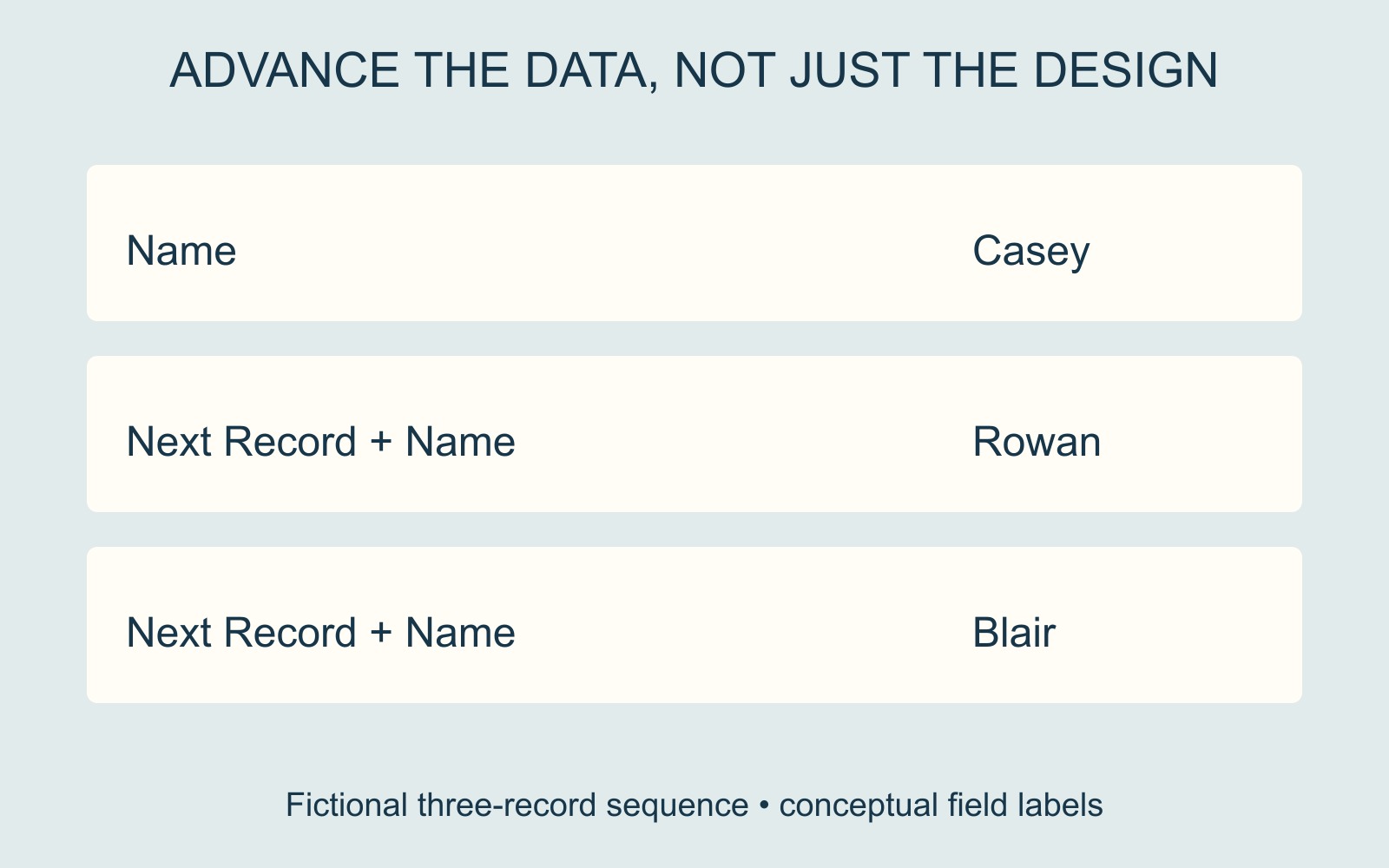
Follow the record, not just the box
Microsoft's mail-merge rules guide explains that Next Record tells Word to proceed to another record without starting a new page. For labels laid out in a table, that rule lets the next cell use the next address. Its example begins with a company-name field, followed by Next Record and the same field in subsequent positions.
Imagine a fictional list containing Casey, Rowan and Blair. The intended first three labels show those three names. Repeating Casey across three labels is a different result, even if the spacing and type are perfect.
A missing or misplaced record-advance instruction is one possible cause. Repeated entries in the source list or another setup issue may also need checking. The repeated name alone does not identify the fault.
Update the label setup, then preview the people
For its downloaded templates in Word for PC, Avery's mail-merge instructions describe selecting the list and worksheet, inserting the fields, updating all labels and then previewing results. The workflow shows Next Record appearing after the update.
Use the instructions for the template and application you actually have. Do not add another advance rule indiscriminately to every cell: the first label's starting record and the later advances have different positions in the sequence.
Approve the merged result being supplied
Compare the resulting names and order with the intended list, including the transition to the next sheet. Check that records have not been repeated, skipped or attached to the wrong wording. Keep the source list and the output file identifiable as different stages.
For a printing enquiry involving variable text, explain which parts change and supply the agreed final file or data through the agreed route. Ask what preparation is required for the actual job. A correctly drawn label grid does not demonstrate that its recipient sequence is correct.
Sources: Microsoft and Avery guidance are linked beside their respective mechanisms and workflow. Names and label layouts are fictional; no customer list or software test is shown.