
An enquiry form can label a box clearly for a person while leaving its expected information unclear to automated filling tools. When reviewing a Company field, check both its visible wording and its programmatic purpose.
“Company name” and “job title” are related pieces of contact information. They are not interchangeable answers.
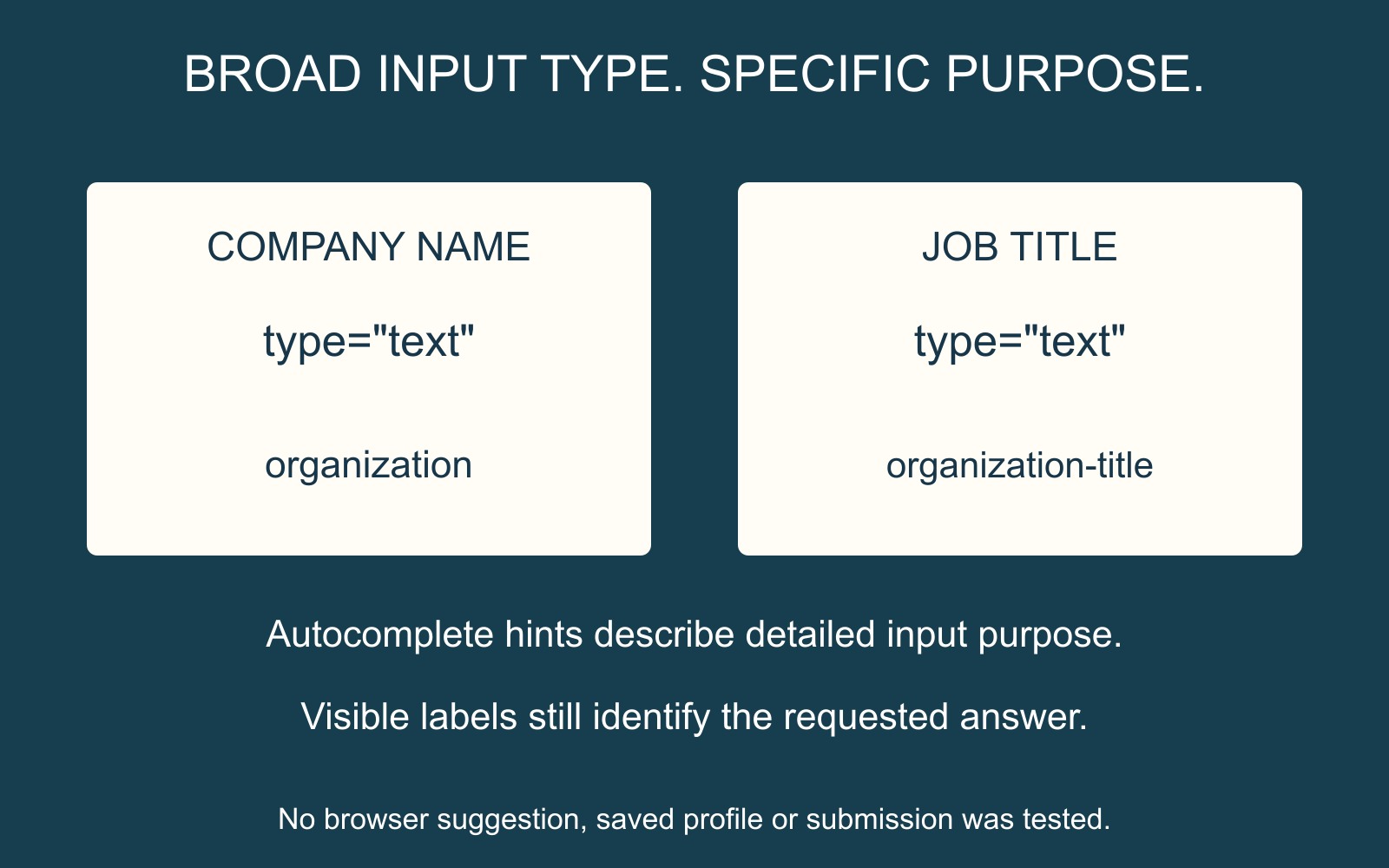
Use the purpose hint that matches the answer
MDN's autocomplete reference describes the attribute as guidance to the browser about filling a control. Its organization token means a company or organisation name. organization-title means a person's job title within an organisation.
In a fictional enquiry, “Fern Workshop” belongs to the company-name role and “Coordinator” belongs to the job-title role. The diagram maps those meanings; it does not show what a particular browser actually filled.
For a Company field, a developer can therefore review whether autocomplete="organization" matches its intended purpose. This is a semantic hint, not a promise that every browser will insert the same value or have any saved value available.
A broad text box does not describe every purpose
W3C's explanation of identifying input purpose distinguishes a broad input type from the more specific meaning of common user-information fields. Programmatically identifying that purpose can support user agents and assistive technology.
The visible label still matters. An autofill hint does not replace a label that helps someone understand and review the answer. Nor does adding one attribute establish accessibility for the entire form.
Brief the field's role and the observed mismatch
For a business website discussion, identify whether the form needs the visitor's name, company, job title or another contact's details. Give each requested answer a clear role before choosing the labels and hints.
If you have already seen an unexpected autofill result, describe the field and what happened without exposing private stored details. A wrong suggestion alone does not prove which implementation detail caused it; the provider should inspect the actual markup and relevant browser behaviour.
Use the agreed review route to confirm that the field's label, purpose hint and handling agree. The useful result is an unambiguous request for company information, followed by the intended value in the enquiry. Autocomplete guidance is one part of that journey.
Sources: MDN and W3C guidance are linked beside the technical explanations. Organisation and role examples are fictional; no saved profile, live form or submission was tested.