
A website form asks for a measurement, but its number field rejects 2.5. Before rounding the measurement to get past the message, check whether the field's permitted increments match the information the business needs.
The value's units, allowed range and stepping rule belong in the same brief.
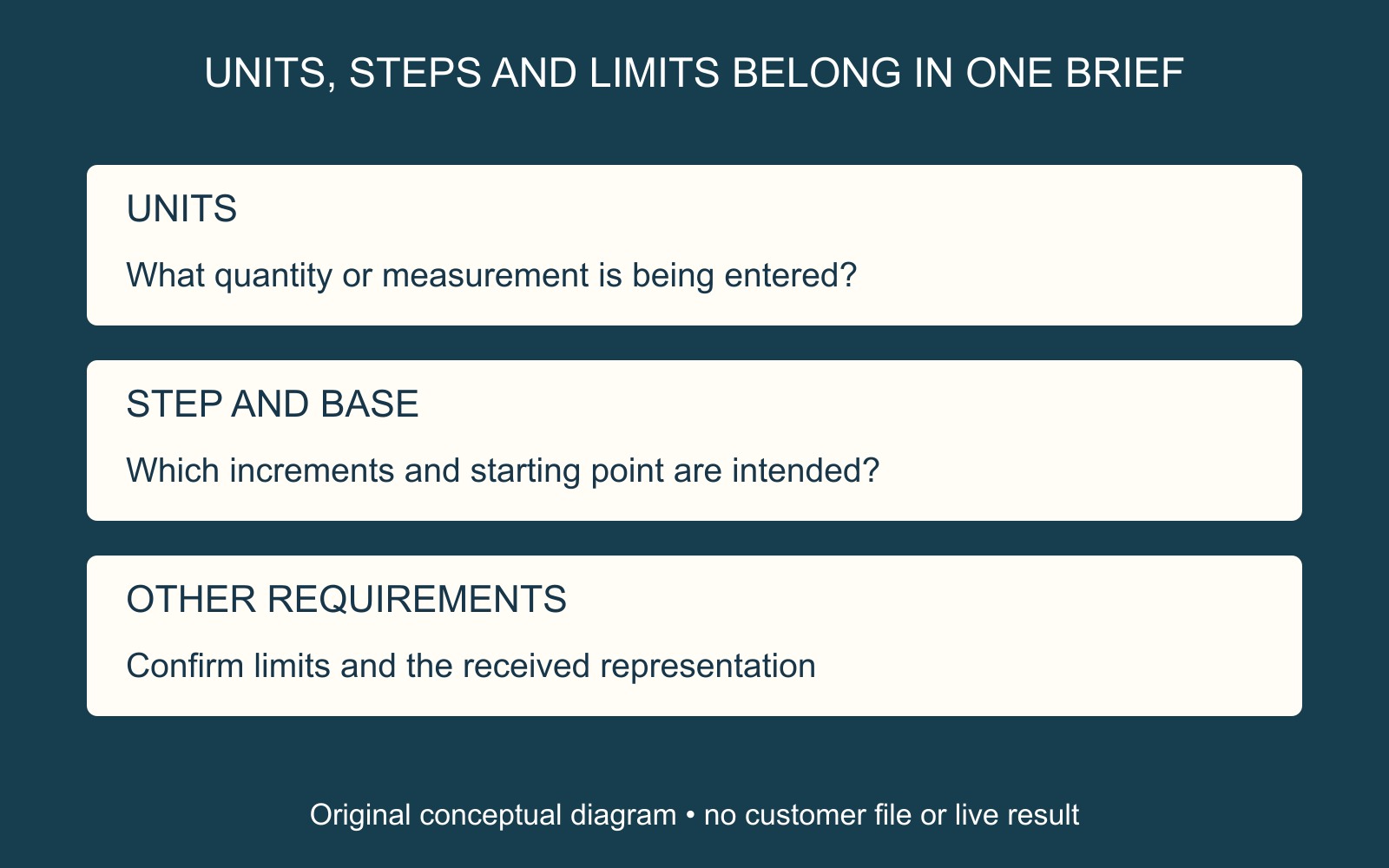
A number field has a stepping rule
MDN's step-attribute reference explains that a native number input defaults to a step of 1. Valid values follow whole steps from a step base, determined by the minimum, initial value or otherwise zero.
With a zero base and step 1, 2 and 3 fit the rule while 2.5 falls between them. A fractional base can change which decimal values fit, so “step 1 always means whole numbers” is not a complete description.
The special value any removes the stepping constraint, but other limits can still apply. Changing that attribute alone does not establish the correct business requirement or the receiving service's handling.
Specify valid measurements explicitly
Our fictional brief allows a measurement of 2.5 cm. The useful instruction identifies centimetres and the increments the business can accept, alongside any genuine minimum and maximum.
Ask the provider to confirm that the field's rules represent those requirements. Do not infer the intended precision from the number of decimal places shown in a mock-up.
Rounding an actual measurement merely to satisfy an unexpected validation message can change the enquiry. Report the value and message instead. If the organisation only accepts particular increments, explain that clearly before the visitor enters the number.
Review the received value as well
For a website enquiry-form discussion, identify the page, field label, units and an example that should be valid. Include any example that should be rejected and why.
Through the agreed review route, ask the provider to confirm both browser behaviour and the value represented in received details. A browser accepting a decimal is only one part of the journey. Use existing evidence rather than repeatedly submitting live enquiries.
Source: MDN linked above. The measurement and step diagram are fictional; no live form or measurement process was tested.