
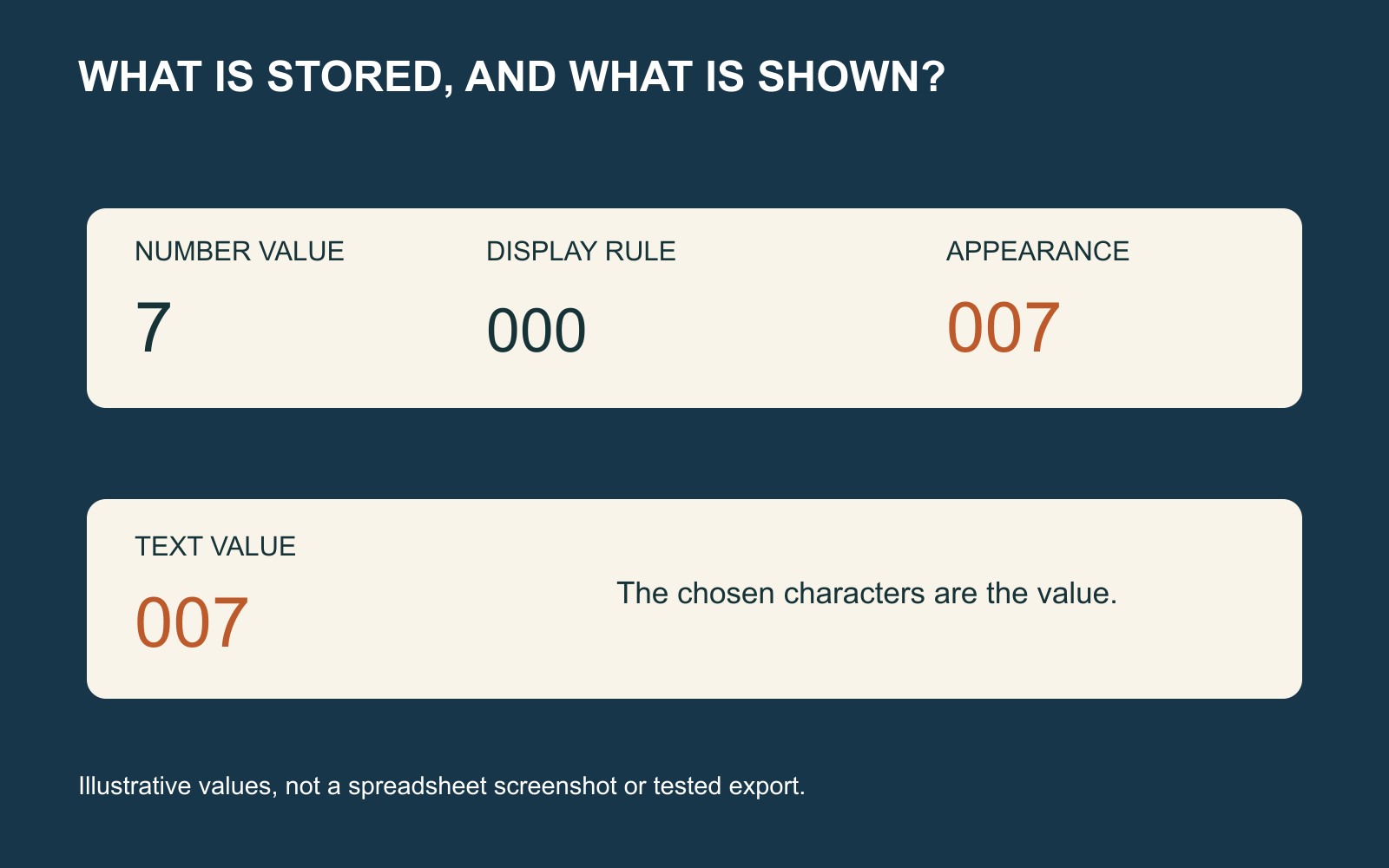
A printed identifier can look like a number without being a quantity. If a shirt is meant to say “007”, the two starting zeroes are part of the artwork instruction. A spreadsheet that treats the entry as the number seven can remove them.
Preserve the exact characters before the list becomes a production instruction. Do not assume that a familiar-looking worksheet cell proves the same text will reach the next person.
Store the identifier as text
In this fictional example, “007” names the required print. Nobody needs to add it to another shirt number or calculate an average. Treating it as text protects its role as a label rather than a value for arithmetic.
In Excel for the web, Microsoft’s instructions are to select the cells, open Format Cells, choose Text, and then type or paste the entries. The order matters: apply the format before entry. See Microsoft’s text-format steps for keeping leading zeroes.
If the original has already become “7”, do not guess whether it was supposed to be “07”, “007” or simply “7”. Go back to the confirmed instruction. Changing a column’s format cannot tell you which characters the organiser intended.
Displayed zeroes and supplied text are not always the same thing
A custom number format can make a numeric value appear with padding zeroes. That may be useful inside a workbook, but appearance and the underlying value are separate matters.
Microsoft’s broader leading-zero guidance distinguishes a workbook-only custom-format approach from data used by another program. Do not rely on a visual format as the complete handoff specification.
Tell the person preparing the print that the literal text is “007”. Keep the artwork proof as a separate opportunity to confirm it. A screenshot can explain what you intend, but should not silently replace the agreed list or become a source for retyping many entries.
Check the import step as well as the original list
A CSV is a text file, but a spreadsheet opening it can interpret fields as numbers. Microsoft explains that opening a CSV uses Excel’s current default data-format settings; a controlled import gives more choice over column types. See Microsoft’s text and CSV import guidance.
This does not mean every CSV loses its zeroes. It means the import route matters. If a provider asks for a particular format, agree how the personalisation column should be supplied and interpreted rather than repeatedly opening and resaving it by guesswork.
Approve the characters on the right item
For a set of personalised garments, compare the final proof with the confirmed list: exact wording or digits, garment reference, size and quantity. A correct number on the wrong garment is still a wrong instruction.
In a printed clothing enquiry, say explicitly when starting zeroes, spacing or punctuation must appear. The organiser’s private allocation notes need not all travel with the artwork; send the information required for the agreed job.
The distinction is small but useful: seven may be a value for a calculation. “007” can be three characters someone has chosen to wear.
Sources: Microsoft’s Excel text-format, leading-zero and CSV documentation. The shirt example is fictional, not a customer order or a report of a tested file transfer.