
A visitor enters two email addresses in one box because two people need to be involved. The form rejects the entry. Both addresses may look reasonable individually while the field is intended to accept only one.
For a website brief, decide what the address is for before deciding how many the field should accept.
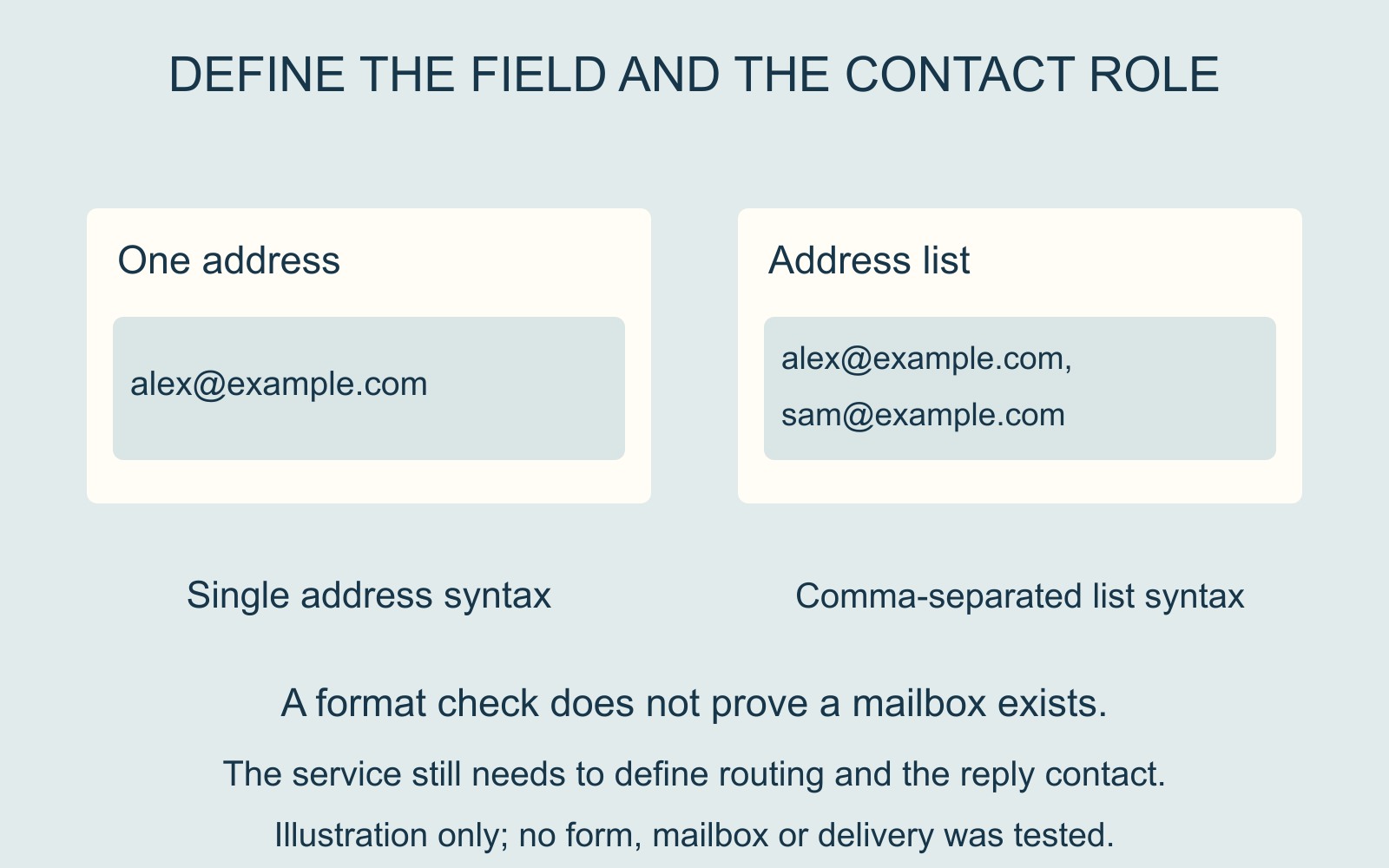
A single address and a list are different inputs
MDN's email-input reference distinguishes a single properly formed address from a comma-separated list. For a native email input, the list is permitted when the multiple attribute is specified.
In a fictional example, [email protected] is one address. “[email protected], [email protected]” is a list containing two. The comma does not turn the list into a single address.
The field's configuration matters. Do not assume a box labelled Email supports a list merely because it is wide enough to display one. A custom form may impose further rules, so its actual behaviour needs assessment.
Define the contact role
One project may need a single reply address for the person managing an enquiry. Another may need a primary contact and a separate colleague. Those arrangements have different meanings, even when both involve two addresses.
Write the requirement in terms of the task: who supplies the enquiry, who should receive a response and whether an additional contact is optional. Then agree the fields, labels and processing that support it.
Simply enabling a list does not decide which address is primary or how any later correspondence should be handled. Those are service requirements, rather than consequences of a browser attribute.
Correct format does not prove the address exists
MDN explicitly distinguishes syntactic validity from the existence of an email address. Passing the browser's format check is therefore not proof that a message can be delivered or that the visitor controls the mailbox.
Keep those states separate in the interface and in the review. “The entry meets this field's format rule” describes a narrower result than “the right people received the enquiry”.
The example.com addresses here are illustrative. No address was contacted or tested.
Make the permitted entry clear before submission
For a business website discussion, identify whether one address or a list is needed and explain that beside the field. If separate roles need separate fields, name them clearly.
When reporting a rejection already observed, describe the number of addresses entered and the message shown without exposing private contact details. Use an agreed review route for any further demonstration.
Source: MDN's email-input reference, linked above. Contacts and interface are fictional; no form was submitted and no delivery outcome is claimed.