
An attachment field asks for a PDF, yet the file chooser lets the visitor select a different kind of file. That does not necessarily mean the stated requirement has changed.
The instruction, the chooser's filter and the system's acceptance of the file are separate parts of the upload journey.
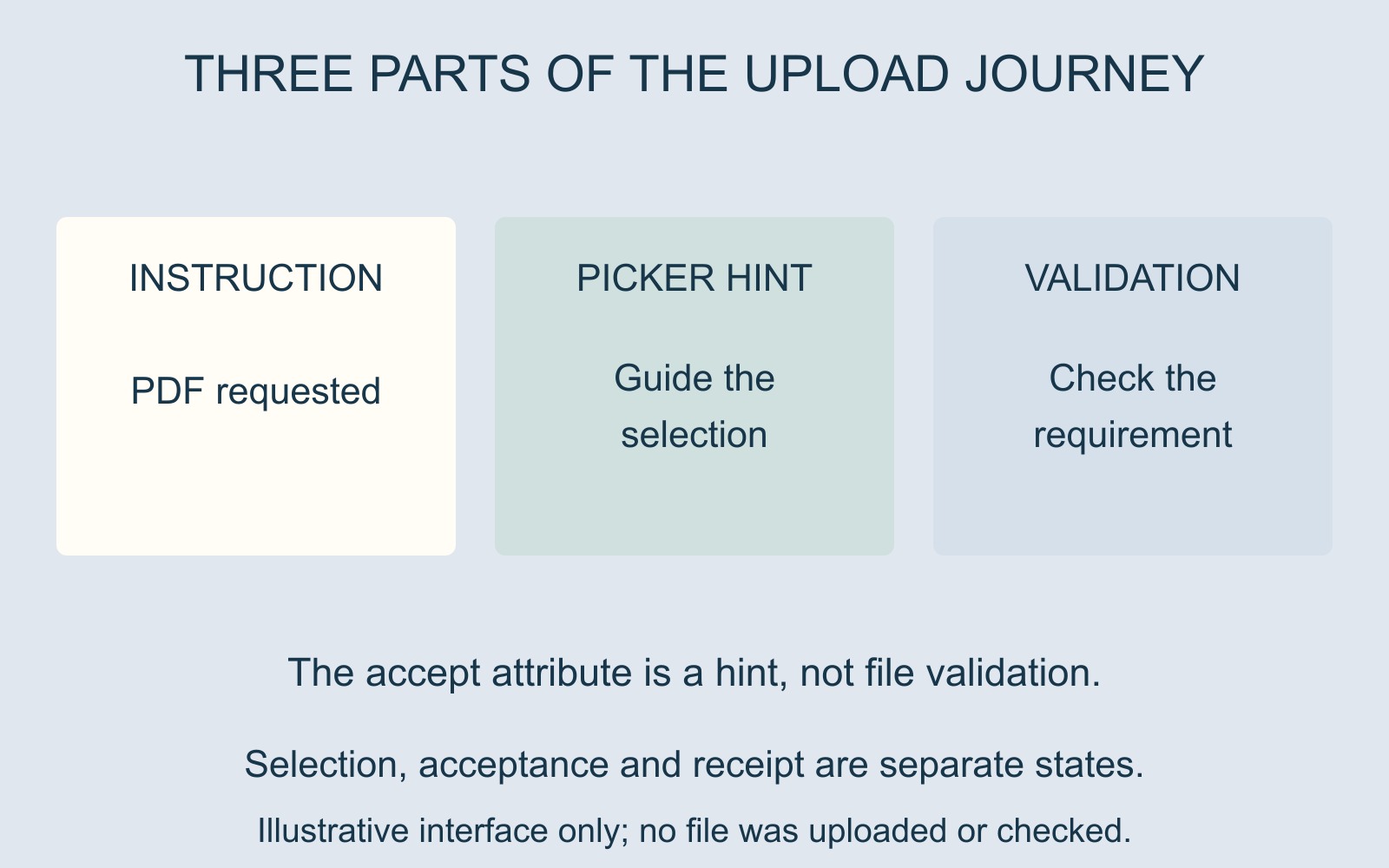
The chooser can provide a hint
MDN's file-type acceptance reference explains that the HTML accept attribute guides browsers towards particular file types. It does not validate the files selected.
MDN also notes that users can, in most cases, change an option in the chooser to select other files. A filter can make a suitable choice easier without proving that every selectable file is allowed.
In a fictional form, the instruction says “Attach the guide as a PDF”. The chooser offers Guide.pdf and, through another selection option, Photo.jpg. The presence of Photo.jpg in that view is not an assurance that the service accepts it.
Selection is not successful delivery
A filename appearing beside an upload field shows a selection state. It should not be treated as evidence that the server received, accepted or stored the attachment.
MDN directs developers to validate the expected requirement on the server. Which checks a particular service performs is an implementation question, rather than something established by the file-picker display.
Keep the observations precise: which instruction was shown, which file type was selected and what happened next. “The chooser let me select it” describes an earlier stage than “the system accepted the attachment”.
Make the visible requirement useful
For a business website brief, identify the formats the service actually supports and the wording that should explain them before selection.
If there are other requirements, confirm them from the real service rather than borrowing a size limit or format list from another website. The chooser's hint, nearby help and rejection message should describe the same intended rules.
A label saying Upload file is not a complete specification. Explain what the attachment is for and what the visitor should do if the required format is unavailable.
Report the mismatch without repeated uploads
Give the provider the page address, the visible instruction and any message already observed. Avoid sharing private document contents merely to demonstrate a file-type question.
Any further demonstration should use an agreed review route. The aim is a coherent journey from a clear requirement to an accurate outcome, rather than a chooser that appears restrictive while the rest remains unexplained.
Source: MDN's accept-attribute reference, linked above. Filenames and interface are fictional; no file was uploaded or validated for this guide.