
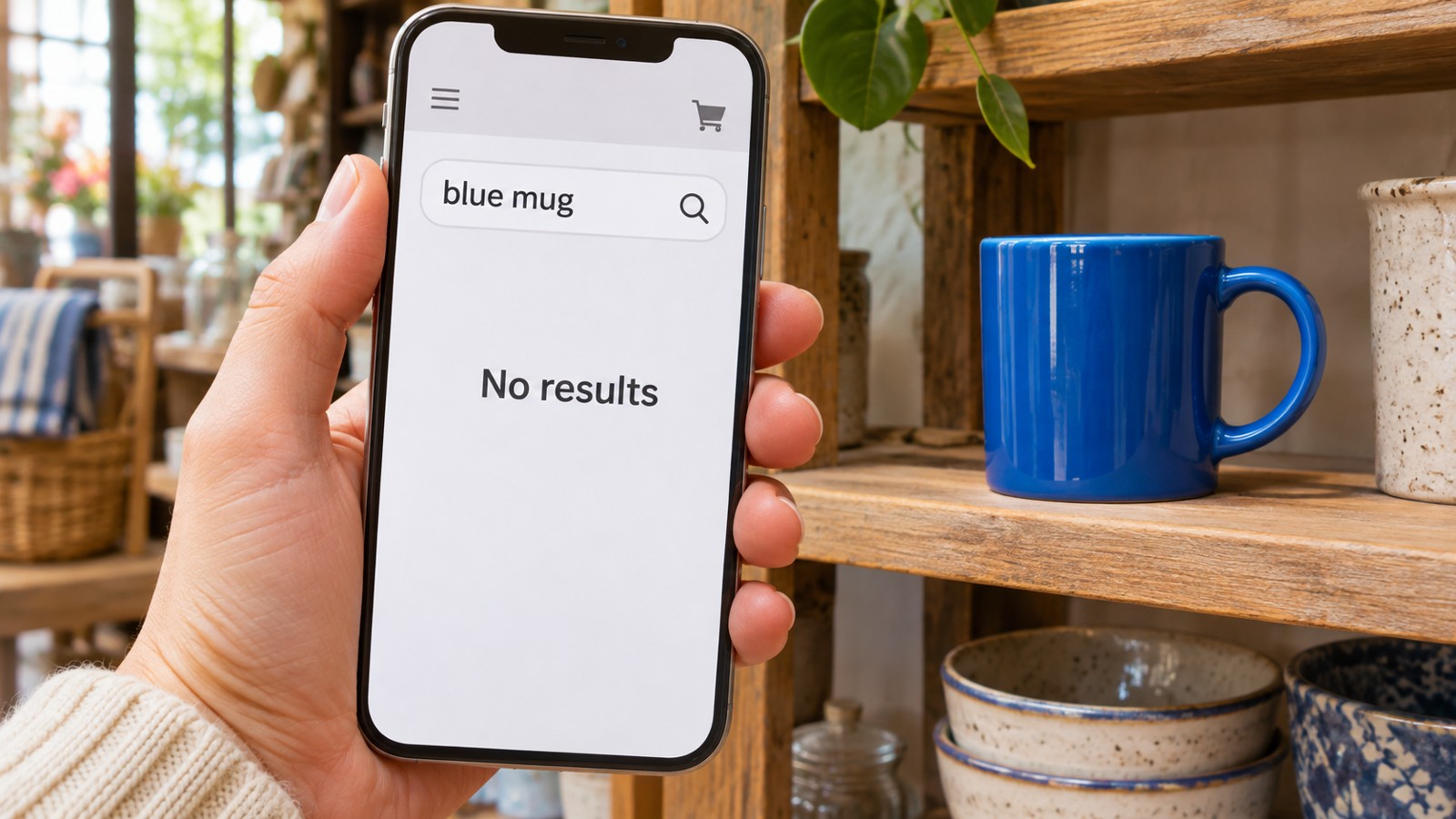
You can reach the blue mug from the website’s menu. Its page is there, with a photograph and a description. Yet typing blue mug into the search box produces no matching result.
That does not, on its own, prove the product is missing or the search software is broken. Several different connections sit between a published page and a useful result. Finding which one is absent is more useful than adding the same keyword everywhere.
A published page is not the whole search record
Consider a fictional shop whose navigation opens a page titled Blue ceramic mug. This example is a way to discuss a search brief; it is not a report of a software test or a particular shop’s configuration.
First ask whether that item is represented in the information the search actually uses. A link working from a menu answers a navigation question. It does not establish what has been supplied to a separate search index.
An index is the collection of records the search works through. The relevant record might contain a name, description, category and other fields. The exact arrangement depends on the system.
Ask the implementer to identify the expected record and show how it relates to the public item. This keeps the discussion tied to a known example instead of treating every no-match response as the same fault.
Visible information may not be searched
Algolia’s searchable-attributes guidance describes choosing which record fields are available for matching. It also distinguishes information used for searching from information retained for display or filtering.
That is documentation for one platform, not a claim that a particular Time for Designs website uses it. It illustrates a question that a brief can make explicit: which parts of the item should a visitor be able to find by typing?
In the fictional shop, suppose the phrase dishwasher safe appears in a displayed description. If a search for that phrase fails, there are several possibilities to inspect. The words might be absent from the supplied record, or the relevant field might not be searchable.
Copying the phrase into a title could conceal the distinction. The page would then carry repeated wording without anyone establishing why the original description was not matched.
A different word is different from a typing error
The mug and cup example asks a language question. The visitor might be using a reasonable alternative name rather than misspelling the shop’s preferred one.
Algolia’s synonym documentation describes interchangeable terms and one-way relationships. The direction matters: a broad request may reasonably include a narrower item without making the two descriptions identical in every context.
Before adding a relationship, write down the result you intend. Should cup find this mug? Should mug find every cup? The two questions do not have to receive the same answer.
Be particularly careful with named models, materials and compatibility terms. Returning a related product is not permission to present it as an exact substitute. A wider result set can be useful while still requiring clear distinctions on the page.
By comparison, a search for mgu is a spelling-order example. Algolia’s typo-tolerance explanation describes matching words close in spelling, with configurable behaviour. It does not promise that every search engine, every field or every query handles errors in the same way.
A vocabulary relationship and a spelling correction therefore need separate review. Enabling one does not establish that the other is covered.
Use a small comparison instead of a vague complaint
For the fictional mug, prepare four requests with one intended destination: its exact product name, an important phrase from its description, a reasonable alternative name and a simple typing error. Keep the current filter selections beside each request.
Record what should appear and why. Then ask for the actual result and an explanation of the difference. This is a proposed review method, not a set of measurements collected for this article.
If the exact name fails, start by checking the record, its search eligibility and the query’s scope. If the name works while the description phrase fails, inspect the supplied fields and matching settings. If only the alternative name fails, review whether a deliberate word relationship is appropriate.
These are starting questions, not a complete diagnostic algorithm. Several causes can coexist. Preserve the actual example so a fix can be checked against the same request later.
Keep the scope visible
A search restricted to another category might correctly exclude the mug. Comparing that request with an unrestricted one can reveal a scope difference without changing the product record at all.
The visitor should be able to see the term and relevant selections. An accurate result under an invisible restriction can still be difficult to understand. That is an interface question as well as a matching question.
When briefing a business website’s search and customer routes, include known items and the words people could reasonably use for them. Ask how records, fields, word relationships and active filters will be reviewed separately.
A helpful no-results message remains useful, but it cannot establish that the underlying search covers the right information. Equally, changing the search system does not automatically repair missing or misleading records.
The aim is a specific connection: a reasonable request should reach the appropriate information, with enough context to explain the result. A short list of concrete examples gives that discussion a much firmer starting point.
Sources and scope: the three linked Algolia documentation pages explain that platform’s field selection, synonyms and typo handling. The shop, mug, queries and proposed comparison are fictional editorial examples. No search implementation, conversion result or universal platform behaviour is claimed.