
A handout ends a page with Arrival information. The explanation starts overleaf. The heading is present, but the reader has to turn the page before discovering what it introduces.
Before adding empty lines or shrinking the whole document, identify the relationship that needs to stay together: the heading paragraph and the text immediately after it.
Keep the introduction near its subject
In a fictional visitor guide, Arrival information introduces a short paragraph about where to report. On a separated sheet, the heading alone supplies very little help. On the following sheet, the paragraph begins without its signpost.
Moving the heading with its opening text can restore that relationship. It does not require every section to begin on a fresh page, or the whole section to fit on one sheet.
A useful correction names both parts: “Keep Arrival information with the paragraph that begins Report to reception.” That is more precise than asking the author to remove an unexplained gap.
Word has different controls for different relationships
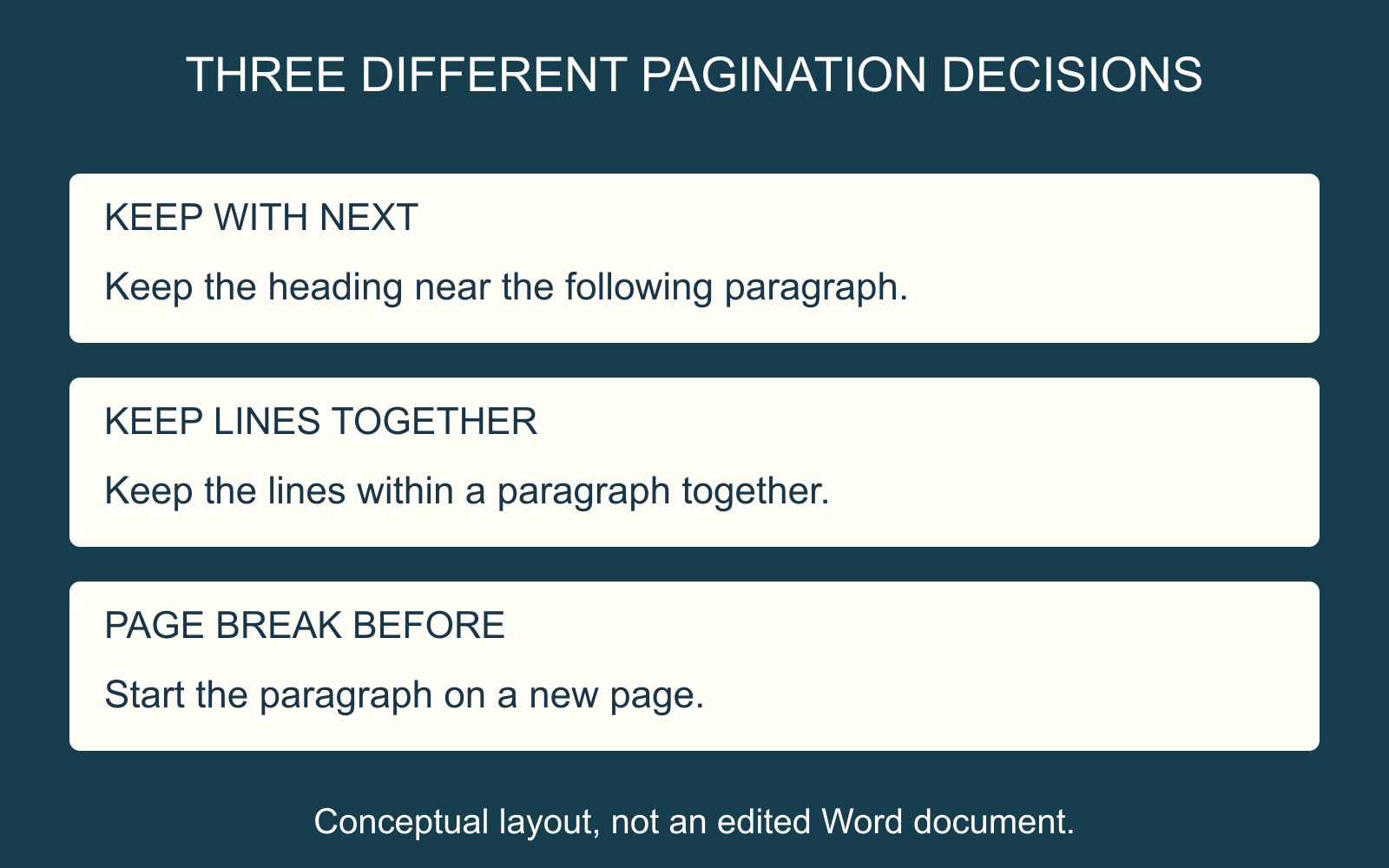
Microsoft's Word pagination guide distinguishes Keep with next, for keeping paragraphs together, from Keep lines together, which keeps the lines of a paragraph together.
Its documented route uses the Paragraph dialog's Line and Page Breaks tab. Ask the author to review the appropriate paragraphs and their settings rather than applying every option throughout the document.
For the fictional heading, keeping its own lines together is not the same as keeping it with the paragraph after it. A one-line heading can remain intact while still being separated from its explanation.
A forced new page answers another question
Microsoft also describes Page break before, which starts a paragraph on a new page. That can serve an intentional section opening, but it is a different requirement from keeping a heading near its introduction.
Agree the intended layout first. “This chapter always begins on a new page” and “this heading must not be stranded” should not quietly become the same instruction.
After revision, inspect the nearby pages too. The heading and its text should form a useful reading unit without creating a new problem elsewhere in the sequence.
Check the version being supplied
When discussing document printing and binding, identify the final output file, page count and copies. Review any exported PDF at the affected boundary, rather than relying only on the editable source's appearance.
The goal is a heading that helps the reader enter its section. Its size and style matter, but so does the text it is physically kept beside.
Source: Microsoft's Word pagination guide, linked above. Wording and layouts are fictional; no document was edited or printed for this article.