
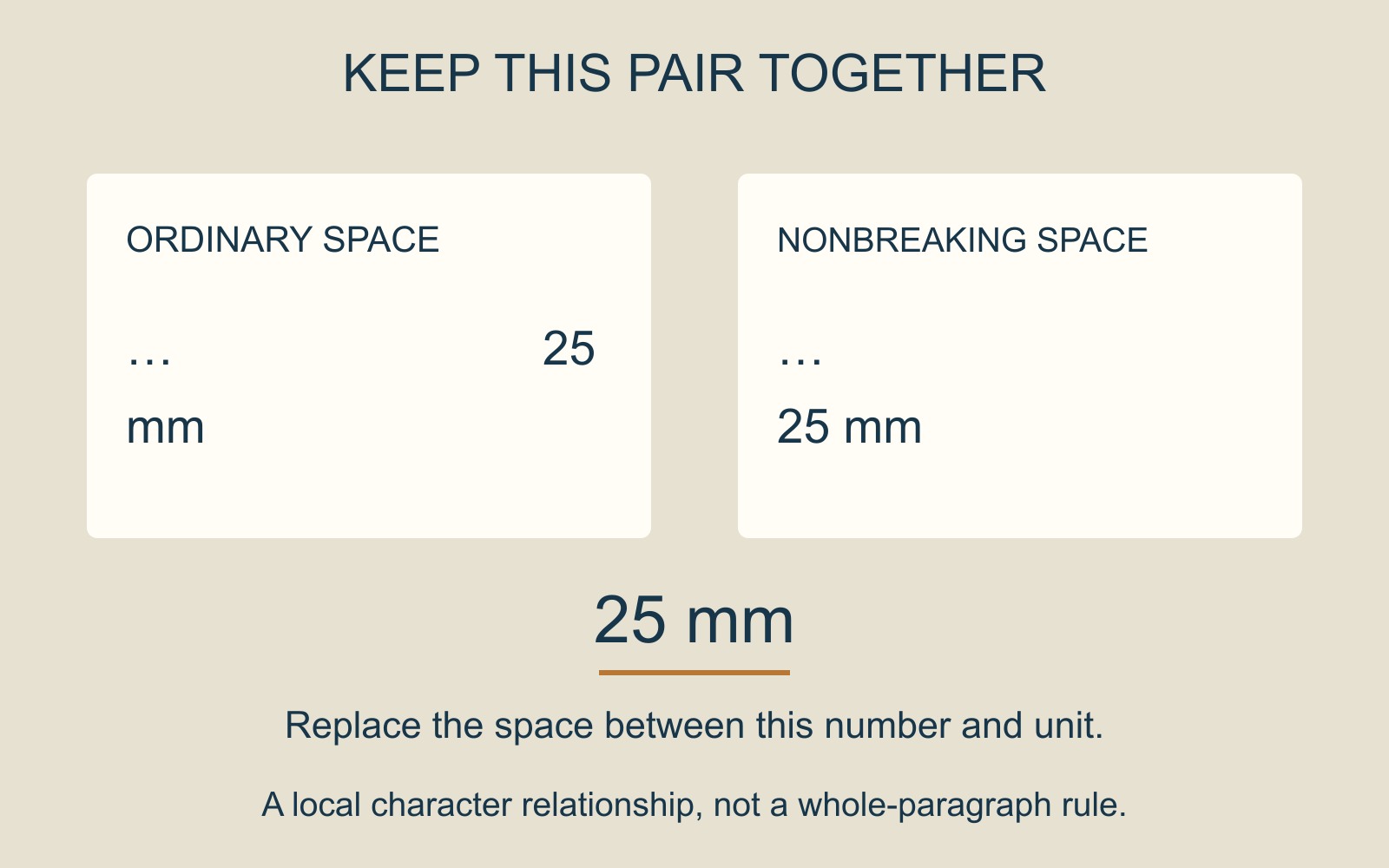
A short handout says “25” at the end of a line and “mm” at the start of the next. The wording is present, but the measurement has been pulled apart.
The useful correction is local: keep the number and its unit together. Moving a whole paragraph or shrinking every line may change much more than the affected pair.
A space can permit a line break
Microsoft's Keep text together in Word guidance explains that Word can break a line at an ordinary space or hyphen. A nonbreaking space can keep two words together on the same line.
The same mechanism can join the two parts of our fictional measurement: 25 mm. In a narrow line, the pair can move together rather than leaving the unit behind. The diagram illustrates that relationship; it is not a measurement of a real print file.
Replace the separating space deliberately
For the desktop Word versions covered by its guide, Microsoft describes inserting a Nonbreaking Space through Insert → Symbol → More Symbols → Special Characters. It also gives the shortcut Ctrl+Shift+Spacebar.
Replace the ordinary space between the intended pair rather than adding an extra space beside it. Keep this treatment selective. A whole sentence joined into one unbreakable run would create a different layout requirement.
This is also different from Keep with next, which concerns consecutive paragraphs, or a setting that keeps a table row on one page. Here the relationship sits inside one line of text.
Inspect the revised line in its final context
Look at the affected line and the text that follows after the change. The pair still needs enough room in the layout; keeping characters together is not a reason to ignore an overly narrow column or crowded design.
If you supply a PDF for document printing, inspect that exact exported version too. A useful correction note identifies the phrase and the intended relationship: “Keep 25 with mm on one line.” That gives the author a clear result to check without prescribing a new page layout.
Source: Microsoft's Word guidance is linked above. The measurement and line arrangement are original illustrative examples; no document was edited or printed for this guide.