
A background panel is visible in a PDF, yet absent from the intended print output. Before rebuilding the artwork, ask whether the file contains layers with their own print settings.
In a layered PDF, seeing an element and including its layer in output can be separate decisions. That is one possible explanation, rather than a diagnosis of every missing graphic.
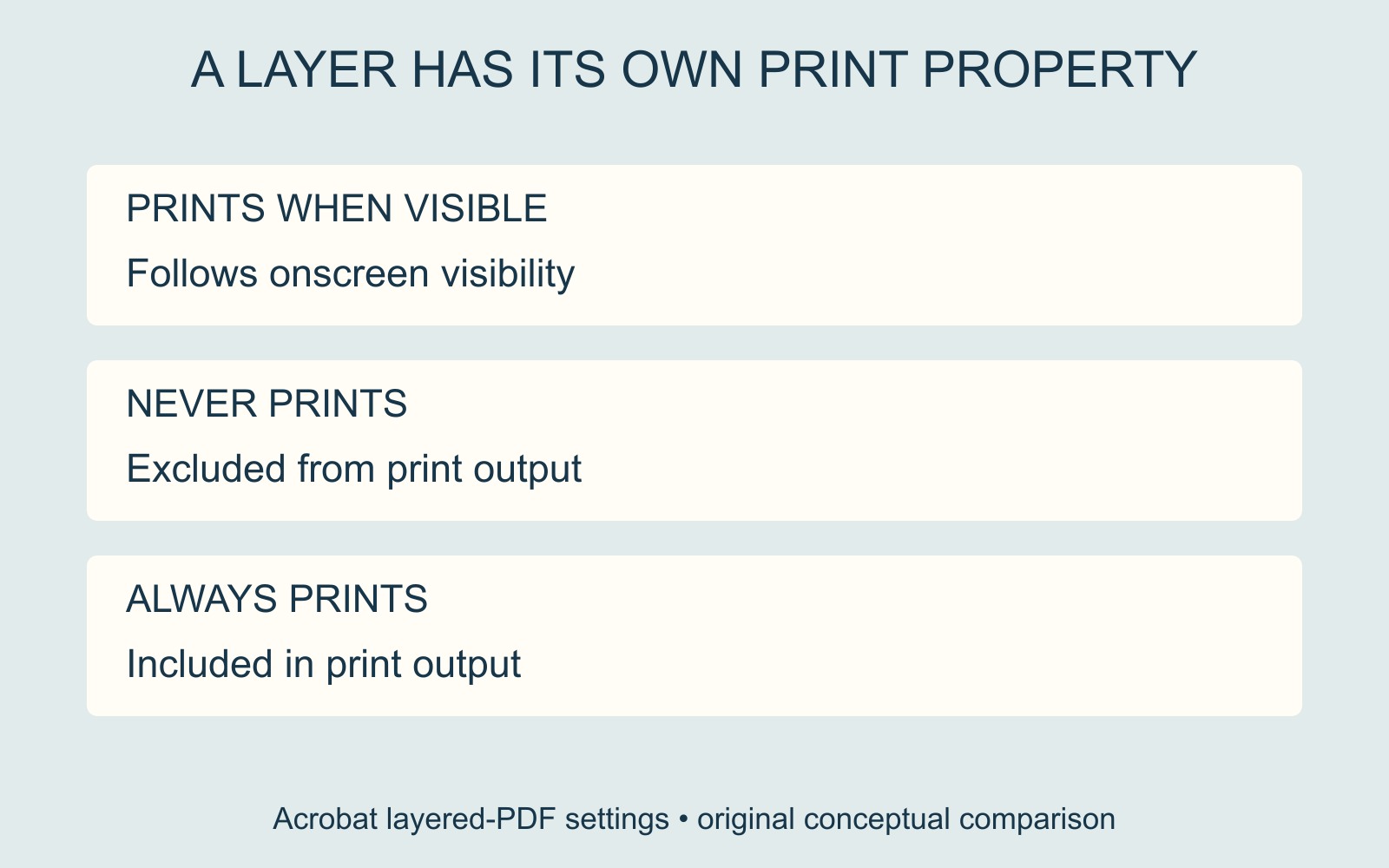
Check the layer's print state
Adobe's Acrobat print-layer guidance describes three Print properties: Prints When Visible follows onscreen visibility, Never Prints excludes the layer from printing, and Always Prints includes it.
The same guide describes Apply Print Overrides in the Layers pane's Options menu to view how layers print. These are Acrobat's layered-document controls; they should not be assumed to describe every PDF viewer or every file.
Identify the element and the intended result
Give the person preparing the artwork the actual PDF, page number and missing element. For example: “The pale panel behind the opening paragraph should appear in the printed version.” Ask them to inspect the relevant layer and its print property.
That is more precise than asking for every layer to print. A file may contain material that was deliberately excluded from output. Resolve the purpose of the affected content before changing its setting or turning on unrelated layers.
The illustration compares the three layer settings conceptually. It does not show an application screenshot, a changed file or a physical print test.
Keep other output questions separate
A layer's print state is different from whole-file permission to print, comment output or the way overlapping colours interact. If the relevant layer check does not explain the mismatch, continue investigating the actual file rather than insisting that layers must be the cause.
For a printing enquiry, identify the approved output version and state which content should be present. If a revised file is supplied, review that version's intended output and the surrounding layout before approval. Keep the editable source and production PDF identifiable so a later export does not quietly reintroduce an earlier setting.
Source: Adobe's Acrobat print-layer instructions, linked above. The page element and diagrams are fictional examples, with no claim about a customer job or printer result.