A combined PDF can contain a short report and a larger drawing. They share one filename, but that does not mean their pages have the same dimensions or should all be produced in the same way.
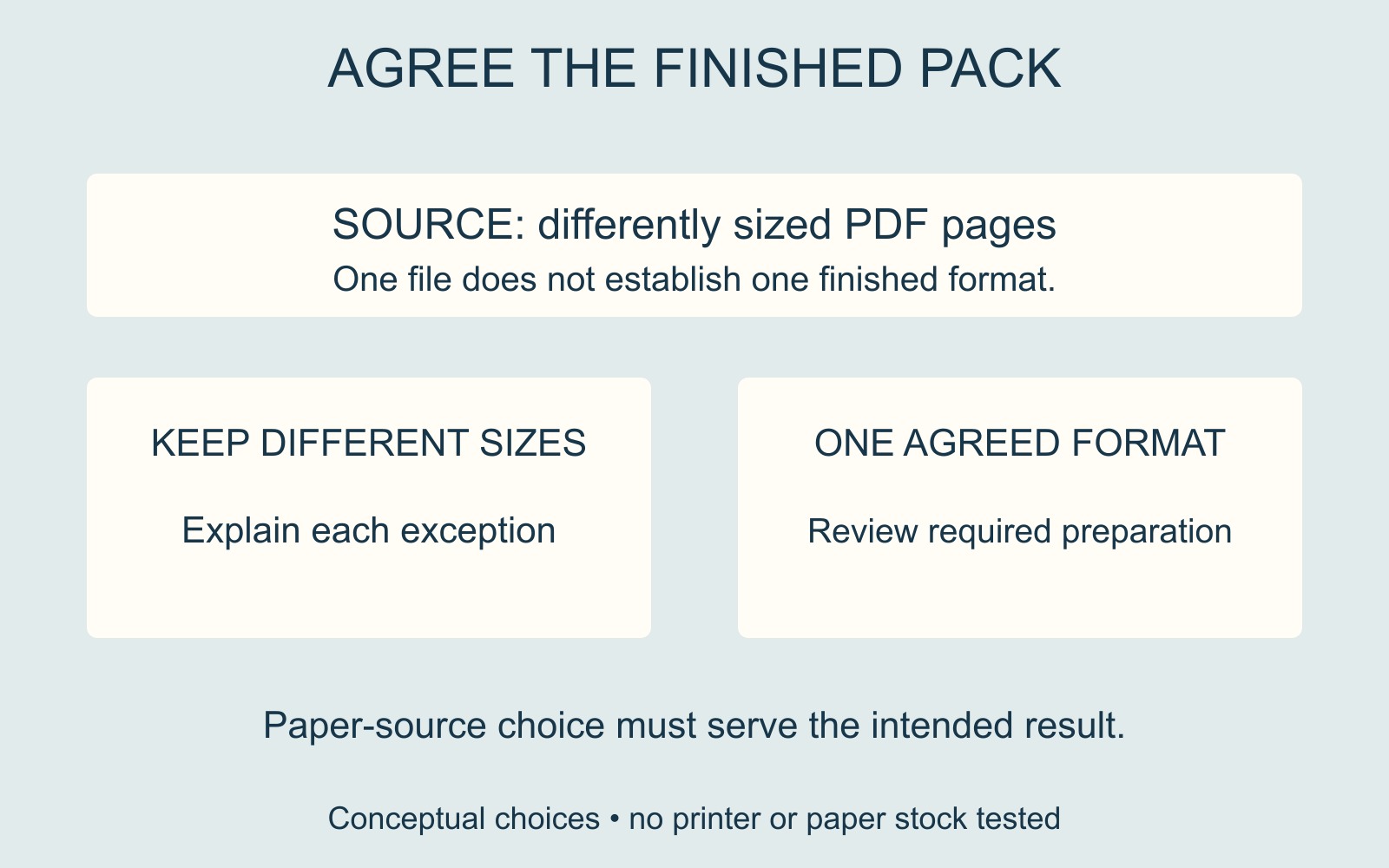
Before choosing a print setting, decide what the reader should receive: pages retaining their different sizes, or a pack prepared to one agreed finished format.
The first page does not describe the whole file
Review the pages that differ, not just the cover. Identify each exception by its position in the supplied file and describe its intended output. “Keep the drawing on a larger sheet” gives a different instruction from “Make every page fit the same finished format”.
The illustration uses differently sized page shapes to show that distinction. It is not a paper-size template or evidence of a printer handling those pages.
Paper-source selection is a specific output choice
Adobe's mixed-page-size printing guidance describes Acrobat's Choose paper source by PDF page size option under Size in Page Sizing & Handling. Its documented workflow also includes the custom-paper-size option when needed.
That is a reason to inspect the relationship between the PDF's page sizes and the output paper choice. It is not confirmation that the selected printer has every required paper source, or that the resulting pack matches the finished format you intended.
If you need one consistent finished size, explain that requirement before someone selects a route designed around the existing page sizes. Page content, readability and any necessary preparation still need review.
Make the exceptions part of the handover
For a document printing or binding enquiry, identify the final PDF, the number of copies and which pages need different treatment. Say whether a larger page belongs loose, folded or in another agreed arrangement; ask what is feasible for the actual job.
Inspect the proposed output sequence before approval. Check the differing pages as well as the ordinary ones, and keep the approved version identifiable. One print-dialog choice does not replace a clear description of the finished pack.
Source: Adobe's Acrobat mixed-size instructions, linked above. Page shapes and handover examples are illustrative; no PDF or printer was tested for this guide.