
An optional “Include directions” box is unticked. In the received enquiry, the option is absent rather than listed as No. That can follow native checkbox behaviour, even when the box was enabled and working normally.
The visible unchecked state and an explicitly submitted negative value are different things. Specify how the receiving service should represent the choice.
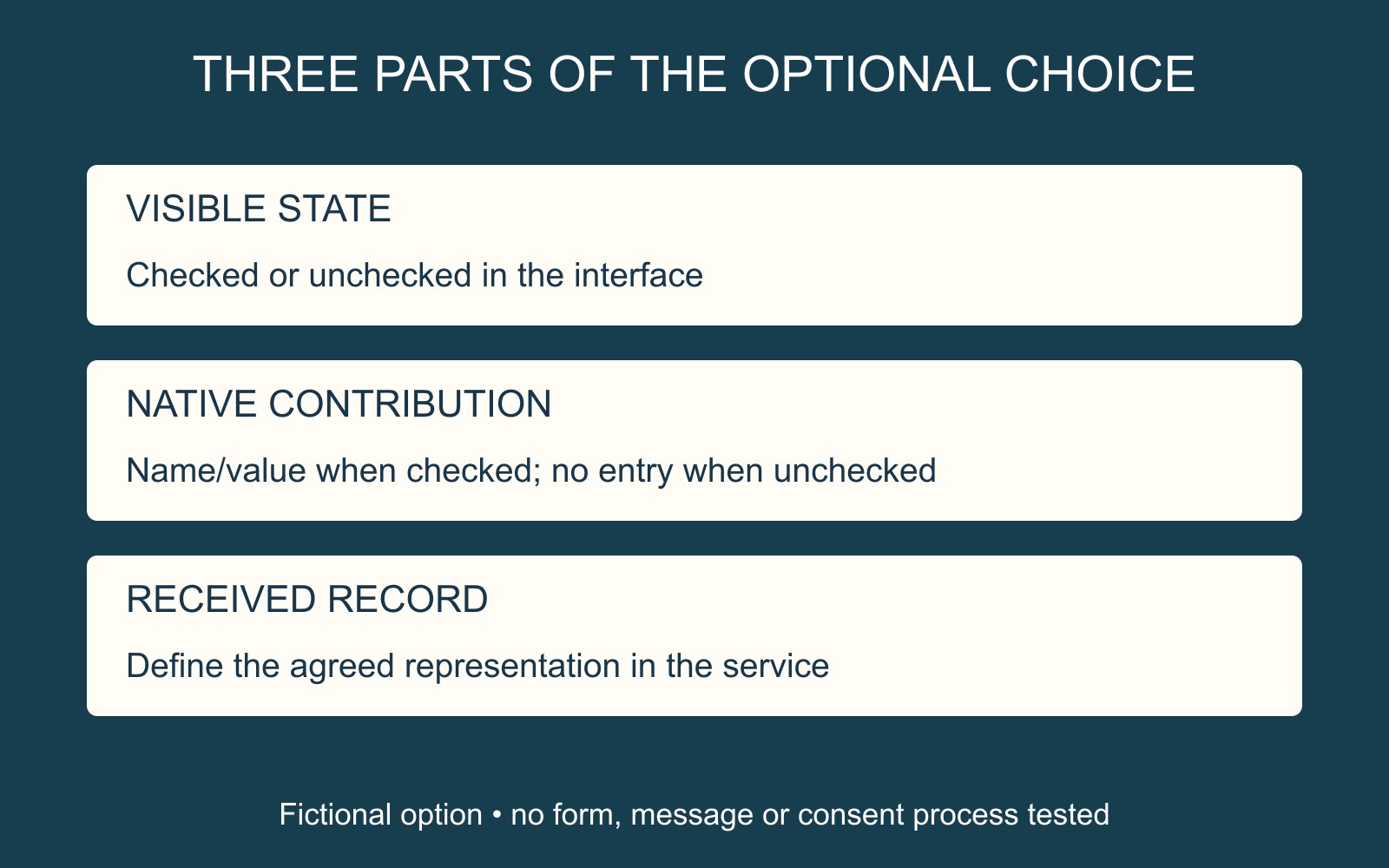
Checked and unchecked do not send two automatic answers
MDN's checkbox reference explains that a checked checkbox submits its name and value. When unchecked, neither is submitted by that native control.
For a fictional optional checkbox named directions with value="include", checking it can contribute directions=include to the form data. Leaving it unchecked does not automatically contribute directions=no or directions=false.
Changing the value's wording is not the same as defining a second unchecked answer. The value belongs to the checked state; the receiving implementation still needs to handle omission appropriately.
Define what the received record should say
A useful brief distinguishes the interaction from the record: the visitor may leave the optional box unticked, and the enquiry record should represent that result in the agreed way.
For this example, the service might display “Directions not requested”. That is a requirement for the receiving process, not text the browser automatically supplies. Ask the provider how the checked value and its absence are interpreted.
A custom implementation may assemble data differently. An absent line in an email or record therefore does not prove that native checkbox omission is the only cause. Keep the observed result separate from the proposed explanation.
Review both outcomes through the agreed route
For a business website discussion, identify the option, its label and what the organisation needs to see in received details. Include the unchecked outcome in the acceptance brief, rather than reviewing only a checked example.
Give the provider any evidence already available without repeatedly sending live enquiries. Confirm the intended handling through the agreed review route. A box that looks right is only one part of a complete optional-choice journey.
Source: MDN's native checkbox documentation, linked above. The directions option and data pair are fictional; no live form, message or consent process was tested or assessed.