A letter needs a branded opening page and a quieter continuation page. In the current Word file, the same large letterhead appears at the top of both. Before changing page margins, agree what each page's header should contain.
The opening page and following pages can have different roles. A first-page setting helps separate those roles, but it does not decide their content for you.
Define the two header designs
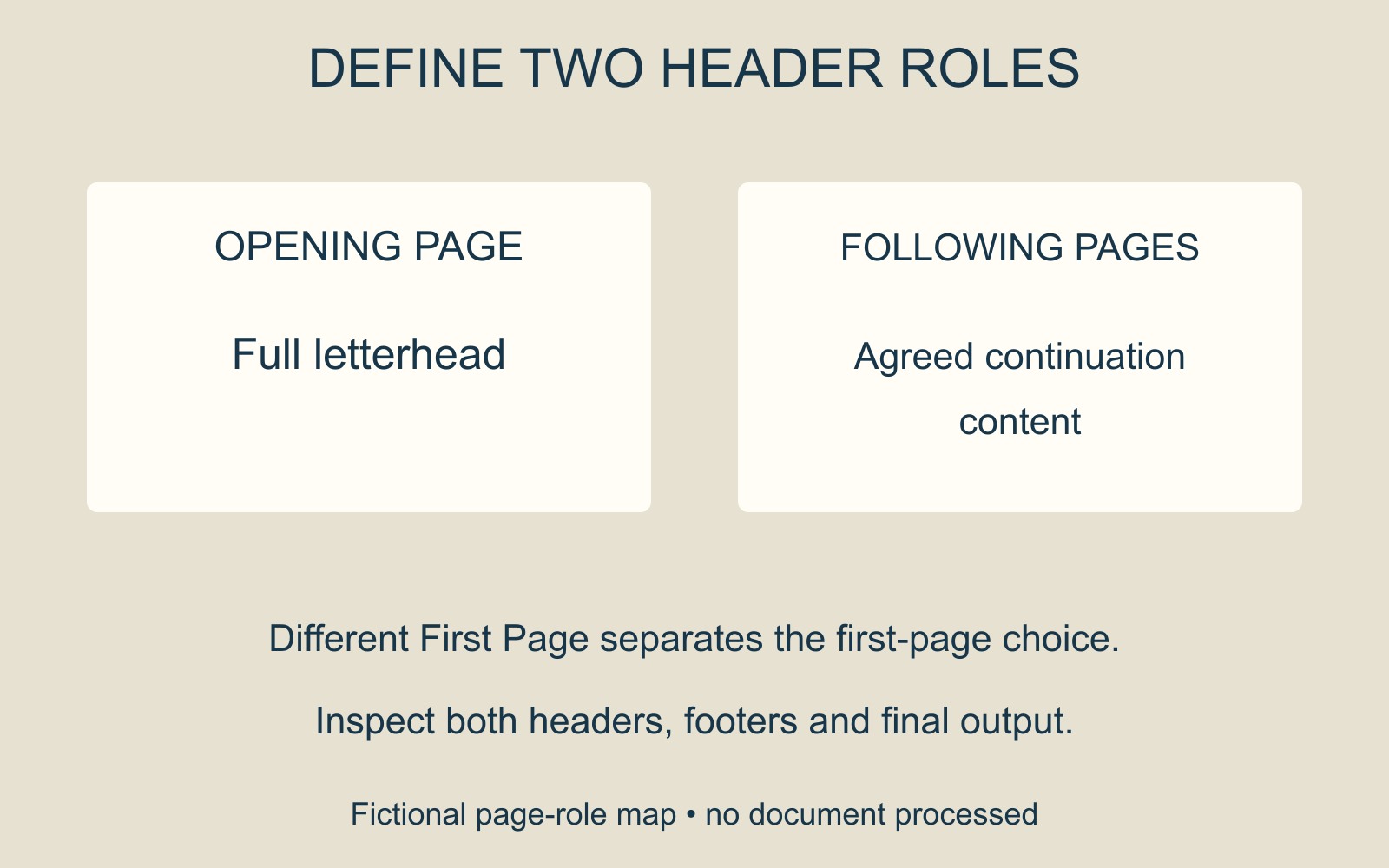
For a fictional Fern Studio letter, the first page might carry the full name and contact block. The continuation page might need only a small document identifier, or no header content. Those are design choices to confirm, not a universal rule for business letters.
Write the requirement as two statements: “First page: full letterhead” and “Following pages: agreed continuation header”. That is clearer than asking someone simply to remove the repeated logo.
Check Word's separate first-page header
Microsoft's single-page header guidance describes opening the first page's header or footer and enabling Different First Page. Its instructions note that first-page content is removed when the option is turned on, then new content can be added.
Do not treat that initial disappearance as the completed design. Ask the author to place the intended opening-page content in the first-page header and inspect what the following-page header still contains.
If the document has other sections or needs another individual page treated differently, have the author review that structure. Microsoft's guide distinguishes section-based changes from the first-page option. Avoid deleting breaks or clearing headers throughout the file to fix one repeated element.
Approve the continuation as well as the opening
Read at least the opening and following pages after revision. Check the footer and visible page numbering too, along with the space available for the body text. A tidy first page can hide an unfinished continuation layout.
For a document printing enquiry, identify the final file and the intended first-page and continuation treatment. If a PDF is supplied, inspect those actual output pages. The useful approval covers both roles, rather than only the page that carries the largest branding.
Source: Microsoft's Word header and footer guidance, linked above. Fern Studio and the page designs are fictional examples; no letter or print job was produced for this guide.