A short date can look tidy while leaving its meaning uncertain. Does 03/04/2027 mean 3 April or 4 March? Before that date reaches an event sheet or printed list, ask which calendar day the author intends.
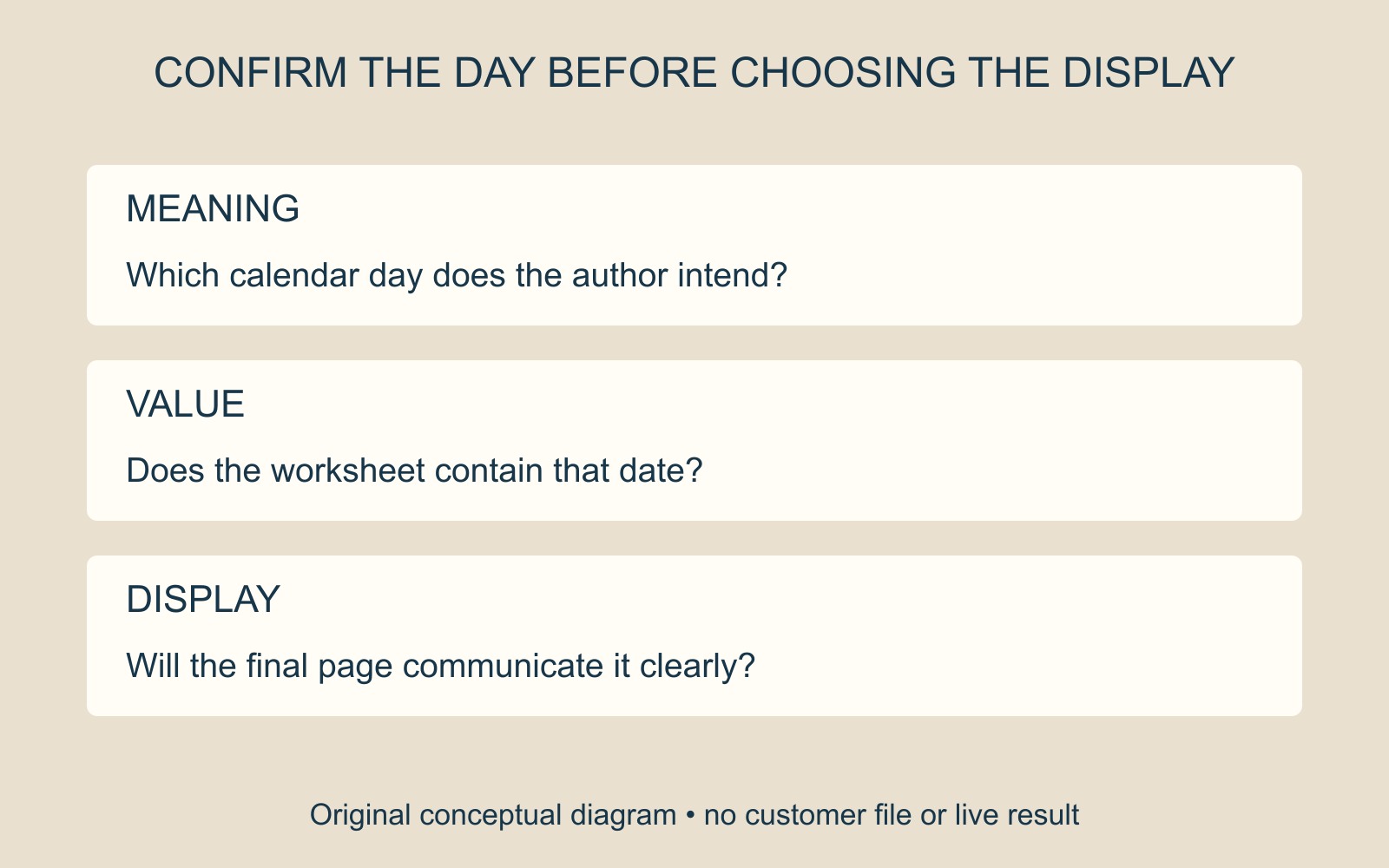
The intended day, the value interpreted by the spreadsheet and its displayed format are separate checks.
Excel's date display has a format
Microsoft's Excel date-format guide explains that default date display follows regional settings and that other formats can be selected through Format Cells. Its custom-format examples include abbreviated or full month names and four-digit years.
Those choices can make a confirmed date clearer to readers. They do not establish what the author originally meant by an ambiguous entry.
In our fictional example, the author confirms 3 April 2027. Showing the month name makes that agreed meaning explicit. If the workbook actually contains 4 March, changing how it displays that value does not turn it into the intended April date.
Confirm meaning before presentation
Keep the original file and ask the responsible author to compare the relevant cells with the approved information. Identify the sheet, row and event or record concerned; “all the dates look wrong” is harder to investigate.
Then agree an output style suited to the people reading it. A named month and full year can help where readers may use different numeric date conventions. The right choice depends on the actual document, language and available space.
Do not change computer-wide regional settings merely to make one handout look right. Nor should a cell containing text be assumed to behave like an established Excel date value. Ask the author to confirm the data and formatting rather than guessing from appearance.
Check the final dated list
After any correction, inspect the final PDF or print preview for the complete date, year and associated event. A longer month name may need more column space; check that readability and page fit remain acceptable.
When arranging printing of a dated handout, supply the approved version. The useful instruction names the intended day, not just the preferred arrangement of digits.
Source: Microsoft linked above. All dates are fictional examples; no workbook was changed or printed.