A presentation contains useful speaker notes, but the printed handout shows slide images and blank lines. Those lines may be space for the audience to write, rather than a place where PowerPoint has inserted the author's existing notes.
Decide which material the reader should receive before changing the slide design.
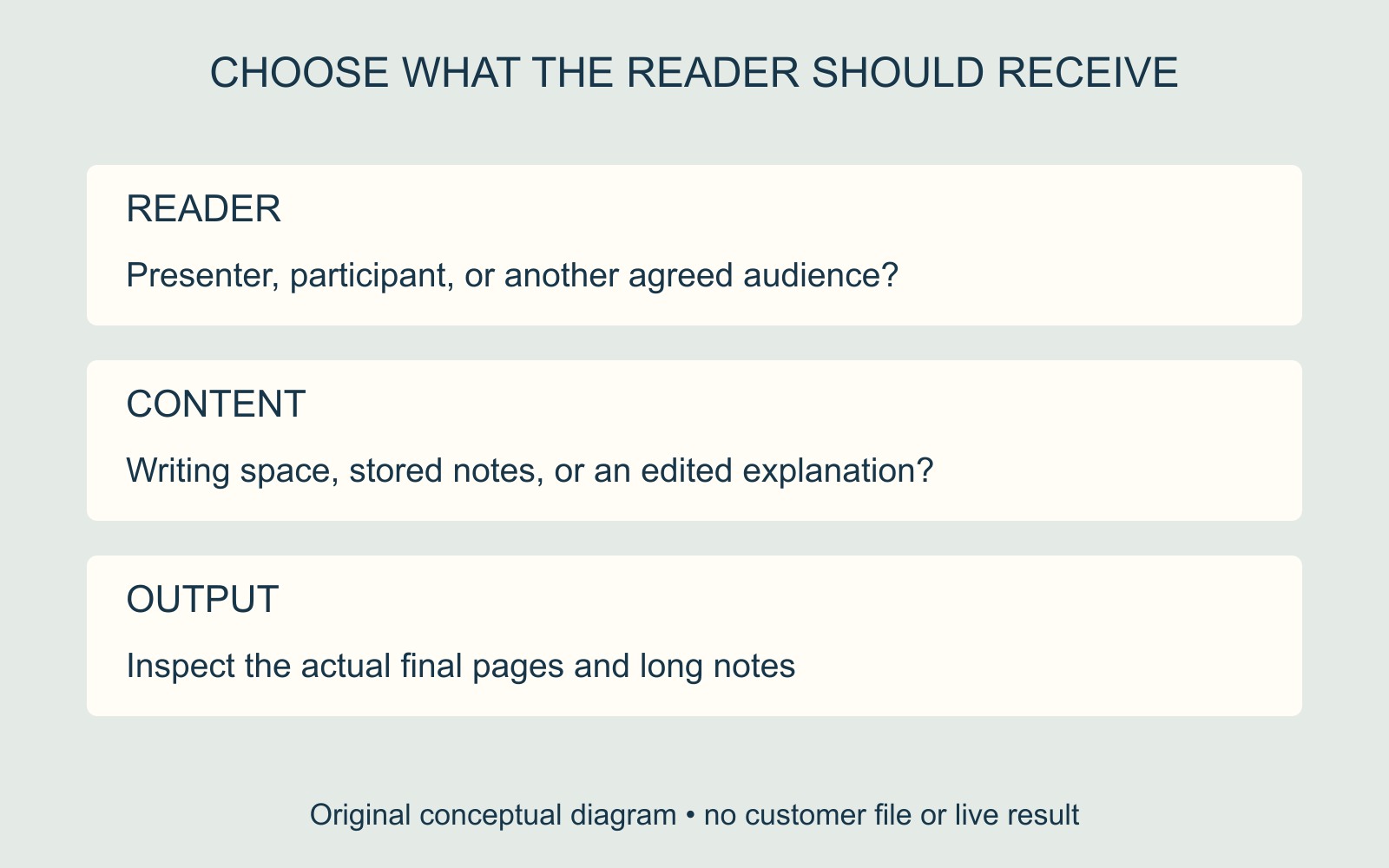
Writing space and stored notes are different
Microsoft's PowerPoint printing guide identifies the three-slide handout's lines as space for taking notes. To print stored slide notes, its documented Print Layout choice is Notes Pages, with one slide per page and notes below.
That distinction concerns the output layout. Seeing notes in the working presentation does not establish that the selected handout or final PDF includes them.
The diagrams compare fictional page roles. They do not reproduce PowerPoint's interface or demonstrate an exported presentation.
Choose the copy for its reader
In a fictional workshop, the presenter might need a slide with speaking prompts beneath it. Participants might need slide thumbnails and room for their own observations. Alternatively, the organiser may want participants to receive an edited explanation as well.
These are different deliverables. State which one is wanted and identify the actual content that belongs in it. Do not assume every sentence written for the presenter is the audience's intended handout text.
If the notes need editing, have the author make and approve that change in the working file. A print-layout choice includes a type of content; it does not decide whether that wording is finished or appropriate for its reader.
Inspect the pages you will hand over
Use the instructions for the application version available and inspect the resulting preview or final PDF. Check more than the first slide, especially where notes are long. Confirm that required wording is present and readable, rather than assuming every note fits.
For printing a presentation pack, identify whether the accepted file is a slide-only handout, notes-page document or another agreed layout. Include copies and finishing needs with that instruction.
Source: Microsoft linked above. The workshop and diagrams are illustrative; no presentation was exported or print-tested.