
A name looks correct in the source list, but its accented characters appear differently after a CSV is opened in Excel. Before retyping the name or removing the accent, compare the approved spelling with the way the file was opened.
Changed characters can concern how text is interpreted during import, rather than a new spelling decision.
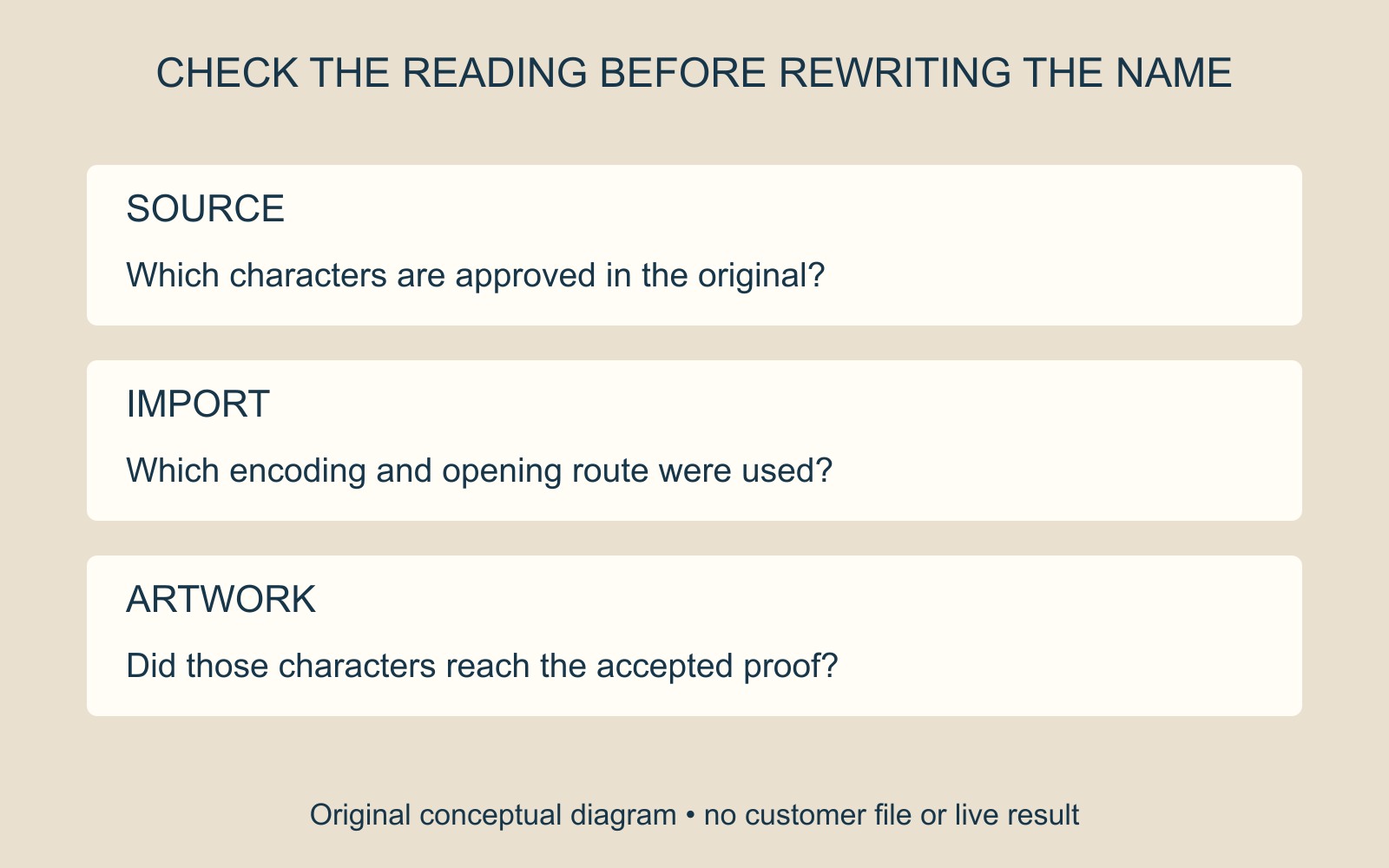
The opening route matters for UTF-8 CSV
Microsoft's guidance on opening UTF-8 CSV files in Excel says normal opening works when the file was saved with a byte order mark, or BOM. It also documents explicit import routes through Get Data from Text/CSV or Get Data From Text.
These are Excel-specific instructions for handling that encoding. They are not a rule that every application requires a BOM, or proof that every unexpected character has the same cause.
The illustration uses fictional text to distinguish the intended characters from a changed appearance. It is not an import test or a diagnosis of a supplied list.
Keep the original spelling and source
Retain the original file and identify a specific affected record. Show the responsible author which text is correct and where the changed version appears. A useful report distinguishes the source application, export choice and opening or import route.
If an explicit import route is used, inspect its preview and resulting text against the approved source. Use the controls available in the actual application version; do not assume a double-click and an import operation make identical choices.
A different font, a damaged source and a decoding mismatch are not interchangeable explanations. Avoid replacing every unusual character across the list before the cause and intended wording are understood. An import choice cannot recreate spelling that was already lost from the source.
Approve the text that reaches the artwork
After correcting the handover, inspect representative names with accents and the actual personalised proof. Correct-looking text in one spreadsheet view does not establish that the same characters reached the finished layout.
For a printing enquiry involving variable names, describe the intended wording and available source format. Agree the file handover before treating the imported list as approved artwork content.
Source: Microsoft linked above. The text and diagrams are illustrative; no customer list was opened, corrected or printed.