
A working presentation can contain slides that the audience should not receive in its printed pack. Hiding those slides for the normal slide show does not settle which slides belong in the handout.
Check the intended audience copy separately from the way the presentation runs on screen.
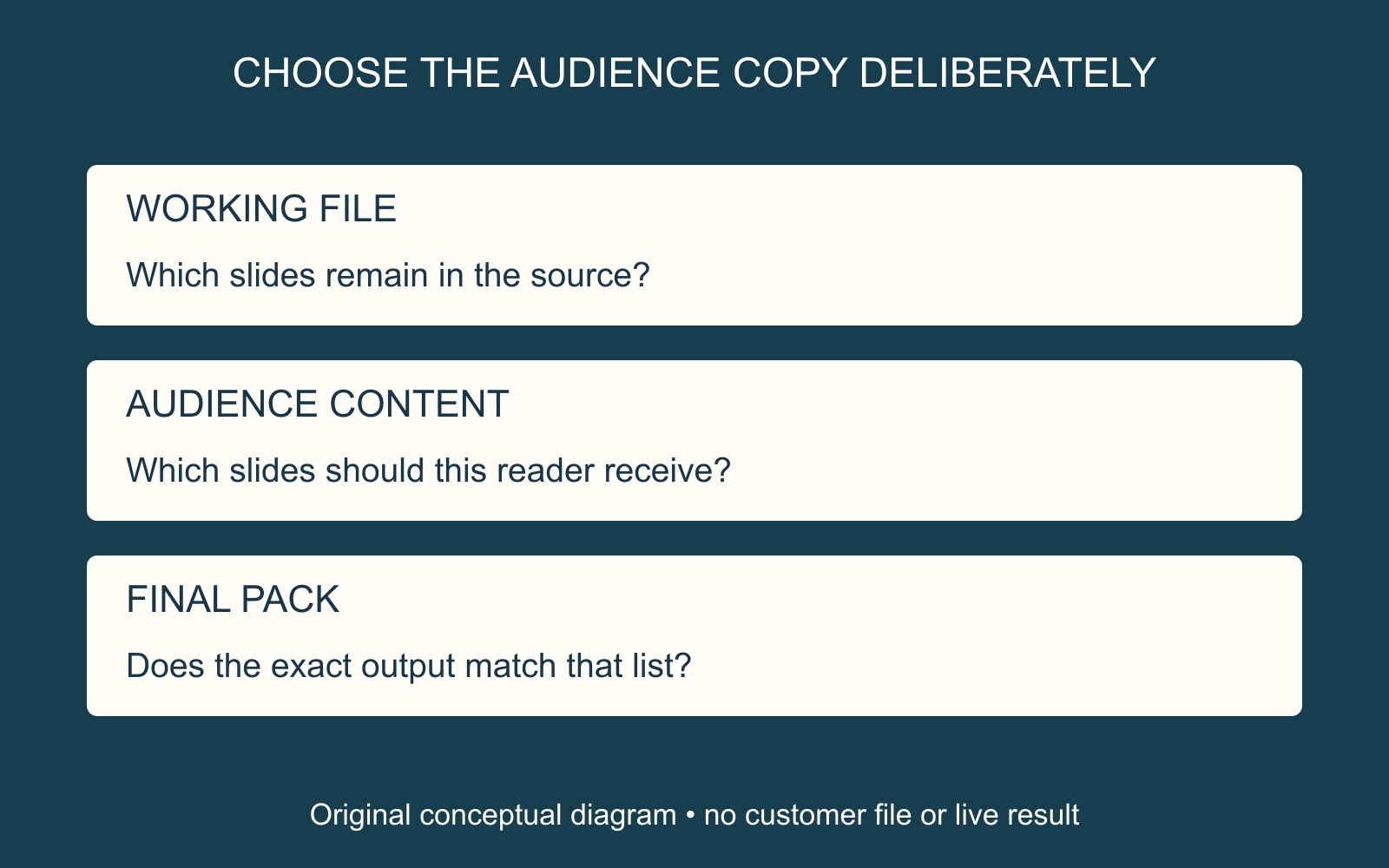
Hidden does not mean removed from the file
Microsoft's PowerPoint guidance on hiding slides explains that a hidden slide remains in the presentation file. It is hidden when running Slide Show view.
That distinction matters if you are deciding what to hand over. A hidden flag is not evidence that material has been deleted from the working file. Decide whether the recipient needs that working presentation or an approved audience document.
The illustrations use fictional slide numbers to show different content scopes. They are not PowerPoint screenshots or evidence of a presentation being printed.
Check the print choices independently
Microsoft's desktop PowerPoint printing guide separates the choice of slides from the print layout. Under File → Print, its first Settings dropdown controls which slides to print. The guide also identifies a Print Hidden Slides option when hidden slides exist, and a Custom Range choice for particular slides or ranges.
Use the instructions for the application version available. Inspect the actual selection and preview; do not infer inclusion from the slide-show experience or from a familiar layout name.
Choosing several slide images per sheet answers a layout question. First decide which slide content the reader should receive.
Compare the final pack with a content list
For a fictional workshop, write down the required opening, exercise and closing slides. Identify reference slides that should be excluded. Compare those decisions with the exact output document, including the pages near any omitted material.
Checking only the first page cannot establish that the rest of the pack has the intended contents. If you supply a finished PDF, inspect that PDF; do not assume it has the same scope as a preview from another output route.
When arranging printing and finishing for a presentation pack, identify the approved attachment, copies and required finishing. State whether it is the audience version or the editable working presentation.
Sources: Microsoft linked beside the relevant guidance. No presentation was exported or printed, and no file-removal or confidentiality check was performed.