
A print enquiry may need a logo, an artwork file and a reference image. Before telling visitors to attach all three, confirm whether the form actually allows several files in that field.
The intended set, the files selected in the browser and the files received by the business are separate observations.
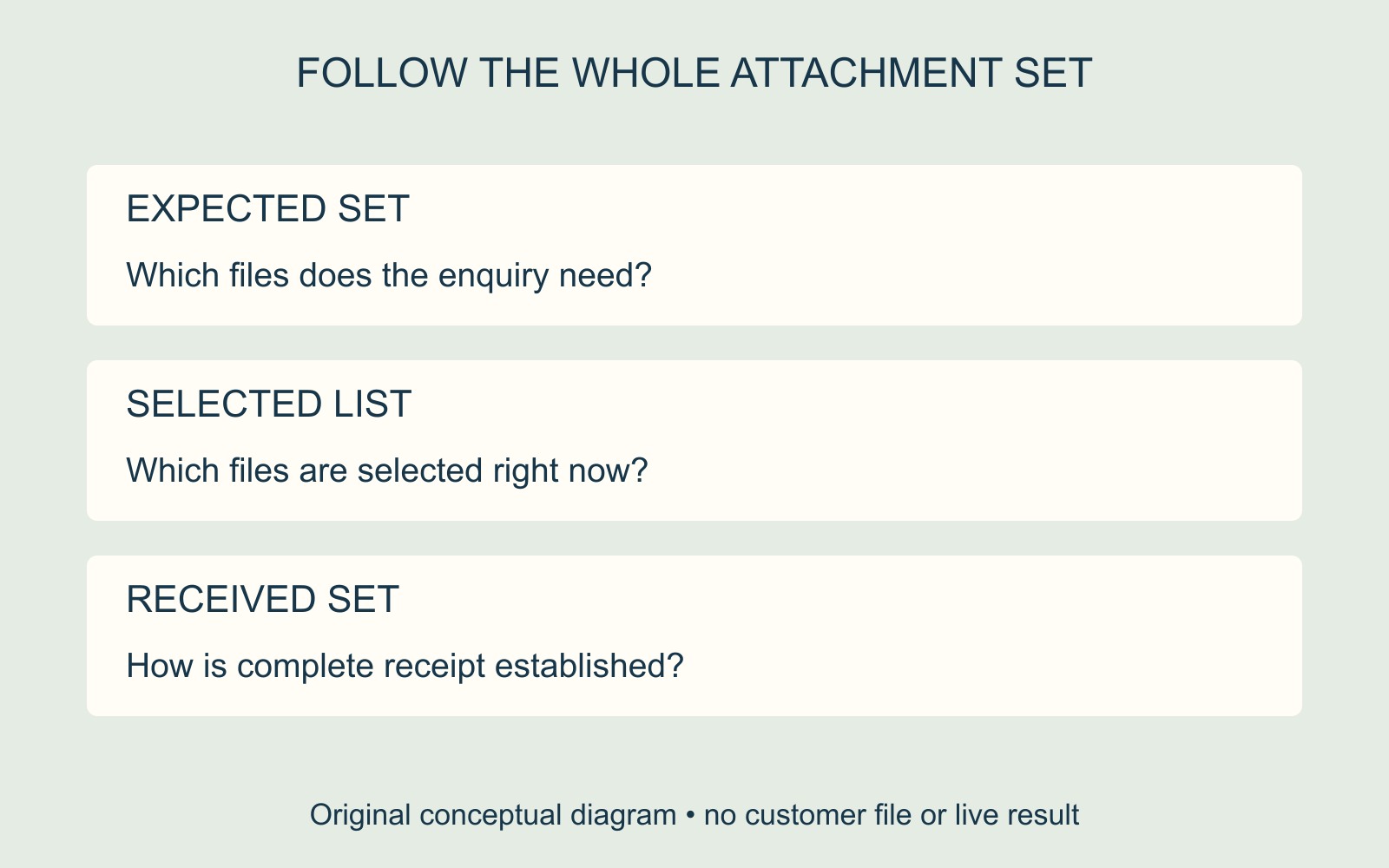
One chooser can allow one file or several
MDN's file-input reference explains that the HTML multiple attribute allows more than one file to be selected. Without it, the native input is for a single file. How visitors make a multiple selection depends on their platform.
The reference also distinguishes the input's value string from its files property. With several files selected, that string represents the first file. The files property supplies the selected list, whose length gives the selected count.
Consequently, a developer checking just that string is not inspecting the complete selected list. These are browser selection details; they do not establish that the receiving system accepts or stores the whole set.
Brief the complete attachment set
In a fictional artwork enquiry, the intended files are Logo.pdf, Layout.pdf and Reference.jpg. Describe those roles in the brief rather than relying on a general instruction to “upload artwork”.
Ask the provider to confirm how the form should support that set: how many files are allowed, what formats and limits apply, and what selected-file feedback the visitor should see. Use the service's actual requirements, rather than copying limits from another website.
Do not assume that reopening a chooser appends to an earlier selection. If adding or replacing files matters to the journey, include the intended behaviour in the brief and have the provider confirm the implementation.
Keep selection and receipt distinct
A selected count can help someone notice that an expected attachment is missing before submission. It cannot, on its own, confirm delivery. Agree how the receiving side should identify the complete attachment set and communicate any missing or rejected item.
For a website enquiry-form brief, state what the business needs to receive and how the visitor should understand the outcome. If reporting an existing mismatch, provide the page address, expected file count and message already observed; avoid repeated uploads merely to demonstrate the question.
Source: MDN linked above. Filenames and diagrams are fictional; no files were selected, uploaded or received for this guide.