
A quantity column can look filled in while its total leaves some entries out. Before typing a replacement total, ask whether those entries are stored as numbers or as text.
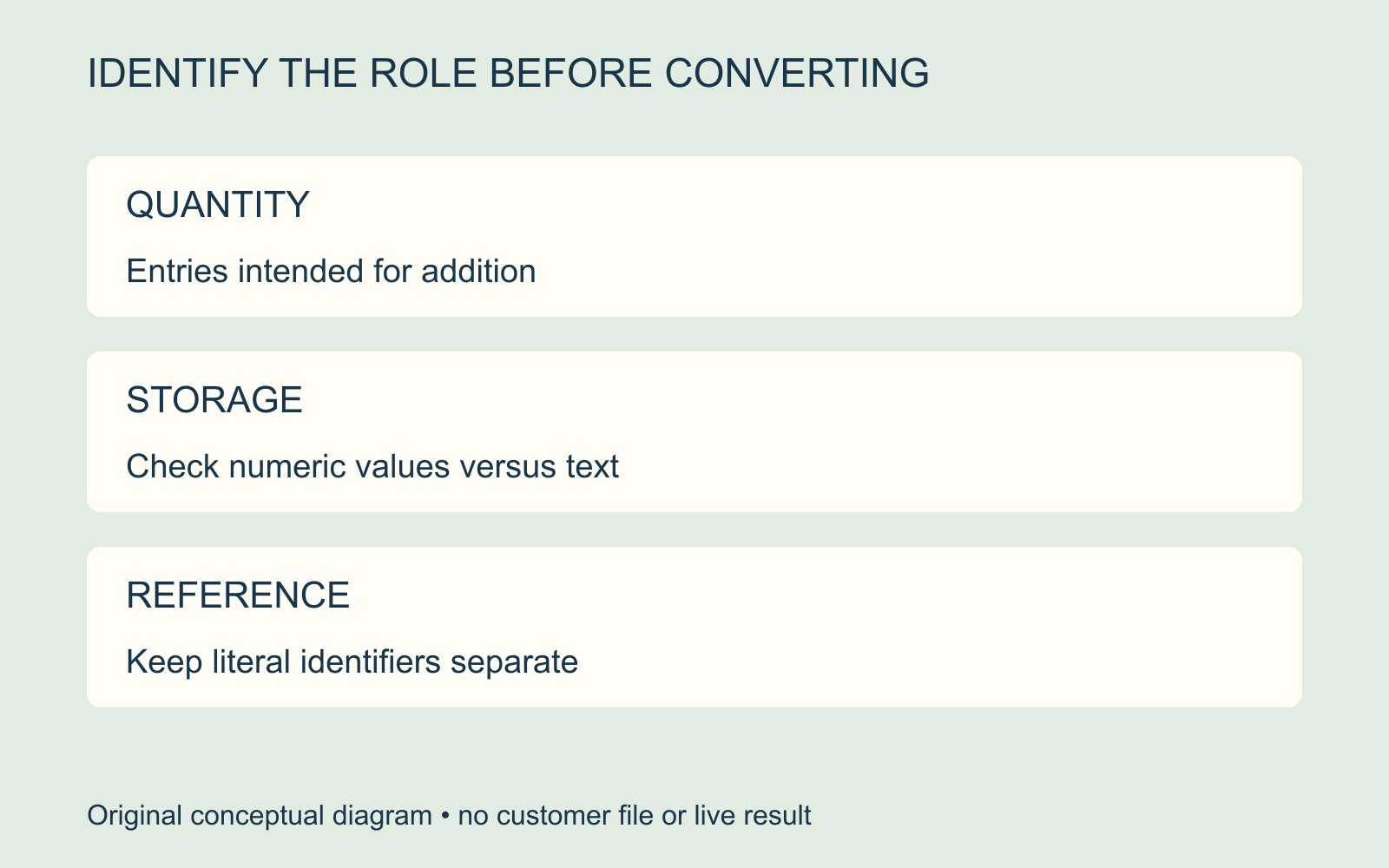
First establish what the column means. A quantity to add and a reference made of digits have different jobs.
SUM can ignore text in referenced cells
Microsoft's SUM function guide explains that SUM ignores text values in referenced cells and adds the numeric values. A numeric-looking entry stored as text can therefore be absent from that range's total.
This describes a specific calculation mechanism. It does not establish that every unexpected total has this cause, or that every Excel formula treats text in the same way. The author still needs to check the actual range and entries.
Convert only entries that are quantities
Microsoft's text-to-number guidance describes an alert that may appear beside numbers stored as text. Its documented route selects the relevant cells and error indicator, then chooses Convert to Number.
Use that as a targeted authoring check, with the original retained. Do not apply conversion across an entire handover simply because several columns contain digits.
In a fictional print list, Quantity describes how many copies are wanted. Reference identifies the item. A reference such as “007” may need those exact characters; it does not become a quantity merely because it resembles one.
Have the list's owner confirm which entries belong in the calculation, then compare the revised total with the intended records. A conversion that makes a number appear is not an audit of the order.
Approve the summary and the item detail
Check that each item still has the intended wording, reference and quantity after correction. Keep any unresolved entry visible to the author rather than treating it as zero.
For a printing enquiry involving several items or versions, supply the agreed quantities and an identifiable final list. Ask which handover format is suitable before treating a spreadsheet's appearance as production approval.
Sources: Microsoft's SUM and conversion guides, linked above. Entries are illustrative; no workbook was opened, calculated or verified and no order quantity is established.