
A website brief asks for a character limit on a text field. Before choosing a number, agree what the visitor-facing instruction means and how the implementation will count the entry.
The native limit is not simply a measurement of how many symbols someone sees.
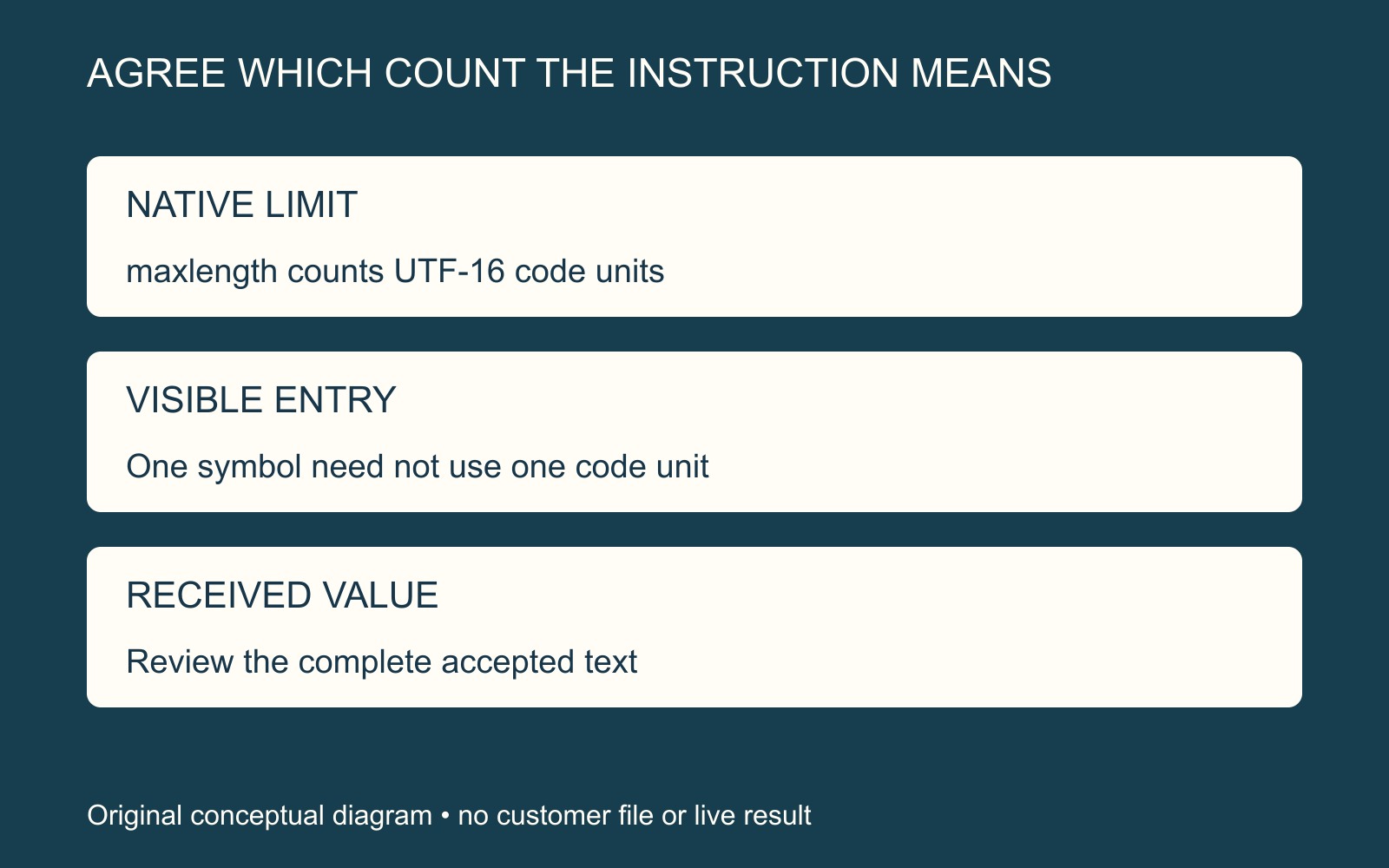
Native maxlength uses a defined counting unit
MDN's maxlength reference explains that the attribute limits string length in UTF-16 code units. That is often, but not always, equal to the number of characters. The reference also limits native constraint-validation behaviour to values changed by the user.
MDN's UTF-16 explanation gives a concrete example: the fox-face emoji is one Unicode character represented by a pair of code units. A visible symbol therefore need not consume just one unit of that native limit.
This is a counting distinction, not evidence that an actual field has been configured correctly. Custom controls and receiving systems need their own implementation review.
Specify the text you intend to preserve
In a fictional enquiry, an optional short message may include a symbol alongside ordinary wording. Give the provider a permitted example and the intended limit rule. Do not ask the visitor to remove part of the approved message merely to hide an unexplained mismatch.
Agree what should happen at the boundary: the instruction shown, any counter and the handling of an entry that is too long should tell a consistent story. Have the provider define the counting rule rather than assuming the label “characters” settles it.
A technical entry limit is also separate from fitting text into printed artwork. The available width, typography and layout still require an actual artwork review; a field accepting the entry does not approve that physical fit.
Include the received value in the review
For a website form discussion, identify the field's purpose, intended examples, visible instruction and required handling. Ask how the complete accepted text will reach the recipient through the supported review route.
Use observations already available when reporting a problem. A browser's native entry rule alone does not verify downstream storage or the delivered enquiry.
Sources: MDN linked above. The enquiry and diagrams are fictional; no form, character counter, submission or physical text fit was tested.