
A report's section has been renamed, but its contents page still carries the previous wording. Before retyping that one entry, identify whether the list is generated by Word and which update was applied.
Refreshing page numbers and refreshing heading text are different instructions.
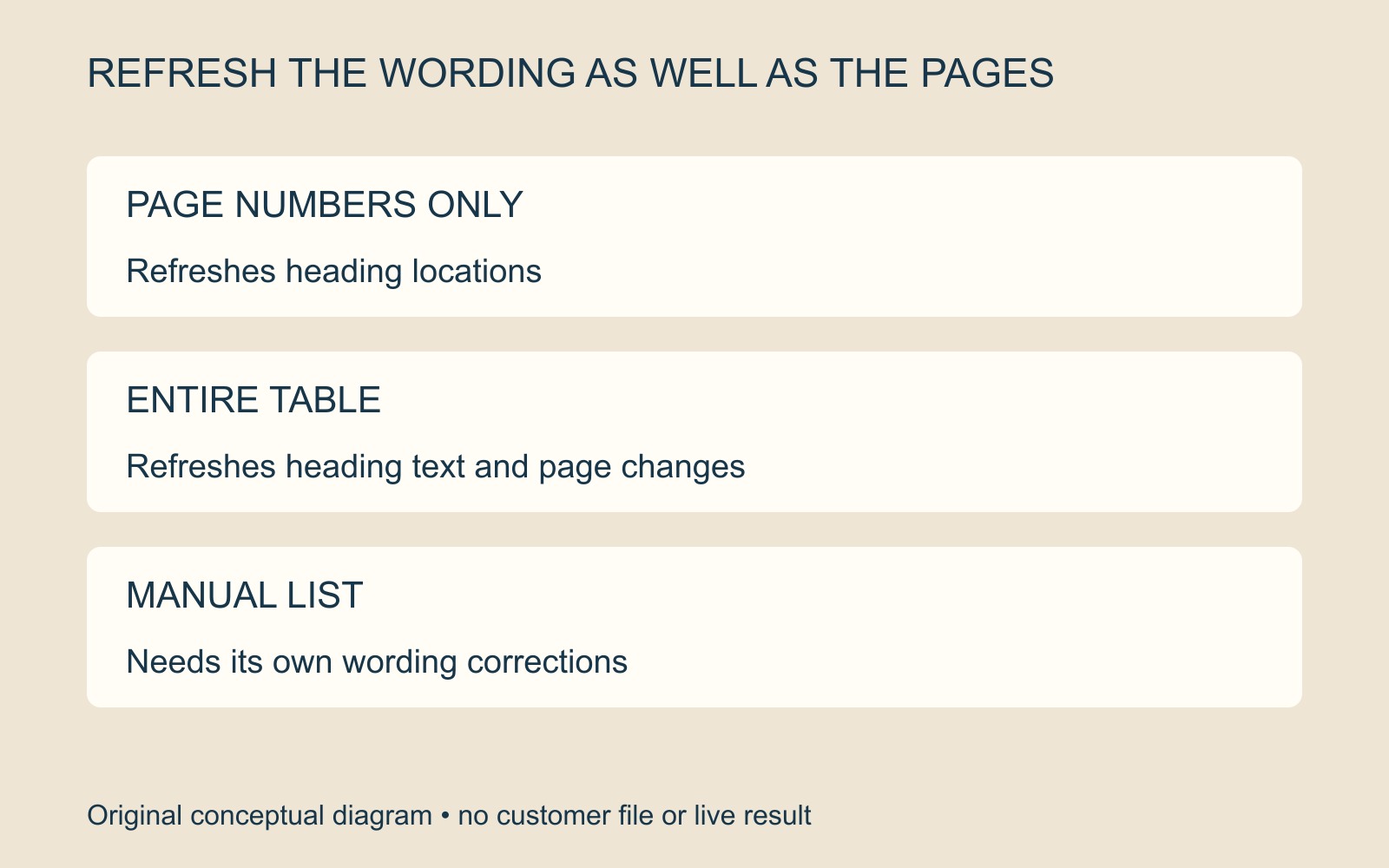
Choose the update that includes the wording
Microsoft's table-of-contents update guide distinguishes Update page numbers only from Update entire table. The first refreshes the headings' page locations while ignoring heading-text changes. The second reflects heading-text changes as well as page changes.
Its documented route begins with References > Update Table, followed by the appropriate choice. Use the controls available for the actual Word version and inspect the result.
Microsoft also distinguishes manually created contents lists: Word cannot update those as an automatic table generated from headings. Identify which kind of list is present before treating an update command as the solution.
Compare the entry with the section it describes
In a fictional training pack, “Getting started” has become “Before your first session”. Give the author the exact old entry and the intended new heading, together with the document version.
For a generated table, ask the author to review the update scope and compare the resulting entry with the actual section. If an entry remains wrong or absent, have them inspect the source heading and table configuration rather than assuming every visible heading must automatically be included.
Keep the original while resolving the discrepancy. A correction to the contents page should leave the intended section wording and sequence understandable together.
Approve the final contents page and its destinations
After the document is finished, check the list's wording and page references in the final PDF as well. A correct working-file entry does not establish that an older exported attachment has changed.
For document printing and binding, identify the accepted output file, page count, copies and finishing needs. Review representative sections against their listed entries before treating the pack as ready for its reader.
Source: Microsoft linked above. The training pack and diagrams are fictional; no document, automatic table or export was tested.