
An illustrated report has been rearranged. Its pictures now appear in the intended places, but their labels run Figure 1, Figure 3, Figure 2. Before retyping the numbers, establish whether Word generated them as caption fields or somebody entered them as ordinary text.
Identify the automatic part of the caption
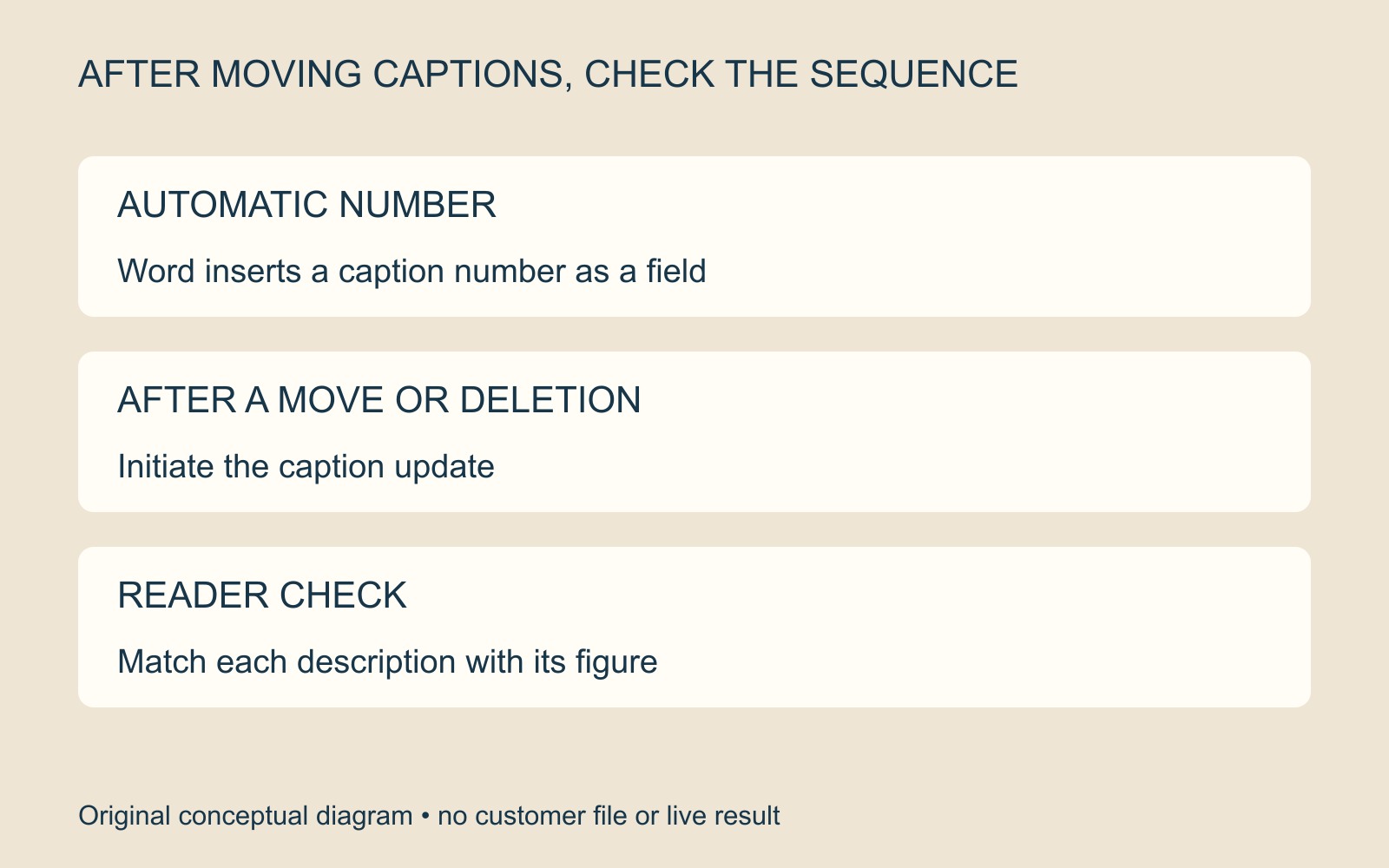
Microsoft describes a caption as a numbered label that can accompany a figure, table or another object, with optional descriptive wording. Word inserts its sequential caption number as a field. The number and the explanation beside it therefore need separate checks. See Microsoft's caption instructions.
In our fictional report, each picture has a description of the equipment it shows. Updating a sequence should not be treated as approval that every description still belongs to the picture above it. Keep the original file while resolving both questions.
Update after moving or removing captions
Microsoft says inserting a new caption updates caption numbers, while deleting or moving captions requires the author to initiate an update. Its documented desktop route is to select the document with Ctrl+A, then right-click and choose Update Field. It also describes F9 after selecting the document.
Use the instructions appropriate to the actual Word version. Ask the author to identify manually typed labels separately: a field update is not an instruction to convert ordinary typed numbers into an automatic sequence.
Read the figures and labels together
Review the resulting order from the start of the report. Match each caption's description to its illustration, then check any references in the surrounding prose. A sensible run of numbers alone does not establish that a sentence points to the intended picture.
Inspect the exact final PDF too, rather than relying on an earlier export. For document printing and binding, supply the accepted file and identify any figure whose label remains uncertain. Describe the picture and page location alongside its number so the correction remains traceable while numbering changes.
The report and original diagrams are fictional. No Word document, field update or print output was tested for this guide.